
Official statement
Other statements from this video 4 ▾
- □ How can you truly leverage Google Search Console's Performance Report to drive your organic visibility?
- □ Can Google Search Console really expose the hidden barriers blocking your indexation?
- □ How can you unlock hidden traffic from high-impression pages in Google Search Console?
- □ How can you unlock hidden SEO insights by exporting Search Console data to other analytics platforms?
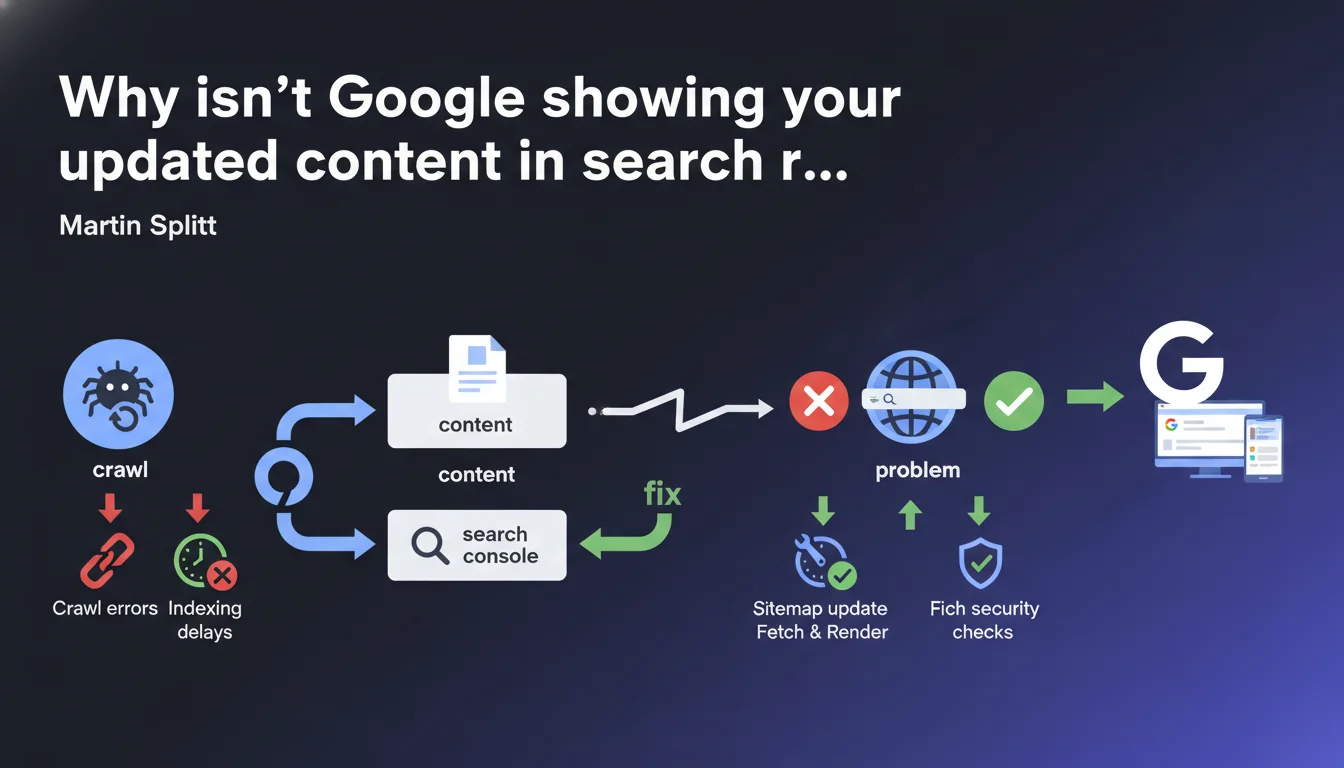
Google provides Search Console to identify crawl and discovery issues that prevent updated content from appearing in search results. Martin Splitt confirms that diagnostic tools are available, but you need to interpret them correctly to unblock situations where outdated content persists.
What you need to understand
Why does Google sometimes display outdated versions of your pages?
The issue is straightforward: Google crawls your content at its own frequency, and that frequency doesn't always align with your expectations or business needs. When you update a strategic page, you hope for an immediate refresh in the SERPs — but the reality is that Googlebot decides on its own when and how to return.
Martin Splitt directly points to Search Console as a diagnostic tool to understand what's blocking things. Crawling, discovery, and refresh are three distinct processes that can each encounter specific bottlenecks.
What are the three processes involved in this diagnosis?
Crawling refers to Googlebot visiting your URLs. If the bot doesn't come, no refresh is possible. Discovery concerns how Google identifies new URLs or modifications — through sitemaps, internal links, external links, etc.
Refresh is when Google decides to re-crawl a page it already knows to incorporate changes. This last point causes the most problems for SEOs: a page can be crawled regularly but not reindexed with its new content.
Is Search Console really enough to diagnose everything?
In theory, yes. In practice? It's more nuanced. Search Console provides crawl reports, index coverage details, and information about errors encountered. But the tool doesn't tell you everything — particularly why Google chooses not to refresh certain pages even after crawling them.
The data is often aggregated, sometimes vague, and certain anomalies remain invisible. An SEO expert must cross-reference this data with server logs to truly understand what's happening.
- Search Console shows symptoms, rarely root causes
- Refresh delays vary depending on crawl budget, perceived site freshness, and content quality
- Updated content can be crawled without being reindexed if Google judges the modifications insignificant
- Technical issues (robots.txt, meta tags, redirects) often block refresh without clear alerts
SEO Expert opinion
Is this statement consistent with what we observe in the field?
Yes and no. Google does push Search Console as a universal solution, but the tool has obvious limitations. Crawl reports show only a sample of crawled URLs, not the complete picture. Data display delays can reach several days — making real-time diagnosis impossible.
On sites with tens of thousands of pages, Search Console quickly becomes insufficient. Server logs remain essential for detailed analysis of Googlebot behavior and identifying ignored or under-crawled pages.
What nuances should be added to Google's advice?
Martin Splitt presents Search Console as THE solution. But concretely? [To verify] He doesn't clarify how to distinguish a crawl problem from a deliberate algorithmic choice not to refresh. Google can very well crawl your modified page and decide not to update the index — for example if the content is judged too similar to the previous version.
Another point: refresh delays are never guaranteed. Even after submitting a URL through the inspection tool, nothing forces Google to reprocess it immediately. Crawl budget, your site's historical freshness, and perceived content quality all weigh in the balance.
In what cases is this diagnosis insufficient?
When the problem is strategic rather than technical. If Google judges your content unreliable, redundant, or low-value, no crawl diagnosis will solve the issue. You'll see regular crawls, no technical errors, and yet your updates will remain invisible.
Another scenario: sites with complex architecture (facets, filters, heavy pagination). Search Console will tell you certain URLs aren't crawled, but won't explain why your internal linking or sitemaps fail to push them. This is where manual analysis and UX/SEO thinking become essential.
Practical impact and recommendations
What should you do concretely to diagnose a refresh problem?
First step: use the URL inspection tool in Search Console. Enter the URL in question and check the last crawl and indexation dates. If the indexation date is before your modification, Google hasn't registered the new version.
Next, check the index coverage report to identify any errors: accidental noindex tags, misconfigured canonicals, chained redirects. These technical blockers are the first culprits to eliminate.
If everything looks clean on the technical side, dig into server logs to verify Googlebot's actual crawl frequency. Cross-reference this data with your content modification peaks: if Google isn't crawling your pages after updates, it's a crawl budget or internal linking issue.
What mistakes should you avoid during diagnosis?
Don't blindly trust the timelines shown in Search Console. Data is sometimes 48 to 72 hours behind. A URL may have been crawled without the interface reflecting it yet.
Another trap: forcing crawls through the inspection tool isn't a sustainable solution. You can manually submit a URL, but if the underlying issue (low crawl budget, content judged irrelevant) isn't resolved, you'll need to repeat indefinitely.
Don't blame everything on Google either. Sometimes, the problem comes from your CMS generating cached versions, duplicate URLs, or inconsistent meta tags. Verify that the HTML version served to Googlebot matches what you see in your browser.
How do you verify your site is properly configured for fast refresh?
- Ensure your XML sitemap is up to date and submitted to Search Console, with correct modification dates (lastmod)
- Verify that strategic pages are well-linked internally from frequently crawled pages (homepage, thematic hubs)
- Check that robots.txt doesn't prevent crawling of critical sections (CSS, JS, images needed for rendering)
- Analyze server logs to identify URLs ignored by Googlebot despite being in the sitemap
- Test the URL inspection tool after each major modification to request manual reindexing
- Monitor Core Web Vitals and server response time: a slow site penalizes crawl budget
- Avoid temporary 302 redirects on permanently moved content — use 301s instead
❓ Frequently Asked Questions
Search Console suffit-il pour diagnostiquer tous les problèmes d'actualisation ?
Pourquoi Google explore ma page mais n'actualise pas son contenu dans les SERP ?
Combien de temps faut-il pour qu'une mise à jour de contenu apparaisse dans Google ?
L'outil d'inspection d'URL permet-il de forcer une réindexation immédiate ?
Quels signaux techniques bloquent le plus souvent l'actualisation du contenu ?
🎥 From the same video 4
Other SEO insights extracted from this same Google Search Central video · published on 09/11/2023
🎥 Watch the full video on YouTube →
💬 Comments (0)
Be the first to comment.