
Official statement
Other statements from this video 6 ▾
- □ Is Client-Side Rendering really putting your indexation at risk?
- □ Is hydration really the miracle solution to JavaScript SEO problems?
- □ Is pre-rendering really the ultimate solution for indexing JavaScript sites?
- □ Does Server-Side Rendering really guarantee the indexing of your JavaScript content?
- □ Is hydration really a worthwhile technical tradeoff for your SEO strategy?
- □ How do you choose the right rendering strategy to maximize your SEO performance?
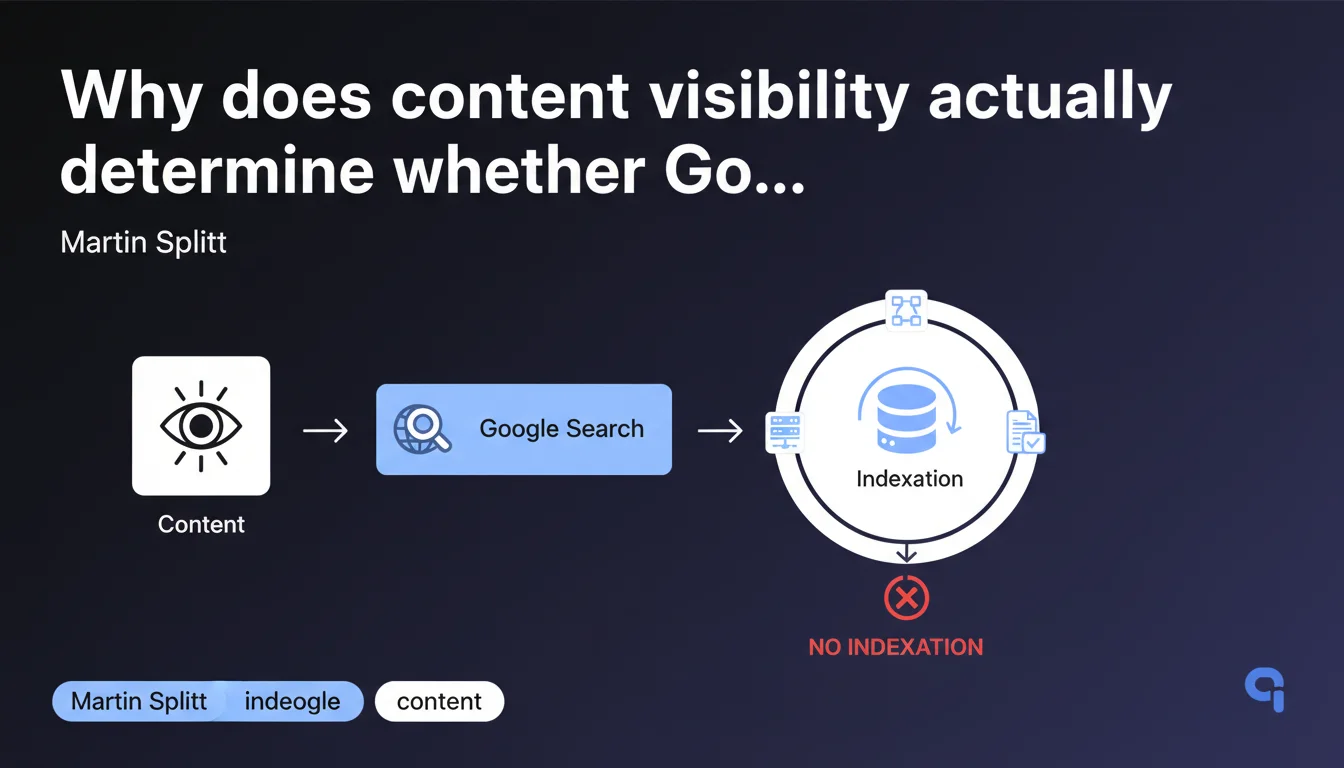
Google cannot index what it cannot see. If a page's content is invisible to the crawler (poorly rendered JavaScript, CSS blocking, hidden content), it will never enter the index. This simple but often overlooked rule explains why some technically accessible pages remain undiscoverable in search results.
What you need to understand
What does Google mean by "content visibility"?
Visibility goes beyond technical URL accessibility. A page can return a 200 status code, be crawled regularly, and yet never appear in search results if its main content is invisible to Googlebot.
Concretely, this concerns content rendered in the DOM after JavaScript execution, text hidden by questionable CSS techniques, or elements loaded conditionally based on user-agent. If the robot cannot "see" the text when rendering, it cannot process it.
Does this rule apply to all types of content?
Yes, without exception. Whether it's text, images with alt attributes, videos with transcripts, or interactive elements—everything must be visible in the rendered DOM to be indexable.
Content loaded via late lazy loading, accordions closed by default, or conditional pop-ins create problems if Google doesn't trigger them during initial rendering. The crawler doesn't click around to unearth hidden content.
Why does this statement remain relevant today?
Because the vast majority of indexation issues still stem from content that is technically inaccessible at render time. Poorly configured SPAs, JavaScript frameworks without appropriate SSR/SSG, or overly aggressive CSS optimizations generate phantom pages every day.
Google is restating the obvious: before worrying about crawl budget or E-E-A-T signals, make sure your content actually exists for the search engine.
- Content visibility is an absolute prerequisite for indexation, not optional.
- Content that is technically accessible but invisible at render time will never be indexed.
- CSS masking techniques or conditional JavaScript create blind spots for Googlebot.
- Lazy loading and interactive elements must be tested under real crawl conditions.
SEO Expert opinion
Is this statement consistent with real-world practices?
Absolutely. Audits regularly reveal sites where 30 to 40 percent of editorial content never appears in the index—not because of penalties or lack of authority, but simply because Googlebot cannot see it.
Frameworks like React, Vue, or Angular with poor configuration are the usual suspects. Without server-side hydration or static pre-rendering, the crawler retrieves an empty HTML shell. Even if Google executes JavaScript, rendering delays or blocking dependencies can compromise content visibility.
What nuances should we apply to this rule?
Let's be honest: Google doesn't always clarify what it considers "visible." Is content placed in display:none but revealed on click indexable? [To be verified] depending on context—FAQ accordions are often indexed, conditional pop-ins far less so.
JavaScript execution timing also matters. If your content appears after 5 seconds of asynchronous loading, Googlebot may not wait. The rendering window is not infinite, especially on sites with low crawl budget.
Another nuance: certain elements hidden for mobile UX reasons (retracted menus, sliders) are generally tolerated if the source HTML contains the text. But relying on this is a gamble.
In which cases does this rule pose specific challenges?
E-commerce sites with Ajax filters, SaaS platforms with rich interfaces, or media using proprietary video players are on the front lines. Client-side generated content without server fallback becomes an indexation black hole.
And that's where it gets stuck: many developers optimize for the final user experience without testing how Googlebot perceives rendering. Result? Beautiful pages for humans, invisible to search engines.
Practical impact and recommendations
How do you verify that your content is truly visible to Google?
Use the URL inspection tool in the Search Console and compare the rendered HTML with your page source. If entire blocks are missing from the rendered version, you have a visibility problem.
Supplement with a Screaming Frog audit in JavaScript rendering mode enabled. Compare crawled content with and without JS: any significant gap indicates risky client-side rendering dependence.
What mistakes must you absolutely avoid?
Never hide strategic editorial content with display:none or visibility:hidden without valid UX reasons. Cloaking techniques—even unintentional ones—can trigger manual penalties if Google detects manipulation.
Avoid loading main content via API calls triggered only by user events (infinite scroll, clicks). Googlebot doesn't scroll or click your "See more" buttons.
Be wary of CDNs or third-party services that inject content conditionally based on geolocation or device type. If Googlebot crawls from a US IP and your content only displays in Europe, you have a problem.
What must you implement concretely?
- Implement server-side rendering (SSR) or static generation (SSG) for critical JavaScript applications.
- Systematically test rendering with the Search Console URL inspection tool before each major deployment.
- Audit content hidden by default (accordions, tabs, modals) and ensure it's present in the initial HTML.
- Verify that CSS and JavaScript resources essential to rendering are not blocked by robots.txt.
- Set up regular monitoring of actual indexation rate versus crawled pages to detect suspicious gaps.
- Document technical decisions with your dev team to prevent regressions during migrations or redesigns.
Content visibility remains a fundamental often underestimated. Before optimizing your title tags or developing your internal linking strategy, ensure that Google actually sees what you're publishing.
These technical checks require cross-functional expertise between development and SEO, plus appropriate tools. If your tech stack relies on modern JavaScript frameworks or complex architectures, engaging a specialized SEO agency for a thorough audit can save you months of invisible content and lost traffic.
❓ Frequently Asked Questions
Un contenu masqué en CSS mais présent dans le HTML source est-il indexable ?
Google attend-il le chargement complet du JavaScript avant de rendre la page ?
Les images en lazy loading sont-elles visibles pour Googlebot ?
Comment savoir si un problème d'indexation vient de la visibilité du contenu ?
Le contenu chargé en Ajax après un clic utilisateur est-il indexé ?
🎥 From the same video 6
Other SEO insights extracted from this same Google Search Central video · published on 08/01/2025
🎥 Watch the full video on YouTube →
💬 Comments (0)
Be the first to comment.