
Official statement
Other statements from this video 8 ▾
- □ Does Google really prefer subdomains or subdirectories for SEO? Here's what actually matters
- □ Will backlinks really lose their importance in SEO?
- □ Does Google really detect link schemes 100% algorithmically without manual intervention?
- □ Should you really limit the Organization schema to just your homepage?
- □ Can you really add any schema markup without risking your SEO performance?
- □ Does Google really refuse to index your templated content, and why should you care?
- □ Should your alt attributes describe the image's context on the page, not just what's visually shown?
- □ Are differentiated H1 tags the secret to indexing your pages with similar templates?
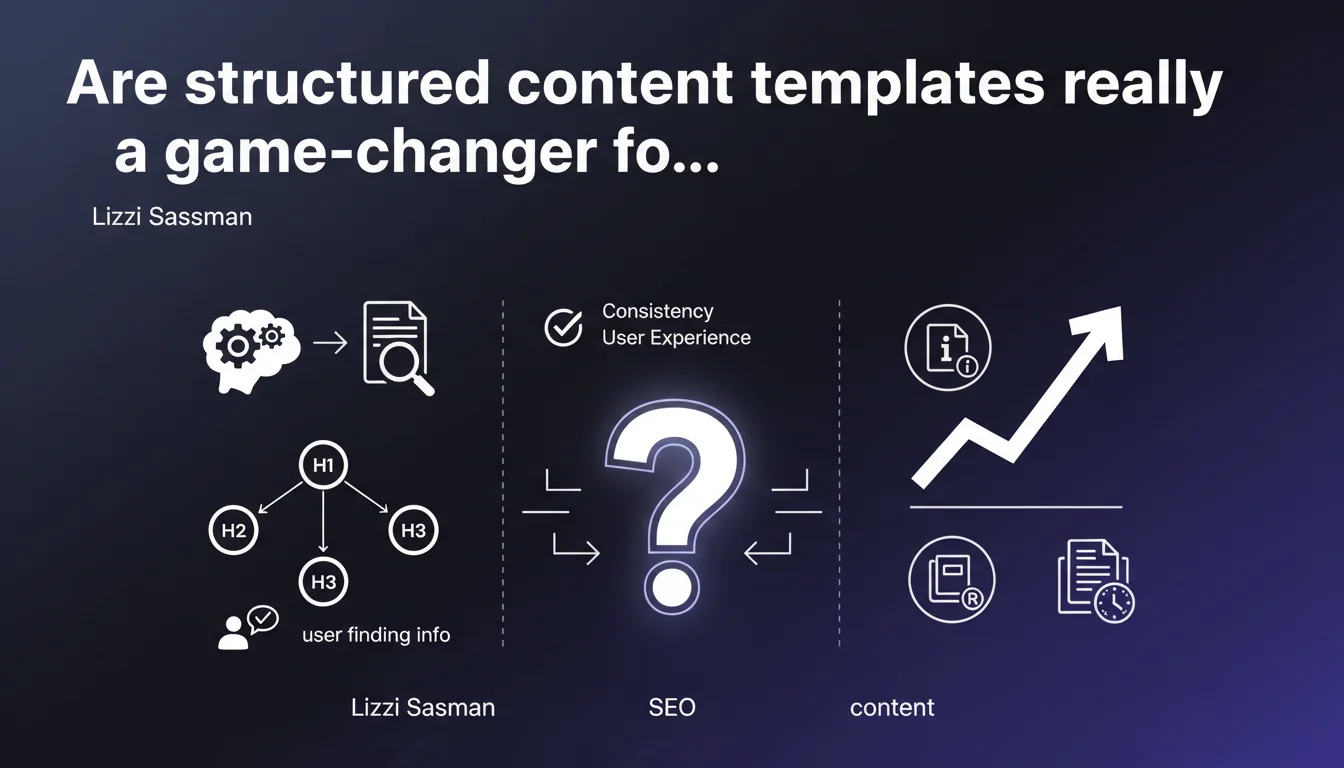
Google validates the use of content templates with repetitive H1-H2-H3 structures, provided they genuinely serve the user. Structural consistency improves navigation and enhances experience, particularly on documentation pages and reference content.
What you need to understand
Why does Google encourage content templates?
Templates create structural predictability that benefits both users and algorithms. When a visitor knows where to find information because each page follows the same schema, they navigate more efficiently.
Google observes these engagement signals — time on page, pages visited, bounce rate. A uniform architecture reduces cognitive friction and improves these behavioral metrics, which indirectly strengthens ranking position.
Do all content types lend themselves to templates?
The statement explicitly targets technical documentation and reference pages. These formats naturally benefit from repetitive structure: tutorials, product sheets, FAQs, how-to guides.
In contrast, pure editorial content — blog posts, analyses, opinion pieces — often gain from varying their structure to maintain reader attention. The template becomes a constraint rather than an advantage.
What's the difference between a template and duplication?
A template reuses a common architecture (H1 > H2 Introduction > H2 Features > H2 Pricing), but the content within each tag remains unique. Duplication copies the text itself, which is problematic.
Google clearly distinguishes between the two. Repeated structure is tolerated and even encouraged; identical text triggers duplicate content filters and dilutes topical authority.
- Templates structure without duplicating the substance
- Consistency facilitates indexing and crawling by Googlebot
- Reference pages and technical documentation are the best candidates
- Editorial content should maintain structural flexibility
SEO Expert opinion
Is this validation consistent with what we observe in the field?
Absolutely. Sites that perform across large page volumes — e-commerce, SaaS, reference publishers — use templates extensively. They scale better and maintain semantic consistency that Google rewards.
However, we observe that overly rigid templates that leave no room for page-specific adaptation produce bland content. The engine eventually ranks them lower compared to less formatted but information-richer pages.
What are the limitations Google doesn't mention?
Lizzi Sassman doesn't specify the threshold at which structural repetition becomes penalizing. On a site with 10,000 product pages using the exact same framework, you're sometimes on the edge of generic content. [To verify]: no official data quantifies this threshold.
Another point: Google says nothing about the impact of identical content blocks (generic introductions, filler paragraphs). These elements, even in a well-designed template, dilute thematic relevance and slow indexing.
In what cases should you avoid strict templates?
On pages with high organic traffic potential in competitive spaces — strategic landing pages, pillar articles — excessive standardization constrains editorial creativity. These pages must stand out through depth and originality.
Likewise, content meant to generate featured snippets or position zero often requires structures tailored to Google's answer formats (tables, numbered lists, short definitions). The template must remain flexible enough to incorporate these variations.
Practical impact and recommendations
How do you design a content template that respects this recommendation?
Start by identifying constant structural elements: introduction, thematic subsections, FAQ, conclusion. Define their order and informational role. Then allow freedom in the number of H2s, their exact wording, and section length.
Ensure that each page fills the tags with genuinely distinct content. A good test: if you replace the H2 tags with generic placeholders, does the page still make sense? If yes, your template is too rigid.
What technical mistakes should you avoid during implementation?
Don't create empty or near-empty sections just to fit the template. Google penalizes pages with lots of structure but little substance. If an H2 can't be filled with at least 100-150 relevant words, delete it.
Also avoid identical section titles from page to page. "Features" or "Functionality" can repeat, but try varying slightly ("Key features", "Core functionality") to avoid the impression of auto-generated content.
How do you verify your template remains effective over time?
Monitor engagement metrics in Google Analytics or Search Console: bounce rate, average session duration, pages per visit. Gradual degradation often signals the template no longer meets user expectations.
Also compare your template pages to well-ranking competitors. If their structures diverge significantly from yours while performing better, it's a signal to adjust your approach.
- Define constant structural sections without constraining content flexibility
- Fill each tag with at least 100-150 distinct, informative words
- Vary section title wording slightly across pages
- Remove empty sections or those filled with generic content
- Monitor engagement metrics to detect template fatigue signals
- Regularly benchmark against well-performing competitor structures
❓ Frequently Asked Questions
Un template de contenu nuit-il à l'originalité perçue par Google ?
Peut-on utiliser le même template pour tous les types de pages d'un site ?
Combien de pages minimum faut-il pour qu'un template soit pertinent ?
Les templates facilitent-ils l'exploration par Googlebot ?
Faut-il faire varier le nombre de H2 entre pages utilisant le même template ?
🎥 From the same video 8
Other SEO insights extracted from this same Google Search Central video · published on 03/11/2022
🎥 Watch the full video on YouTube →
💬 Comments (0)
Be the first to comment.