
Official statement
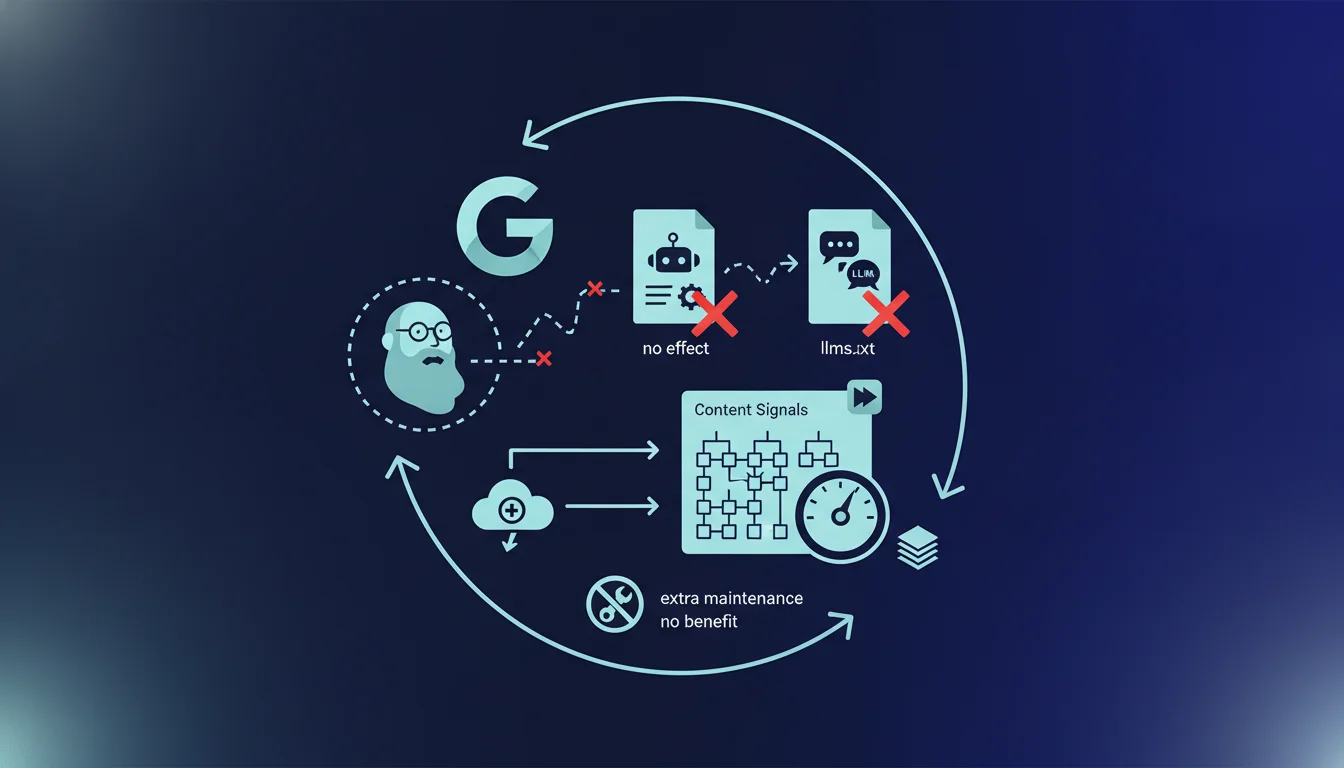
Cloudflare's Content Signals directive in robots.txt has no real effect on crawlers or LLMs according to Google. No search engine or AI tool adheres to these llms.txt or content-signal directives despite their deployment on 21.3% of websites. For SEO, this means relying on robots.txt to block AI is illusory: crawlers only apply what they explicitly recognize.
What you need to understand
Why did Cloudflare create these Content Signals directives?
Cloudflare launched the Content Signals initiative to allow site owners to control AI crawlers' access to their content. The idea was to offer three distinct categories: Training (for training models), Agent (for conversational agents), and Search (for traditional indexing).
The concept seemed appealing on paper. With more than one-fifth of the world's websites powered by Cloudflare, adoption could have been massive. But the technical reality is less rosy: no major crawler reads these directives.
How do crawlers actually respond to robots.txt?
A crawler only applies the directives it explicitly recognizes in its programming. If you add an invented line in robots.txt, the bot simply ignores it. This is exactly what happens with the llms.txt and llms-author.txt directives: they do not exist in the crawlers' repository.
Google, OpenAI, Anthropic, and others have their own declared user-agents. They respect User-agent, Disallow, Allow, Crawl-delay according to their implementation. Everything else is transparent to them. Adding non-standardized directives is like speaking a language no one understands.
What is the real impact of these directives on your robots.txt file?
In practical terms, these directives add unnecessary weight to the file and create additional maintenance burdens. Every added line needs to be maintained, documented, and potentially adjusted depending on changes in your architecture. For no practical benefit.
Worse yet, this can create a false sense of security. A webmaster or SEO might believe they have blocked AI crawlers when in reality, no effective filtering is applied. Content remains accessible to all bots that ignore these ghost directives.
- No major crawler reads the Content Signals, llms.txt, or llms-author.txt directives
- Crawlers only apply recognized standards (User-agent, Disallow, Allow, Crawl-delay)
- Adding these directives bloats the robots.txt file without practical benefit
- Cloudflare enforces these default settings starting September 2026 for new domains
- 21.3% of websites use Cloudflare, but crawler adoption is nonexistent
SEO Expert opinion
Is this statement consistent with observed practices on the ground?
Absolutely. Ground observations confirm that AI crawlers do not respect these directives. This is evident in server logs: OpenAI, Anthropic, Google-Extended, or Perplexity bots continue crawling normally even when llms.txt or Content Signals are present.
Some AI crawlers respect their own declared user-agents in robots.txt, but only with standard directives. GPTBot obeys a classic Disallow, not a Content Signals directive invented by a CDN. The difference is crucial.
What are the real methods for blocking AI crawlers?
If you really want to block a specific AI crawler, use the official user-agents in robots.txt with standard directives. For example: User-agent: GPTBot followed by Disallow: /. Simple, effective, recognized.
But beware: there is no guarantee that a crawler will honestly declare itself.
Why does Cloudflare maintain this initiative despite the lack of adoption?
This is a legitimate question. Cloudflare likely launched this initiative to position itself as an advocate for content creators against the massive data harvesting by LLMs. Marketing strategy or conviction, it's hard to say.
However, it is evident that without crawler adoption, the initiative remains a dead letter. [To be verified]: no public data shows that any major engine or LLM has ever incorporated these directives into its code. Even SEO tools that claim to read them often just parse the file without any real action behind.
Practical impact and recommendations
What should you do with your current robots.txt?
First action: audit your robots.txt file to identify if Content Signals, llms.txt, or llms-author.txt directives are present. If you are using Cloudflare, check the default settings applied to your domain, especially if you added it recently.
If these directives are present and you have no specific reason to keep them for internal documentation, remove them. They bloat the file for nothing. If you really want to block AI crawlers, use their official user-agents with standard directives: User-agent followed by Disallow.
How to verify that crawlers are respecting your directives?
The only reliable method: analyze your server logs. Identify the user-agents of AI crawlers (GPTBot, ChatGPT-User, Claude-Web, etc.) and check if they respect the Disallow directives you have set. Cross-reference with the crawled URLs to detect any violations.
If a crawler deliberately ignores robots.txt, you have two options. Either block it at the firewall level (Cloudflare WAF, mod_security, iptables rules), or accept that robots.txt is just a guideline, not a technical barrier. The second approach is more realistic for most sites.
What mistakes should you avoid in managing AI crawlers?
A classic mistake: believing that robots.txt is an absolute protection. It is a public text file that any crawler can ignore. If your content is sensitive or strategic, true protection comes through authentication or IP blocking, not through a directive in robots.txt.
Another trap: multiplying exotic directives in the hope that one day they will be recognized. You will just create technical debt. Stick to proven standards: User-agent, Disallow, Allow, Crawl-delay, Sitemap. The rest is cosmetic.
- Audit robots.txt to identify unnecessary Content Signals or llms.txt directives
- Remove these directives if they provide no documentary value
- Use the official user-agents of AI crawlers with standard Disallow for effective blocking
- Analyze server logs to verify that bots are actually respecting your directives
- Implement WAF or IP filtering for crawlers that ignore robots.txt
- Avoid adding non-standard directives that create unnecessary maintenance
💬 Comments (0)
Be the first to comment.