
Official statement
Other statements from this video 8 ▾
- □ Does Google really support JavaScript for SEO, or is it just a trap?
- □ Does JavaScript really slow down your site's indexing?
- □ Should you really abandon JavaScript for SSR in SEO?
- □ How critical is your site's JavaScript configuration for Google?
- □ Should you really choose SSR or CSR based on the type of site?
- □ Is it really necessary to master browser functionality for technical SEO?
- □ Should you really rely solely on Google's official documentation?
- □ Is Traffic Really the Only SEO Metric That Matters?
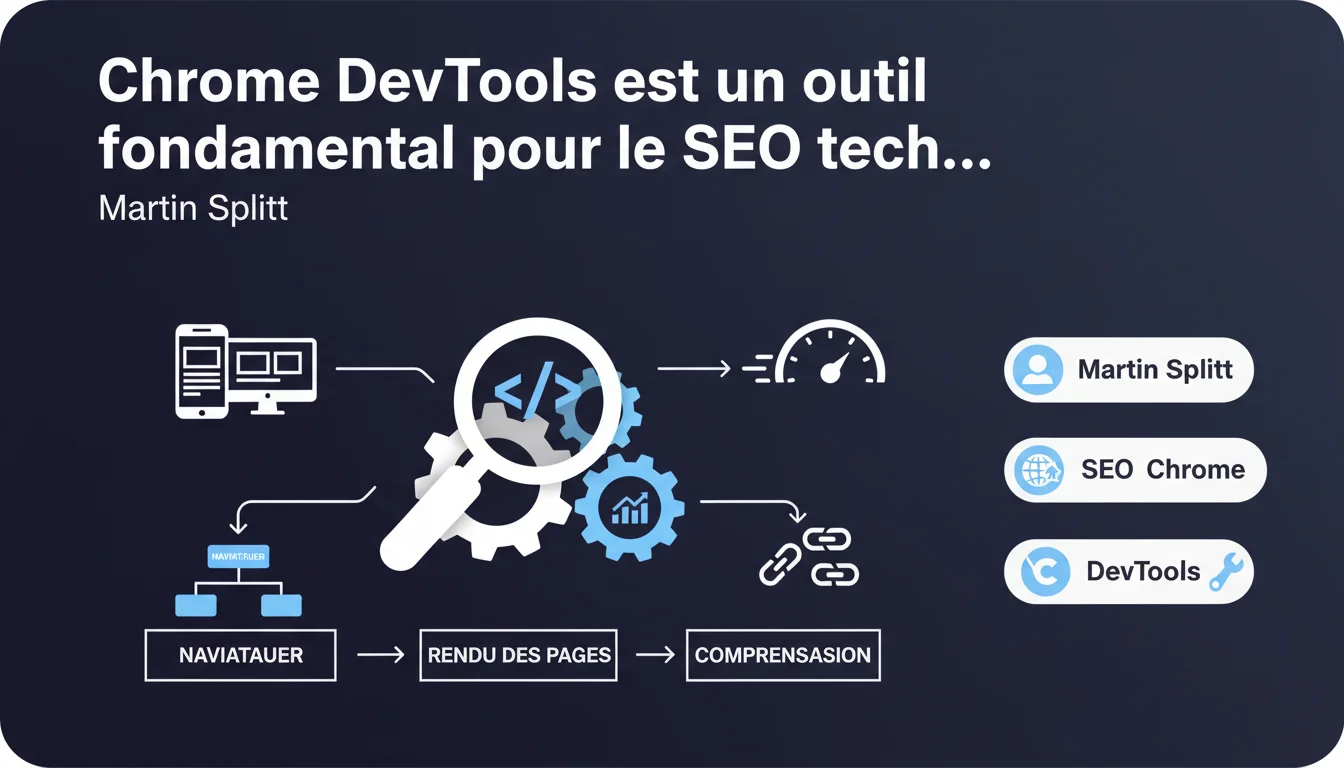
Google states through Martin Splitt that Chrome DevTools should be the go-to tool for technical SEOs to understand page rendering and browser operation. This declaration repositions DevTools as a fundamental skill, beyond traditional SEO tools. Understanding client-side rendering thus becomes a prerequisite, not an option.
What you need to understand
Martin Splitt doesn’t hold back: Chrome DevTools is not portrayed as just another tool but as THE reference for any serious technical SEO. The underlying idea? Modern SEO goes beyond static HTML — it also involves JavaScript rendering.
This statement aligns with the logical continuity of Googlebot's evolution, which uses a version of Chrome to render pages. Understanding what the browser sees becomes essential for diagnosing indexing issues or invisible content.
Why does Google emphasize Chrome DevTools over dedicated SEO tools?
Because traditional SEO tools — Screaming Frog, Semrush, Ahrefs — crawl like bots but do not necessarily render like a browser. DevTools shows you exactly what Googlebot sees after executing JavaScript, with the final DOM to back it up. It’s the difference between analyzing the source HTML and inspecting the rendered DOM. In a world where React, Vue, or Next.js dominate, this distinction is no longer trivial — it’s critical. The Network tab for tracking blocked resources, cascading redirects, and loading times. The Elements tab for inspecting the final DOM and ensuring content displays correctly after JavaScript. The JavaScript console for detecting errors that break rendering. The integrated Lighthouse for auditing Core Web Vitals and accessibility. The Device Simulation mode for testing mobile-first indexing. And — often overlooked — the Coverage tab for identifying unused code that hinders performance. No, but they need to speak the language of developers. You don’t need to code in React, but you should understand the rendering lifecycle: initial request, JS execution, hydration, final rendering. DevTools is the bridge between SEO and development. Mastering the tool means gaining technical credibility and diagnostic independence.What features of DevTools are truly relevant for SEO?
Does this mean an SEO has to become a developer?
SEO Expert opinion
Is this statement consistent with observed practices on the ground?
Yes, absolutely. SEOs who master DevTools save significant time on complex diagnostics. When a client says, "Google isn't indexing my content," the first effective reflex is to open DevTools and check the rendered DOM — not to launch a Screaming Frog crawl.
However — let’s be honest — the learning curve is steep for those who have never interacted with developer tools. Chrome DevTools is dense, intimidating at first glance, and many SEOs avoid it by reflex. DevTools is essential, but it does not replace traditional SEO tools. You cannot crawl 10,000 URLs with DevTools. You cannot analyze backlinks or track rankings with it. It is a tool for in-depth diagnostics, not for strategic management. It comes into play when you’ve identified a problem and need to understand why it’s occurring. Screaming Frog detects the anomaly, DevTools explains the cause. Another point: DevTools shows what Chrome sees, not necessarily what Googlebot sees 100%. The bot may have specific rendering limitations, different timeouts. [To be verified] systematically with Search Console and the "Inspect URL" tool. When the problem stems from crawl budget, internal link structure, or robots.txt directives — DevTools won’t help. When you need to audit 50,000 pages, an automated crawler remains more appropriate. And if the site uses Server-Side Rendering (SSR) or pre-rendering, the source HTML is already complete: DevTools doesn’t provide anything more than a simple "View Source". The tool shines especially on sites using Client-Side Rendering (CSR) where JavaScript builds the content.What nuances should be added to this statement from Google?
In what cases is this tool insufficient?
Practical impact and recommendations
What should you do concretely to master DevTools for SEO?
Start with the basics: open DevTools on your own pages (F12 or right-click > Inspect). Get familiar with the Elements tab to inspect the DOM, the Network tab to analyze requests, and the Console tab to spot JavaScript errors. Consistently test mobile rendering via the Device Simulation mode. Launch a Lighthouse audit to identify quick wins on Core Web Vitals. Use the Performance tab to detect bottlenecks. Next, apply DevTools to real cases: a page not indexing, invisible content, a disastrous loading time. It’s through diagnosing real problems that we truly learn. Don’t confuse "View Page Source" (raw HTML sent by the server) and the rendered DOM in DevTools. The former doesn’t show the executed JavaScript, the latter does. This mistake is still too common. Avoid testing only on desktop: Googlebot primarily indexes the mobile version. Always simulate a smartphone in DevTools to check that content displays correctly. Last pitfall: DevTools caches resources after the first load. Remember to disable the cache (Settings > Disable cache) when testing, or you won’t see the real loading conditions. Open DevTools, navigate in simulated mobile mode, and ensure that all essential content appears in the Elements tab. If entire blocks are empty or loaded via late JavaScript, it’s a red flag. Run Lighthouse and target a score >90 on Performance and Accessibility. Inspect the Network tab: track blocking resources, overly large CSS/JS files, unnecessary redirects. Then cross-check with Search Console: compare the rendered HTML in DevTools with what the "Inspect URL" tool shows. If a gap exists, delve deeper — Googlebot may be missing some content.What mistakes should be avoided when using DevTools for SEO?
How can I check if my site is optimized according to this logic?
❓ Frequently Asked Questions
Chrome DevTools remplace-t-il les outils de crawl comme Screaming Frog ?
Est-ce que Googlebot voit exactement la même chose que Chrome DevTools ?
Quels sont les onglets DevTools prioritaires pour un SEO ?
DevTools est-il utile pour les sites en Server-Side Rendering (SSR) ?
Comment apprendre à utiliser DevTools quand on n'est pas développeur ?
🎥 From the same video 8
Other SEO insights extracted from this same Google Search Central video · published on 29/12/2021
🎥 Watch the full video on YouTube →
💬 Comments (0)
Be the first to comment.