
Official statement
Other statements from this video 4 ▾
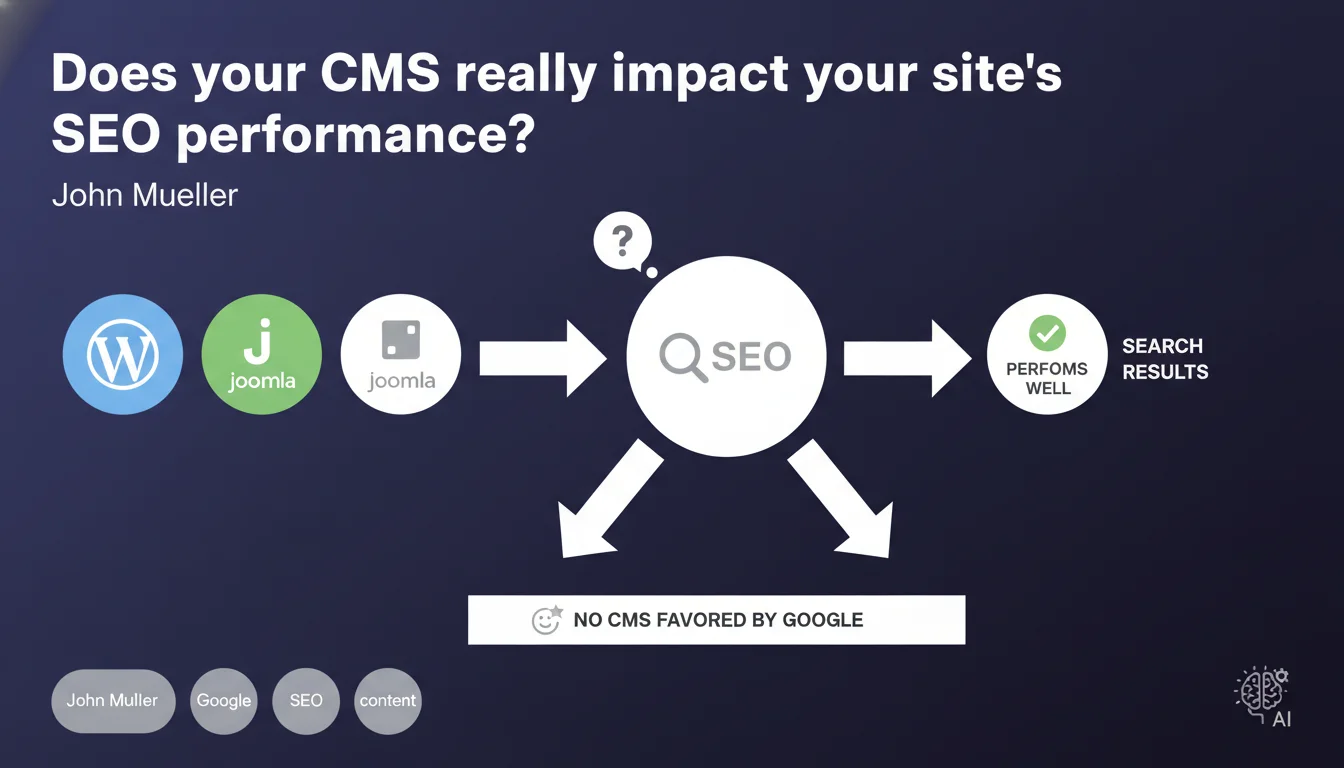
Google states that all mainstream CMS platforms can generate SEO-performing pages. No system is favored by the algorithm. What matters is technical and editorial optimization, not the tool used to create pages.
What you need to understand
Why is Google so keen to clarify this point about CMS platforms?
This statement aims to debunk common misconceptions about "SEO-friendly" CMS solutions. Many professionals still believe that a specific CMS will give them a competitive advantage in the SERPs.
The reality? Google crawls HTML, regardless of how it was generated. WordPress, Shopify, Wix, Drupal, PrestaShop — all can produce technically optimized pages if configured correctly.
Is this claim really anything new?
No. Google has been repeating this message for years, but the myths persist. The idea that a given CMS would provide a natural "boost" remains deeply ingrained, particularly among end clients.
The problem is that this belief pushes some to switch platforms for the wrong reasons, when the real issue lies in configuration or content strategy.
So what are the real factors that actually matter?
What makes the difference is site architecture, the quality of generated code, loading speed, and the ability to manage meta tags, internal linking, structured data.
A poorly configured WordPress with 50 plugins that slow down the site will lose to an optimized Wix. Conversely, a well-parameterized Shopify can outperform a neglected Magento.
- All mainstream CMS platforms can generate search-performing pages
- Google does not favor any specific CMS in its algorithm
- Technical and editorial quality trump the tool used
- SEO performance depends on configuration, not the CMS itself
- Myths about "SEO-friendly" CMS platforms are persistent but unfounded
SEO Expert opinion
Does this statement actually reflect real-world observations?
Yes and no. In theory, it's correct: no CMS receives preferential treatment in the algorithm. Googlebot doesn't care whether a page comes from WordPress or Joomla.
But in practice, some CMS platforms make SEO optimization much easier or harder. WordPress with Yoast or Rank Math allows fine-grained management of canonical tags, meta tags, and redirects. Other platforms impose structural limitations that complicate the task.
So yes, all CMS platforms *can* generate high-performing pages. But no, not all make the work equally easy. [To be verified] depending on your specific context and needs.
What nuances should be added to this claim?
Google refers to "mainstream" CMS platforms — a deliberately vague term. Proprietary platforms or custom-built systems are not mentioned.
Some CMS platforms have native technical limitations: poor URL management, structural duplicate content, inability to customize certain elements. These constraints don't disqualify the CMS, but they increase the SEO workload.
In what cases does this rule not really apply?
When the CMS imposes rigid URL structures, automatically generates parasitic pages, or limits access to source code. Certain e-commerce platforms create indexable product facets without fine-grained control.
On sites with very high page volumes (hundreds of thousands), the performance differences of the CMS itself — its ability to handle crawl budget, to generate HTML quickly — can become determining factors. Let's be honest: not all CMS platforms will scale equally.
Practical impact and recommendations
What should you concretely do with this information?
Stop searching for the "best CMS for SEO". Focus on your ability to optimize the CMS you're using. Every platform has its strengths and weaknesses — the real leverage is your mastery of it.
If you're considering a migration, don't do it for fantasized SEO reasons. Migrate because the current CMS technically prevents you from deploying a strategy, not because "Shopify would be better than WooCommerce".
What mistakes should you absolutely avoid?
Never justify a site redesign solely on "we're moving to X, it's better for SEO". Without prior audit and measurable objectives, that's wishful thinking.
Avoid multiplying third-party plugins or modules that bloat your code and slow down your site. A lightweight CMS poorly configured will always beat a "powerful" CMS overloaded with unnecessary features.
How can you verify that your CMS is properly optimized?
Audit the technical fundamentals: loading time, URL structure, canonical tag management, robots.txt, XML sitemap, structured data. Test on both mobile and desktop.
Compare real performance in Search Console: crawl rate, indexed pages versus submitted pages, 404 errors, coverage issues. If everything is green, your CMS is doing its job.
- Audit your CMS's current technical performance (speed, crawlability, indexability)
- Identify structural limitations that block your SEO optimizations
- Only migrate CMS if measurable technical constraints justify it
- Train yourself or your teams in optimizing the CMS you use
- Prioritize simplicity: fewer plugins/modules = better control
- Measure the impact of each optimization via Search Console and Google Analytics
❓ Frequently Asked Questions
Est-ce que WordPress a vraiment un avantage SEO sur les autres CMS ?
Faut-il migrer de CMS si mon site ne performe pas en SEO ?
Les CMS propriétaires ou développés sur mesure sont-ils meilleurs pour le SEO ?
Comment savoir si mon CMS limite mes performances SEO ?
Google peut-il détecter quel CMS j'utilise et adapter son algorithme ?
🎥 From the same video 4
Other SEO insights extracted from this same Google Search Central video · published on 13/07/2022
🎥 Watch the full video on YouTube →
💬 Comments (0)
Be the first to comment.