
Official statement
Other statements from this video 5 ▾
- □ Can you control exactly how your brand name appears in Google search results?
- □ Should you really display your site name in every single page title?
- □ Does Google's site name feature really apply to your domain's subdirectories?
- □ How long does Google really take to process your SEO updates?
- □ Does your site name really matter to Google's search results, and why is it critical to get it right?
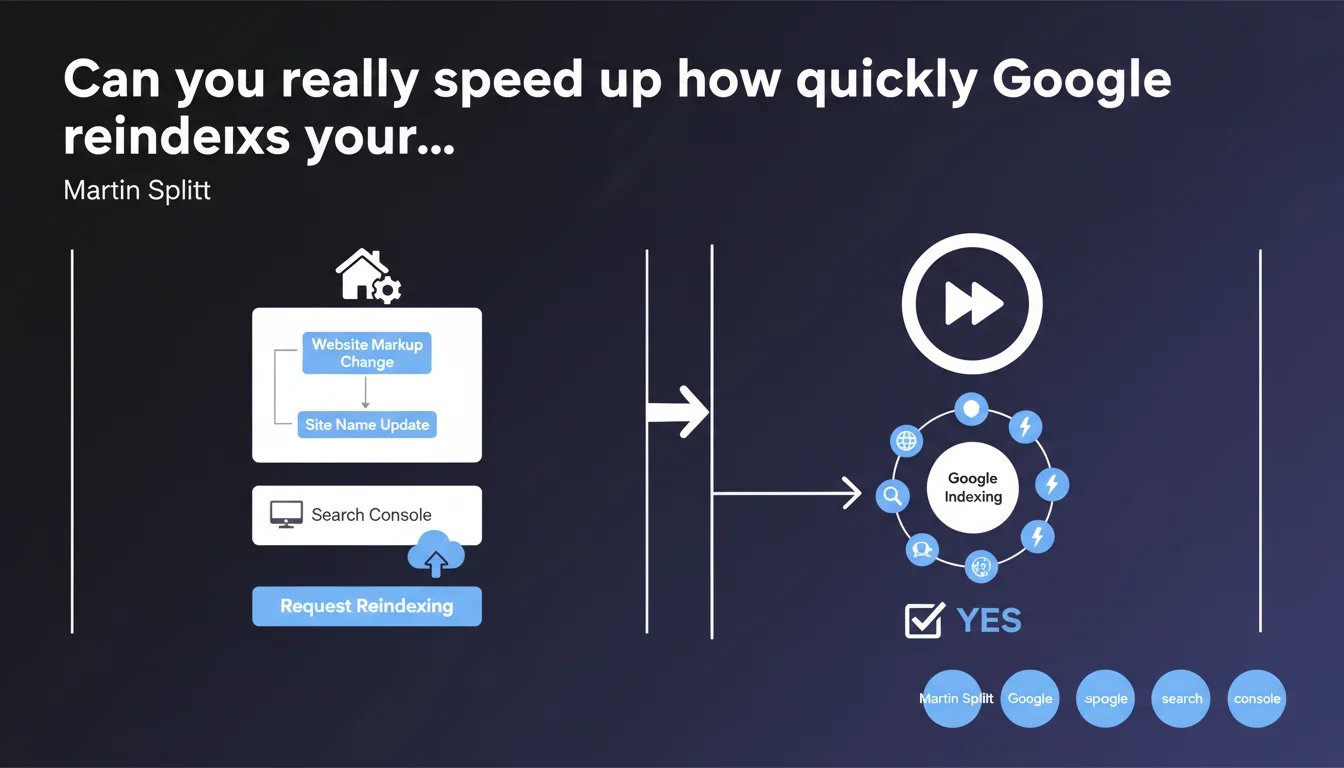
Google confirms that submitting a reindexing request via Search Console can accelerate how quickly a new markup tag—especially the site name—gets picked up. The option exists, but its real-world effectiveness depends on factors Google doesn't detail here. Use it strategically, not as a magic button to spam.
What you need to understand
What's the context behind this statement?
Martin Splitt is answering a specific question here: how to speed up the update of your site name in search results after changing your markup. This isn't a new technical feature—the indexing request tool has existed in Search Console for years—but rather a confirmation that this tool can genuinely help in this specific scenario.
The site name displayed in SERPs relies on structured markup (Schema.org, specifically Organization or WebSite schemas). When you modify this markup, Google needs to crawl the page again, reindex it, and process the new data. Without intervention, this cycle can take days or even weeks depending on how frequently Google naturally crawls your domain.
Why does this clarification deserve closer attention?
Because many SEO practitioners have vague expectations about what the indexing request tool actually does. Some think it boosts rankings, others believe it systematically accelerates crawling across your entire site. Neither is true.
Here, Splitt is clear: the tool serves to speed up the update process—not to create miracles. There's a meaningful difference between "it gets picked up faster" and "it gets picked up for certain and produces the desired effect." Google never guarantees that your new markup will be accepted as-is, or that the display will change instantly.
What are the key takeaways?
- The indexing request tool in Search Console can accelerate how quickly new markup is recognized on your homepage (or any other page).
- It's not a magic button—Google retains final control over how the markup is processed and displayed.
- The use case mentioned here is site name, but the principle applies to any structured markup or critical content change.
- Using this tool does not replace a healthy crawl strategy (crawl budget optimization, site architecture, internal linking, etc.).
SEO Expert opinion
Does this statement align with real-world practices?
Yes—and no. In principle, we've known for a long time that requesting reindexing can accelerate how quickly changes are picked up. It works well for content corrections, redirects, and Schema markup updates.
But field reports show the effect is inconsistent. On some highly trusted domains, updates appear within hours. On others, even after requesting reindexing, you still wait days. [To be verified] Google never clarifies here what criteria determine processing speed—crawl budget, domain authority, site history.
What nuances need to be added?
Splitt mentions the homepage specifically. That makes sense: it's often where Organization or WebSite markup lives. But what about internal pages? If you modify markup on 50 pages, are you going to request reindexing for each one? No. It would be counterproductive and risky—Google views spam submissions as abusive behavior.
Another point: requesting reindexing doesn't force Google to accept your markup. If your Schema is malformed, ambiguous, or contradicts your visible content, Google can ignore or reject it. The tool accelerates crawling and indexing, not validation.
When does this approach not apply?
If your problem isn't indexing speed but markup quality or signal consistency, requesting reindexing won't solve anything. Google displays your site name based on multiple signals: Schema, titles, web mentions, brand consistency. If these signals contradict each other, the reindexing tool won't fix the problem.
Likewise, on a site with severely limited crawl budget (large e-commerce site, chaotic architecture, massive duplication), forcing a single reindexing request is just a band-aid. The real work is fixing your architecture and optimizing the signals you send to Googlebot.
Practical impact and recommendations
What should you actually do after changing your markup?
You've just modified the Schema.org markup on your homepage—for example, to correct your organization's name. First step: verify that the new markup is technically valid. Use Google's Rich Results test or an external Schema validator. Make sure there are no syntax errors or conflicts with other tags.
Once you've validated the markup, go to Search Console and navigate to the "URL Inspection" section. Paste your homepage URL, wait for the results, then click "Request indexing". Google confirms your request has been submitted—but guarantees neither the timeframe nor the final acceptance.
What mistakes should you absolutely avoid?
Don't request reindexing for dozens of pages all at once. Google limits the number of daily reindexing requests per site—roughly 10 to 20 based on user reports—and treats abuse as spam. Reserve this tool for strategic pages: homepage, main category pages, critical landing pages.
Another pitfall: modify your markup, request reindexing, then change it again right after. Give Google time to process the first version. If you change markup every 48 hours, you're sending contradictory signals—and Google might simply ignore your updates.
How do I verify my site is compliant and being processed correctly?
- Validate your Schema markup using Google's testing tool (Rich Results test or Markup validation).
- Check that your homepage is properly indexed in Search Console ("Coverage" section).
- Request reindexing via "URL Inspection" only if your markup has genuinely changed.
- Monitor how your site name appears in SERPs on a brand search query—allow 3 to 5 days before drawing conclusions.
- Check the "Enhancements" report in Search Console for any warnings or errors related to structured markup.
- Don't submit multiple reindexing requests for the same URL—one request per modification is sufficient.
❓ Frequently Asked Questions
Combien de temps faut-il attendre après une demande de réindexation ?
Peut-on demander la réindexation de plusieurs pages par jour ?
L'outil de demande d'indexation garantit-il que mon balisage sera pris en compte ?
Faut-il redemander l'indexation si le nom de site ne change pas après 48h ?
Cette technique fonctionne-t-elle pour d'autres types de balisage structuré ?
🎥 From the same video 5
Other SEO insights extracted from this same Google Search Central video · published on 28/09/2023
🎥 Watch the full video on YouTube →
💬 Comments (0)
Be the first to comment.