
Official statement
Other statements from this video 7 ▾
- □ Faut-il vraiment utiliser Looker Studio pour monitorer ses performances SEO ?
- □ Comment structurer vos visualisations de données SEO pour exploiter vraiment vos analytics ?
- □ Pourquoi Google recommande-t-il d'analyser la Search Console par tranches de 7 jours ?
- □ Pourquoi Google recommande-t-il des visualisations simplifiées pour le monitoring SEO ?
- □ Comment exploiter pleinement le data blending pour enrichir vos analyses Search Console ?
- □ Comment analyser la performance Search Console pour Discover et Google News séparément ?
- □ Pourquoi Google insiste-t-il autant sur les clics et le CTR dans Search Console ?
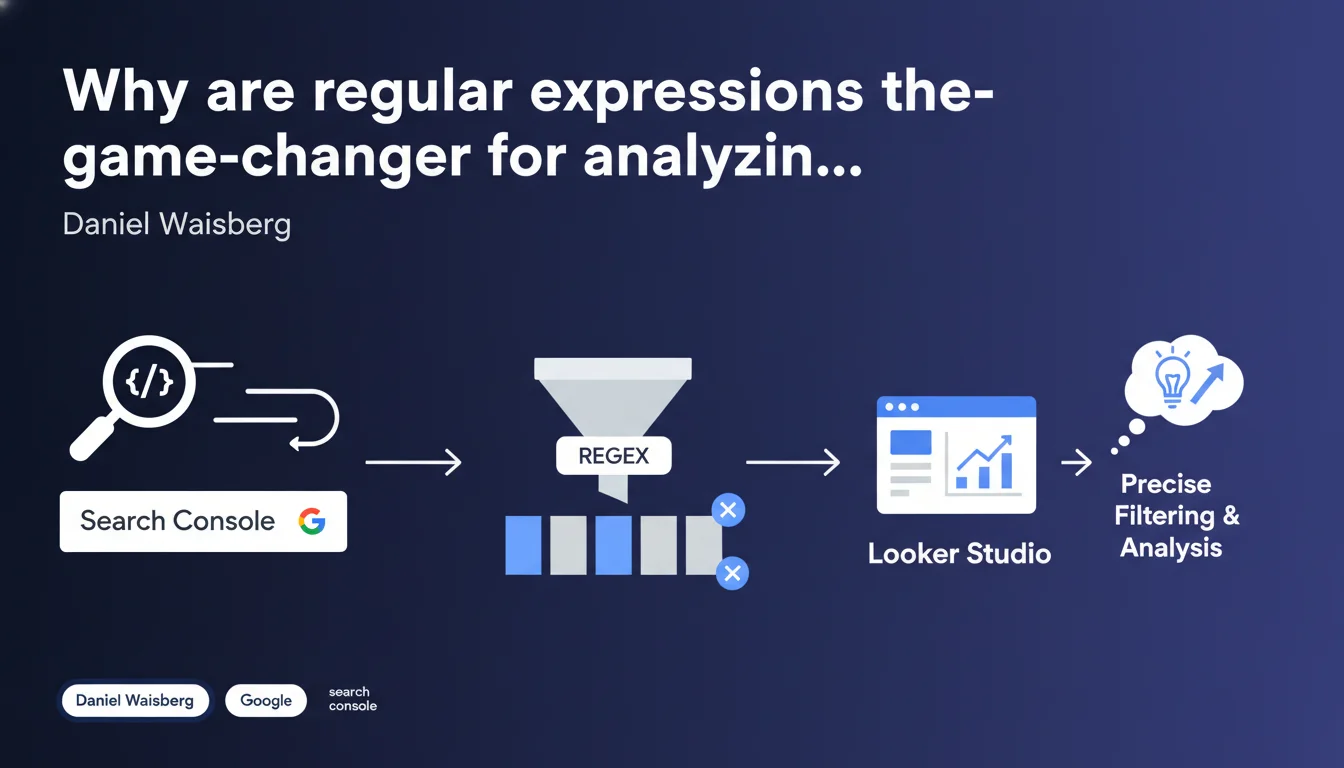
Google recommends using regular expressions (regex) in Looker Studio to precisely filter pages from Search Console, just as you would directly in the Search Console interface. This enables surgical segmentation of site sections to analyze, far beyond basic filters.
What you need to understand
Are regex in Looker Studio really that different from Search Console?
No. Google explicitly clarifies that regular expressions work in Looker Studio in a similar manner to their direct use in Search Console. The filtering logic remains identical — only the interface changes.
Concretely, if you already master regex in Search Console to isolate URL templates, categories, or content typologies, you'll find exactly the same power in your Looker Studio reports connected to the Search Console API.
Why use regex instead of simple filters?
Basic filters (contains, starts with, equals) quickly show their limitations once you're working with medium to large-sized sites. Regex allows you to capture complex patterns in a single expression.
Typical examples: isolating all product pages with numeric SKUs, excluding pagination URLs, grouping multiple regional subdomains, or distinguishing landing pages from blog articles based on their URL structure.
- Filtering by complex URL patterns in a single expression
- Combining inclusion and exclusion simultaneously
- Precise segmentation by content typology
- Reproducibility of analyses: once the expression is validated, it can be reused everywhere
Does this recommendation imply a change in the Search Console API?
No. This is not a technical innovation, but rather a methodological recommendation. Google is highlighting a best practice that has existed for a long time but that many practitioners underutilize.
The Search Console API has supported regex since its inception. What Google is pointing out here is that too many users stick with simplistic filters in Looker Studio when they could significantly refine their analyses.
SEO Expert opinion
Is this recommendation consistent with practices observed in the field?
Absolutely. In the audits I conduct, 80% of Looker Studio dashboards connected to Search Console use basic filters — often just "URL contains /blog/" or "Page starts with /product/". Result: approximate analyses, diluted metrics, lost insights.
Practitioners who master regex — a minority — achieve much more actionable reports. They segment by intent, by template, by depth level, by presence of parameters. It radically changes your ability to diagnose traffic drops or untapped opportunities.
What limitations should you keep in mind with regex in Looker Studio?
First limitation: performance. Complex regex on large data volumes can slow down report loading. If you filter 500k URLs with a poorly optimized expression, Looker Studio lags.
Second limitation: readability for third parties. A well-crafted regex is powerful — but completely opaque to anyone who doesn't master the syntax. If you share a dashboard with a client or non-technical colleague, think about documenting your filters. [To verify]: Google doesn't specify whether Looker Studio offers comment or annotation options to explain the regex used in a shared report.
Do regex replace all other types of filters?
No. For a simple and readable filter, there's no need to pull out the heavy artillery. If you just want to isolate /blog/, a "starts with" filter does the job and remains understandable to everyone.
Regex becomes indispensable when patterns become more complex: combinations, multiple exclusions, heterogeneous URL structures. It's a matter of proportionality — not dogma.
Practical impact and recommendations
How do you write an effective regex for Looker Studio connected to Search Console?
Start by listing your segmentation needs: which site sections do you need to isolate? Which URL patterns make sense for your analysis (categories, templates, languages, parameters)?
Next, build your expression progressively. Test it first directly in Search Console (URL filter) to verify that it captures what you're aiming for. Once validated, transpose it to Looker Studio. Use tools like regex101.com to debug and optimize.
- Identify recurring URL patterns on your site (e.g., /product/[id], /blog/category/slug)
- Test your regex directly in Search Console before deploying them in Looker Studio
- Use capture groups only if necessary — otherwise, prefer non-capturing groups (?:...) to lighten the load
- Document your complex expressions in a separate file to facilitate maintenance
- Regularly verify that your regex don't accidentally exclude newly added pages
What errors should you avoid with regex in Looker Studio?
Classic mistake: forgetting to escape special characters. A period . in regex means "any character" — if you're looking for a literal period, you must write \. (escaping). Result: massive false positives.
Another trap: greedy regex. An expression like .* (zero or more characters, without limit) can match far more than intended and slow down reports. Prefer specific and bounded expressions.
What should you do if you don't yet master regex?
Regex has a steep learning curve, especially for advanced use cases. If you're starting out, begin with simple patterns: start/end of string (^ and $), alternatives (|), character classes ([a-z0-9]).
For complex site architectures or advanced analysis needs, it may be worthwhile to call on a specialized SEO agency. Personalized support allows you to build truly actionable Looker Studio dashboards, with regex tailored to your specific business requirements — and above all, maintainable over time.
❓ Frequently Asked Questions
Les regex dans Looker Studio fonctionnent-elles exactement comme dans Search Console ?
Peut-on combiner plusieurs regex dans un même rapport Looker Studio ?
Une regex mal écrite peut-elle fausser mes données Search Console dans Looker Studio ?
Faut-il apprendre les regex pour utiliser efficacement Looker Studio avec Search Console ?
Où puis-je tester mes regex avant de les utiliser dans Looker Studio ?
🎥 From the same video 7
Other SEO insights extracted from this same Google Search Central video · published on 15/03/2023
🎥 Watch the full video on YouTube →
💬 Comments (0)
Be the first to comment.