
Official statement
Other statements from this video 3 ▾
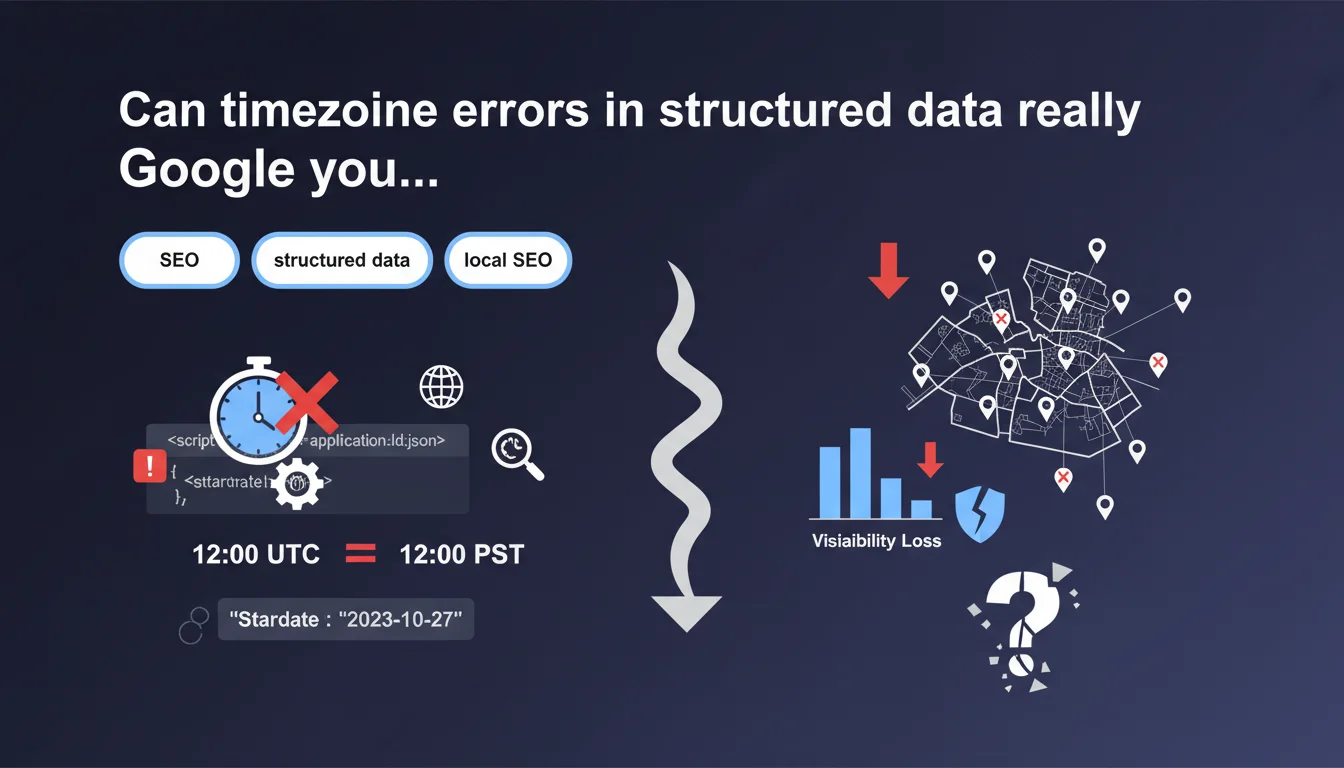
Google clarifies that timezones have a significant impact in structured data, even for simple dates. Poor management can lead to incorrect displays in search results, particularly for events, opening hours, or time-sensitive content. The stakes: prevent Google from misinterpreting your temporal information and displaying misleading data to users.
What you need to understand
Why is Google suddenly insisting on timezones?
The statement comes as many sites implement structured data without explicitly specifying the timezone. The problem? Google has to guess — and it gets it wrong regularly.
Let's take a concrete example: you publish an event at 2 PM. Without a timezone indicator, Google might interpret it as 2 PM UTC by default, displaying 2 PM GMT to a French user who will actually see 3 PM or 4 PM depending on the season. Result: confusion guaranteed and potentially users who miss the event.
Which types of structured data are affected?
All schemas using temporal properties: Event (startDate, endDate), OpeningHours, Article (datePublished, dateModified), JobPosting (validThrough), Offer (priceValidUntil).
The impact is particularly visible in event rich snippets and local knowledge panels. Google uses this information to build its SERP features — a timezone error can exclude you from an event carousel or display inconsistent hours in the Knowledge Panel.
How does Google exploit this temporal information?
The search engine relies on normalized ISO 8601 dates to chronologically organize content, filter expired offers, and adapt display based on user location. Without an explicit timezone, the algorithm makes assumptions based on other signals (server geolocation, hreflang tag, address in LocalBusiness).
But these assumptions remain approximate. A French site hosted in the United States might see its events misinterpreted. A business with multiple locations across different timezones complicates things even further.
- Recommended ISO 8601 format: 2023-12-19T14:00:00+01:00 (not 2023-12-19T14:00:00)
- Dates without timezone are interpreted in unpredictable ways depending on context
- The impact affects both local SEO and event rich snippets
- Google uses this data for temporal filters in SERPs
- An error can exclude your content from relevant results at a given time
SEO Expert opinion
Is this recommendation consistent with real-world observations?
Yes, and it's actually a documented issue from years of SEO forums. Many sites using WordPress plugins or automated Schema.org generators end up with incomplete date formats. Concretely? I've seen Paris events displayed with a 5-6 hour offset in Google Search because the CMS was generating timestamps without timezone information.
The nuance — and Google doesn't spell this out clearly here — is that the impact varies depending on search type. For a blog article, an inaccuracy of a few hours on datePublished has little effect. For an event with a precise time or opening hours, it's critical.
Where's the gray area in this statement?
Google says that "timezones can have a significant impact" but doesn't quantify that impact. [To verify]: does a date without timezone lead to a direct penalty, or just suboptimal display?
From my testing, there's no direct algorithmic penalty per se. However, exclusion from event rich snippets or temporal carousels equals massive visibility loss — so a real but indirect SEO impact.
What are the practical limitations of this recommendation?
For an international site with time-sensitive content, managing timezones becomes complex. Imagine a restaurant chain with locations in Paris, New York, and Tokyo. Each LocalBusiness must have its OpeningHours with the local timezone — not the corporate headquarters' timezone.
Many CMSs don't handle this granularity natively. Developers often need to code custom logic, which opens the door to errors. And that's where it gets tricky: a one-hour offset on opening hours can cost you customers who show up when you're closed.
Practical impact and recommendations
How do you correctly implement timezones in your Schema.org?
First step: audit your existing structured data. Use Google's Rich Results Test to identify temporal properties without timezone. Look for formats like "2023-12-19T14:00:00" (incomplete) vs "2023-12-19T14:00:00+01:00" (correct).
For events, always prioritize the timezone of the physical event location, not your server or headquarters. A concert in Lyon should display +01:00 (or +02:00 in summer), even if your hosting is in Amsterdam.
What critical errors must you absolutely avoid?
Never use "floating" dates (without timezone) for timing-sensitive content. It's tempting to simplify the code, but Google will interpret it according to its own logic — often UTC by default.
Another common pitfall: copy-pasting Schema.org examples without adapting the timezone. Official examples often use American timezones (-05:00, -08:00) that make no sense for a European site.
And let's be honest: many developers still confuse timezone with offset. A fixed offset (+01:00) doesn't automatically handle daylight saving time. Better to use IANA identifiers (Europe/Paris) if your system supports it, even though Schema.org accepts both formats.
How do you verify your implementation is compliant?
Test with multiple tools: the Rich Results Test, the Schema Markup Validator, and ideally manual tests from different geographic locations (VPN) to see what Google actually displays.
Pay special attention to edge cases: events near midnight (risk of day rollover), content published during DST changes, locations in regions without daylight saving (Arizona, Iceland...).
- Audit all temporal properties in your structured data
- Convert dates to complete ISO 8601 format with explicit timezone
- Use the timezone of the location in question, not the server's
- Automate daylight saving/standard time management if possible
- Test display from multiple geographic locations
- Document the timezones used for each content type
- Set up alerts for seasonal time changes
- Train editorial teams on these technical considerations
❓ Frequently Asked Questions
Faut-il corriger les anciennes dates déjà publiées sans fuseau horaire ?
Google peut-il refuser d'afficher un rich snippet à cause d'un fuseau manquant ?
Quel format de fuseau horaire Google préfère-t-il dans les données structurées ?
Les données structurées générées automatiquement par WordPress gèrent-elles les fuseaux ?
Un site e-commerce doit-il indiquer un fuseau pour les prix valides jusqu'à une certaine date ?
🎥 From the same video 3
Other SEO insights extracted from this same Google Search Central video · published on 19/12/2023
🎥 Watch the full video on YouTube →
💬 Comments (0)
Be the first to comment.