
Official statement
Other statements from this video 3 ▾
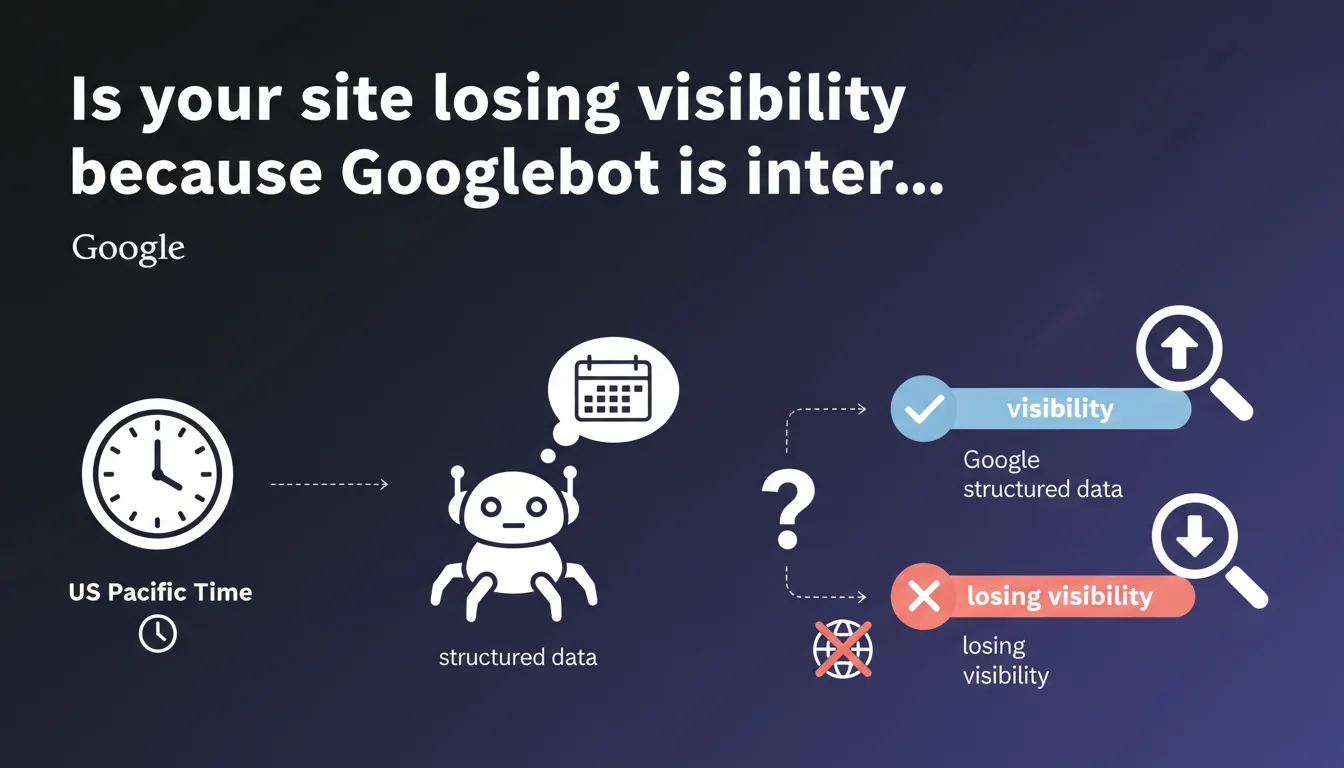
Googlebot systematically uses the US Pacific timezone (UTC-8/UTC-7) to interpret dates and times in structured data unless explicitly specified otherwise. This default behavior can create significant time shifts for European or Asian sites if schema.org tags don't specify a timezone. In practice: a date without a timezone will be read as if it were entered in Los Angeles, not Paris or Tokyo.
What you need to understand
What problem does this statement solve?
When you implement structured data (schema.org) with dates — events, articles, promotional offers, opening hours — you rarely specify the timezone explicitly. Most developers simply enter "2023-06-15T14:00:00" without clarifying whether it's 2 PM in Paris, Tokyo, or Los Angeles.
Google therefore needed to establish a default convention. The choice fell on Pacific Time (PT), which is UTC-8 in winter and UTC-7 in summer. This is significant: an event scheduled for 2 PM in France (UTC+1 or +2) will be interpreted by Googlebot as occurring 9 hours later if you omit the timezone in your markup.
Why Pacific timezone and not UTC?
Google's documentation doesn't justify this specific choice. A plausible hypothesis: Mountain View is located in California, therefore in the Pacific zone. But from a technical standpoint, UTC would have been more logical as a neutral reference.
The practical result? If your French website uses dates without an explicit timezone, Googlebot systematically shifts them. An article published "2023-06-15T08:00:00" will be read as 8 AM Pacific Time, which is 5 PM French time — when you thought you were indicating 8 AM in Paris.
In which contexts does this timezone apply?
This rule applies to all structured data that includes timestamps: Event (startDate, endDate), Article (datePublished, dateModified), JobPosting (validThrough), Offer (priceValidUntil), LocalBusiness (openingHours with hoursAvailable).
The consequences vary depending on the content type. For a blog article, a 9-hour shift can distort the chronological order in Google News or rich snippets. For an event, it can make an evening concert invisible in search results if Google thinks it has already occurred.
- Event structured data: risk of discrepancy between your site display and Google's interpretation
- Article datePublished: impact on perceived freshness and ranking in Google News
- Promotional offers: a promo expiring at midnight might be considered expired 9 hours earlier
- Opening hours: less critical since they're usually managed via Google Business Profile
SEO Expert opinion
Is this statement consistent with observed practices?
In the field, we indeed observe that Google Search Console and structured data validation tools sometimes display timestamps shifted from the entered values. European webmasters regularly report cases where an event scheduled for 8 PM displays with a different time in snippets.
But — and this is where it gets sticky — Google remains surprisingly vague about the actual impact of these shifts on ranking or eligibility for rich results. We know the default timezone is Pacific, but what about system tolerance? [To verify]: does a 2-3 hour difference disqualify an event from the local events carousel? No official data on this threshold.
What nuances should be added to this rule?
The statement says "by default," which implies you can override this behavior. Indeed: if you add a complete ISO 8601 offset ("2023-06-15T14:00:00+02:00"), Googlebot respects your indication. The problem disappears... in theory.
In practice, many CMS and SEO plugins generate timestamps without timezone by default. WordPress, for example, often produces truncated ISO 8601 dates. Result: even if you correctly configure your site in UTC+2, schema tags might output in neutral format.
In which cases does this rule become critical?
Three scenarios where Pacific timezone poses immediate problems:
1. International events websites: if you organize webinars or conferences with multi-timezone audiences, a 9-hour shift can make an event invisible or place it on the wrong day. A European webinar at 10 AM might appear as "last night" in US results if the timestamp is poorly formatted.
2. E-commerce with flash promotions: a 24-hour limited sale might end 9 hours earlier than intended in Google snippets if validThrough lacks precision. You potentially lose conversions at the end of the period.
3. News media: freshness is a ranking factor for Google News. An article published at 7 AM French time but timestamped 10 PM Pacific the previous day might lose its freshness advantage against a competitor who timestamps correctly. [To verify]: the exact extent of this penalty remains opaque.
Practical impact and recommendations
What should you do concretely with your structured data?
The technical solution is simple: always include the timezone in your schema.org timestamps. Complete ISO 8601 format: "2023-06-15T14:00:00+02:00" (for UTC+2, European summer time) or "2023-12-15T14:00:00+01:00" (winter time).
Verify that your tech stack generates this format automatically. If you use WordPress with Yoast or Rank Math, check the Article schema tags in the source code. For custom sites, adjust your JSON-LD templates to inject the correct offset based on server configuration.
Special case for multi-region sites: if you have .fr, .de, .jp versions of the same site, each should produce timestamps adapted to the local timezone. An event in Paris should be marked in UTC+1/+2, the same event in Tokyo in UTC+9.
How do you audit your current implementations?
Review all your content types with temporal structured data. Priority focus on Event, Article, Offer. Use Google Search Console's rich results testing tool, but don't rely solely on "no error" validation.
Inspect the source code directly: search for "datePublished", "startDate", "validThrough" and verify the format. If you see "2023-06-15T14:00:00" without offset, it needs fixing. If you see "2023-06-15T14:00:00Z" (Z = UTC), it's acceptable but can still create a shift if your audience is local.
- Audit all pages with Event, Article, Offer, JobPosting schema
- Verify ISO 8601 format in source code (not just through validation tool)
- Configure your CMS or plugins to automatically inject the correct timezone
- Test rich snippet display in real conditions (Google Search from different countries/timezones)
- Implement monitoring to detect regressions after CMS/plugin updates
- Document the default timezone used in your stack (often server UTC ≠ editorial timezone)
What errors should you avoid at all costs?
First common mistake: mixing timezones within the same site. Your articles are timestamped in UTC, your events in local time, your offers in Pacific Time by oversight. Google doesn't correct these inconsistencies — it interprets them literally, creating chaos in snippets.
Second pitfall: relying on server time without verification. Many hosting providers use UTC by default, but your CMS might have a different configuration in its settings. WordPress, for example, has a "Timezone" setting in Settings > General that doesn't always apply to structured data if the theme or plugin generates them manually.
Third point of attention: daylight saving time changes. If you hardcode "+02:00" in your templates, you're offset by 1 hour for 6 months of the year. Use server functions that dynamically calculate the offset based on the date.
❓ Frequently Asked Questions
Si j'utilise le format ISO 8601 avec 'Z' (UTC), est-ce que Googlebot applique quand même le fuseau Pacific ?
Les horaires d'ouverture dans LocalBusiness schema sont-ils aussi affectés par cette règle ?
Comment savoir si mes rich snippets Event affichent la bonne heure dans les résultats de recherche ?
Est-ce que Google corrige automatiquement les fuseaux horaires en fonction de la géolocalisation du site ?
Un décalage de fuseau horaire peut-il pénaliser mon classement dans Google News ?
🎥 From the same video 3
Other SEO insights extracted from this same Google Search Central video · published on 19/12/2023
🎥 Watch the full video on YouTube →
💬 Comments (0)
Be the first to comment.