
Official statement
Other statements from this video 5 ▾
- □ Is Google's cache really essential to get indexed and rank in search results?
- □ Should you really trust Google's cache to diagnose indexation issues?
- □ Should you block Google from caching your pages with the noarchive directive?
- □ Why doesn't Google's cache always show your complete JavaScript pages?
- □ Should you worry if Google isn't caching your pages?
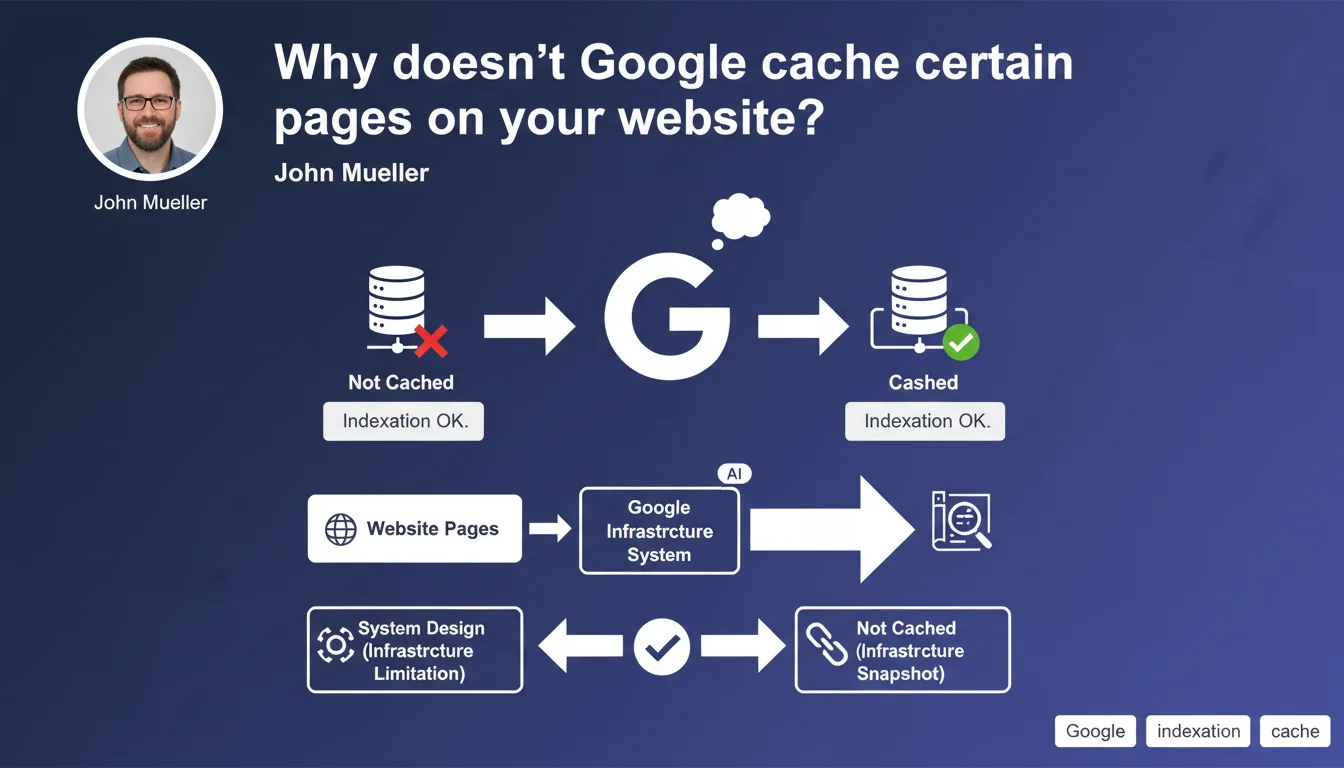
Google doesn't cache all pages due to internal system architecture decisions, and this is not a warning sign. The absence of caching indicates neither an indexation problem nor a penalty — it's purely a technical operational decision.
What you need to understand
What does "system design choice" really mean?
Google uses a complex infrastructure that decides in real time which pages deserve cache storage. This decision depends on internal technical factors: server capacity, predicted access frequency, algorithmic priority.
Cache is just a fast-access copy. Its absence neither blocks crawling nor indexation — the page remains analyzed and ranked normally.
Does this absence of caching impact my SEO rankings?
No. Caching and indexation are two distinct processes. A page can be perfectly indexed, rank at position 1, without ever appearing in the cache.
Cache mainly serves users who want to consult an archived version of a page — not the search engine for evaluating SEO quality.
What types of pages are typically excluded from cache?
Google doesn't detail the exact criteria, but we frequently observe exclusion of pages with strong dynamic content (member areas, dashboards), pages requiring authentication, or URLs with complex parameters.
Some highly technical or rarely visited pages may also escape caching through simple resource optimization on Google's side.
- The absence of cache is not an indicator of page quality
- Indexation and caching are two completely independent mechanisms
- Google prioritizes its server resources according to internal non-public criteria
- A page without cache can perform perfectly well in rankings
SEO Expert opinion
Is this statement consistent with field observations?
Yes, completely. We've observed for years that perfectly indexed and high-performing pages have no cached version. This is particularly true for e-commerce sites with dynamic catalogs or SaaS platforms.
The problem is that many SEO professionals still use the cache: command as a quick diagnostic. This statement formalizes what we knew empirically: this reflex is obsolete.
What nuances should be added to this position?
Mueller speaks of "system choice," which remains deliberately vague. [To verify] whether these choices follow fixed rules or if the algorithm adjusts dynamically based on server load.
Practically speaking? If a strategic page isn't cached, that justifies no corrective action — but if no pages from a site appear in cache, that deserves investigation. It may signal a crawlability problem or overly restrictive robots.txt directives.
In what cases could this rule mask a real problem?
The widespread absence of cache across an entire site can coincide with indexation issues, even if the correlation isn't causal. A site blocked by noindex, authentication requirements, or blocking JavaScript will have neither cache nor proper indexation.
Practical impact and recommendations
What should you do if your strategic pages aren't cached?
Nothing, if they're well indexed and ranked. Instead, check Search Console: Coverage section, URL status, crawl statistics. If everything is green, the absence of cache is unimportant.
Cache is not an SEO KPI. Focus on real metrics instead: indexation rate, rankings, organic traffic.
How do you diagnose a real indexation problem?
Stop using cache: as a diagnostic tool. Use the site: command to verify presence in the index, then dig deeper with the URL Inspection tool in GSC.
If a page appears neither in cache nor in site: results, AND it has a status of "Discovered, currently not indexed" in Search Console, then yes, there's reason to investigate.
What mistakes should you avoid following this statement?
- Stop panicking if a strategic page has no visible cache
- Stop using the
cache:command as an SEO health indicator - Don't confuse cache absence with real indexation problems
- Always verify in Search Console before taking corrective action
- Focus efforts on real signals: crawling, indexation, rankings
❓ Frequently Asked Questions
Une page sans cache peut-elle quand même bien se positionner ?
Comment vérifier si mes pages sont vraiment indexées ?
Pourquoi certains sites ont toutes leurs pages en cache et d'autres non ?
Dois-je corriger quelque chose si mon site n'a pas de cache ?
Le cache influence-t-il le crawl budget ?
🎥 From the same video 5
Other SEO insights extracted from this same Google Search Central video · published on 20/06/2023
🎥 Watch the full video on YouTube →
💬 Comments (0)
Be the first to comment.