
Official statement
What you need to understand
The canonical tag is a fundamental technical element for managing duplicate content on a website. It tells search engines which version of a page should be considered the official reference when multiple URLs present identical or similar content.
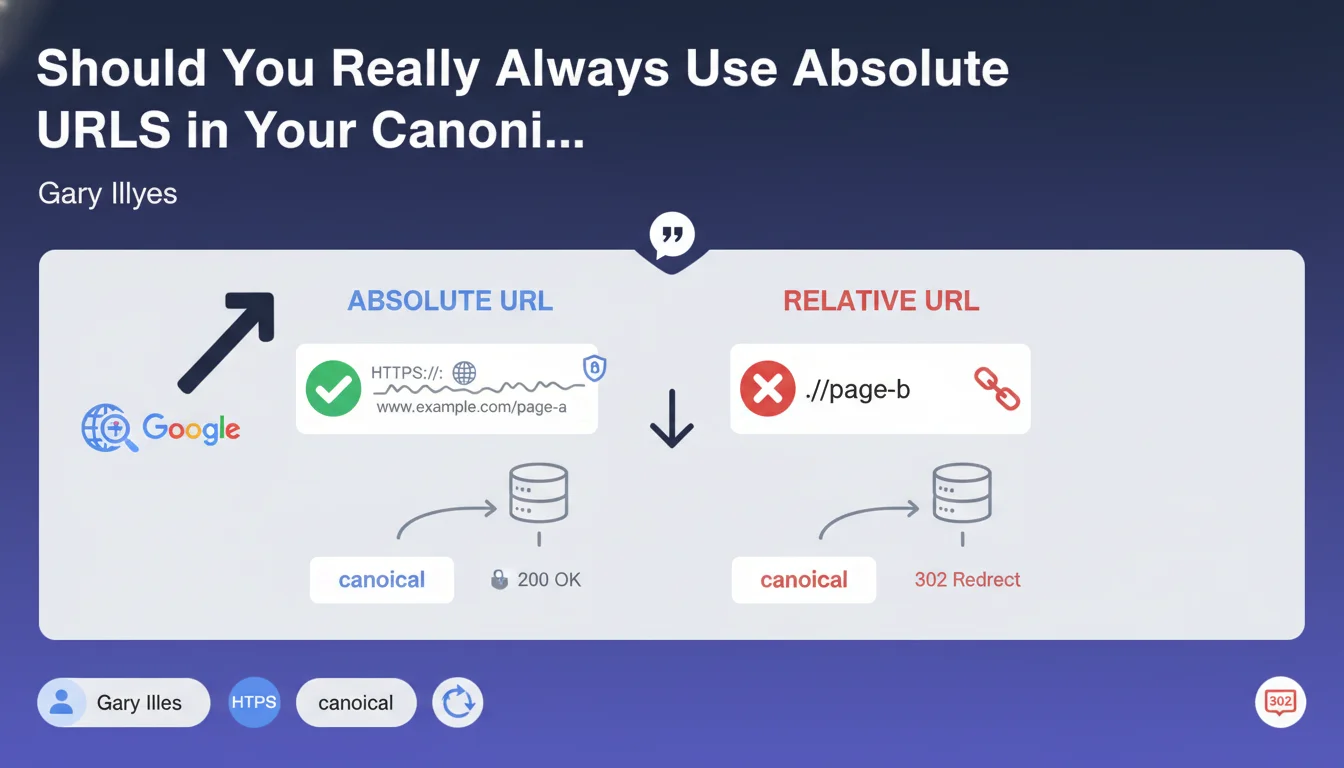
The distinction between relative and absolute URLs is crucial here. An absolute URL starts with the protocol (https://) and includes the complete domain name, while a relative URL points to a resource from the current document location (../ or /).
Google explicitly recommends using absolute URLs in canonical tags. This directive is not new but continues to be regularly repeated by the search engine's official spokespeople, which underscores its importance.
- Absolute URLs eliminate any ambiguity of interpretation for crawlers
- They avoid resolution errors in case of context changes (HTTP vs HTTPS, www vs non-www)
- This practice reduces the risks of incorrect canonicalization that could dilute your authority
- It's a simple technical recommendation but one that can have a significant impact on indexing
SEO Expert opinion
This recommendation is perfectly consistent with SEO best practices observed for years. In reality, many CMSs and frameworks still generate relative URLs by default, which can create subtle indexing problems that are difficult to diagnose.
Field experience shows that relative URLs can actually work in simple contexts, but they become problematic during HTTPS migrations, structural changes, or when content is syndicated. Crawlers may interpret a relative URL differently depending on the navigation context, thus creating contradictory signals.
In certain very specific cases such as multi-domain development environments, relative URLs may seem convenient, but this convenience never justifies the risk in production. The rule should be absolute: always use complete URLs in live environments.
Practical impact and recommendations
- Audit immediately all your current canonical tags to identify those using relative URLs
- Check your CMS configuration (WordPress, Drupal, Shopify, etc.) to ensure it generates absolute canonicals by default
- Review custom templates and themes that may bypass the CMS's default settings
- If you use SEO plugins (Yoast, RankMath, etc.), check their configuration and update them if necessary
- Examine particularly dynamically generated pages, pagination pages and separate mobile versions
- Test several pages with the URL Inspection tool in Search Console to verify how Google interprets your canonicals
- Create a monitoring script to automatically detect relative canonicals in the future
- Document this rule in your technical guidelines to prevent the problem from reappearing during future developments
In summary: Replacing all relative URLs with absolute URLs in your canonical tags is a priority technical correction that can prevent major indexing issues.
This modification may seem simple in theory, but its large-scale implementation on a complex site often requires deep technical expertise. Between the complete audit of existing elements, modifications at the CMS level, managing special cases and post-deployment verification, the process can quickly become time-consuming.
For medium to large-sized sites, or those using complex technical architectures, it may be wise to collaborate with a specialized SEO agency that has the tools and experience necessary to carry out this optimization comprehensively, while avoiding technical pitfalls that could compromise your indexing during the transition.
💬 Comments (0)
Be the first to comment.