
Official statement
What you need to understand
What does this evolution regarding the noscript tag mean?
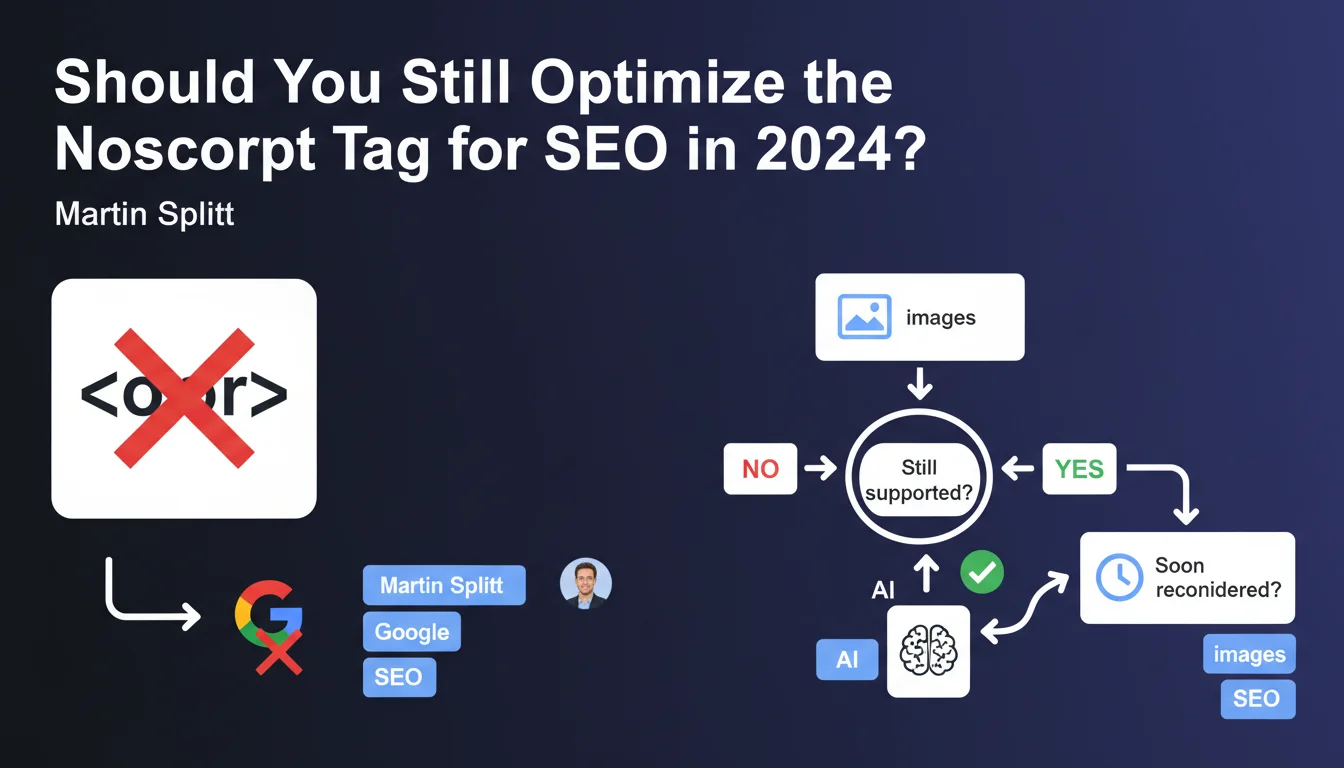
Google has officially announced that the noscript tag is no longer taken into account by its search engine, with the notable exception of images. This tag, historically used to display alternative content to users who had disabled JavaScript, is therefore losing its SEO utility.
This decision reflects the evolution of Googlebot, now capable of executing JavaScript natively. Content placed in noscript to compensate for the absence of JavaScript therefore no longer has any reason to exist for SEO purposes.
Why does Google temporarily maintain noscript for images?
For images, Google continues to analyze the content of the noscript tag, primarily to retrieve alt attributes and contextual information. However, this consideration is threatened in the short term.
Google believes that its visual understanding algorithms (computer vision, AI) are now powerful enough to identify image content without textual assistance. The noscript tag for images could therefore soon completely disappear from the SEO radar.
What are the key takeaways from this announcement?
- The noscript tag is obsolete for SEO purposes regarding standard text content
- Only noscript for images temporarily retains limited SEO utility
- Google favors native JavaScript execution and visual analysis through AI
- This evolution also aims to reduce spam using noscript to manipulate results
- The transition to a full-JavaScript web is definitively confirmed by Google
SEO Expert opinion
Is this statement consistent with practices observed in the field?
Absolutely. For several years, we've been observing that Googlebot effectively renders JavaScript on virtually all modern websites. Content placed in noscript was already no longer providing measurable SEO value in our audits.
This announcement simply formalizes a technical reality that SEO experts have been noting since 2018-2019. Sites that still relied on noscript for their SEO were already working by accident rather than by design.
What nuances should be applied to Google's position?
The announced removal of noscript support for images deserves attention. Currently, this tag remains a useful fallback signal when the image doesn't load or when visual analysis fails.
Google's argument about its AI capabilities is appealing, but the reality is more nuanced. Algorithms can still misinterpret complex images, infographics, or technical diagrams where alternative text remains crucial.
In which contexts does noscript still retain utility?
Beyond SEO, the noscript tag remains essential for accessibility. Screen readers and certain specialized browsers still depend on it. Your strategy shouldn't solely target Google.
Additionally, some professional or government environments still block JavaScript for security reasons. If your audience includes these sectors, noscript retains an important UX function, even if Google ignores it.
Practical impact and recommendations
What should you do concretely with your existing noscript tags?
For text content in noscript: remove it or migrate it to a modern JavaScript implementation. Ensure that Googlebot can access this content through standard JavaScript rendering.
For images in noscript: temporarily maintain your current implementations, but prepare for a transition. Focus on optimizing alt attributes directly in img tags rather than in noscript.
Prioritize a semantic HTML architecture where essential content is present in the initial DOM, progressively enhanced by JavaScript (progressive enhancement).
What mistakes should you avoid during this transition?
- Don't abruptly remove noscript without verifying that content is accessible otherwise
- Don't confuse SEO and accessibility: noscript remains useful for users with disabilities
- Don't neglect image lazy loading which can interfere with indexing
- Don't forget to test your site with JavaScript disabled to identify orphaned content
- Don't ignore Core Web Vitals which may be impacted by a JavaScript redesign
How can you verify that your site is optimized for this new reality?
Use Google Search Console and the URL inspection tool to check how Googlebot renders your pages. Compare the rendered version with your source code to identify discrepancies.
Systematically test with tools like Screaming Frog in JavaScript mode or Puppeteer to simulate Googlebot's actual behavior. Verify that all critical content appears properly in the rendered DOM.
Audit your JavaScript rendering times: if Googlebot has to wait more than 5 seconds to access your content, you have a structural problem that goes beyond the simple noscript question.
💬 Comments (0)
Be the first to comment.