
Official statement
What you need to understand
What is Google's Mobile First Index?
The Mobile First Index represents a fundamental shift in how Google indexes and ranks websites. Instead of using the desktop version as the primary reference, Google now uses the mobile version to evaluate and index content.
This shift directly impacts ranking in search results. If your mobile version differs significantly from your desktop version, you risk losing important positions in the SERPs.
Why does Google send alerts via Search Console?
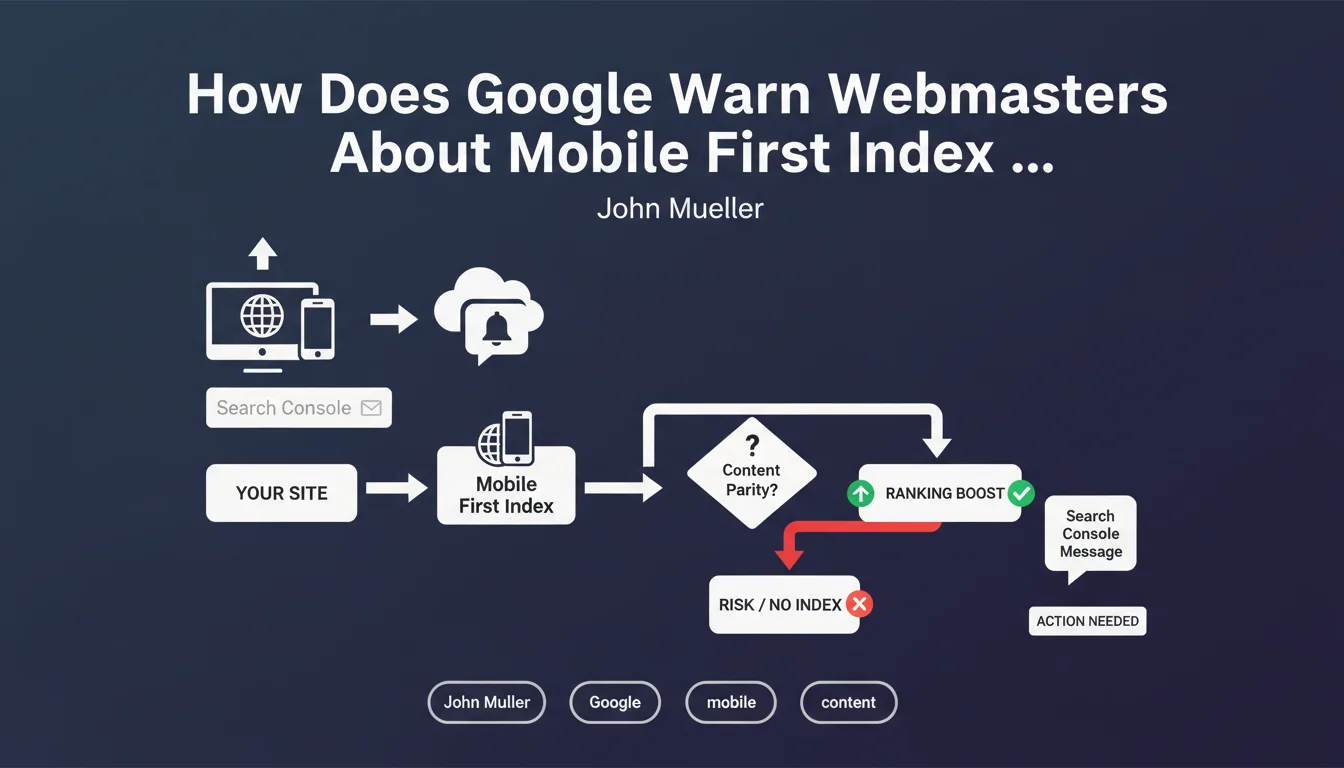
Google has implemented a proactive notification system in Search Console to warn webmasters whose sites present risks. This approach aims to avoid unpleasant surprises when switching to the Mobile First Index.
The alerts mainly concern sites showing content disparities between desktop and mobile versions. Google wants to give webmasters time to correct these inconsistencies before their SEO suffers.
What are the main risks identified by Google?
The major risk concerns sites that display different or reduced content on mobile compared to desktop. This includes truncated text, missing images, or limited functionality.
- Incomplete text content on the mobile version
- Missing or non-optimized images and media for mobile
- Missing structured markup on the mobile version
- Reduced internal links or overly simplified navigation
- Different metadata between the two versions
SEO Expert opinion
Is Google's approach truly reassuring for webmasters?
The prevention through notification approach is commendable, but it has significant limitations. In reality, not all sites necessarily receive an alert, and the absence of a message doesn't guarantee the absence of problems.
I've observed in the field that some sites have experienced significant traffic losses after switching to Mobile First without having received prior warning. It is therefore risky to rely solely on these Search Console notifications.
What nuances should be added to this statement?
The timing of notifications raises questions. Alerts sometimes arrive late, leaving little time to make necessary corrections, especially for complex sites requiring significant development work.
Moreover, Google focuses on the most obvious problems but doesn't always detect the technical subtleties that can impact SEO. Differences in loading speed, JavaScript rendering issues, or subtle content variations can fly under the radar.
In what cases does Google's approach show its limitations?
Sites with complex architecture, using client-side rendering (JavaScript frameworks) or dynamic content, may present disparities that are difficult to automatically detect by Google's crawlers.
Progressive Web Apps and sites with conditional content based on device also represent edge cases where automatic alerts may lack precision or relevance.
Practical impact and recommendations
How can you verify that your site is ready for the Mobile First Index?
The first step is to systematically audit the parity between your desktop and mobile versions. Don't rely solely on Search Console notifications, but conduct your own thorough checks.
Use the URL inspection tool in Search Console to see exactly what Google understands about your mobile version. Compare the HTML rendering, loaded resources, and indexable content between the two versions.
- Verify that the complete text content is present on mobile
- Ensure that all important images are accessible with their alt attributes
- Check the presence of structured markup (schema.org) on mobile
- Validate that metadata (title, meta description) are identical
- Test internal navigation and verify that all links are accessible
- Examine loading times and Core Web Vitals on mobile
- Verify the accessibility of resources (CSS, JavaScript) for Googlebot
What mistakes should you absolutely avoid when optimizing for Mobile First?
The most common mistake is to hide content in accordions, tabs, or sections collapsed by default on mobile. Even though Google claims to index this content, it generally gives it less weight than directly visible content.
Also avoid blocking essential resources via robots.txt or deferring the loading of important content too aggressively. Google must be able to access all your content during mobile crawling.
What should you do if you receive an alert in Search Console?
A notification concerning Mobile First requires immediate and methodical action. Precisely identify the pages and issues reported, then establish a prioritized action plan based on SEO impact.
First correct content disparities on your strategic pages (traffic and conversion generating pages), then extend the corrections to the entire site. Then request validation via Search Console to accelerate Google's reassessment.
💬 Comments (0)
Be the first to comment.