
Official statement
What you need to understand
What Is the Mobile First Index and How Does It Work?
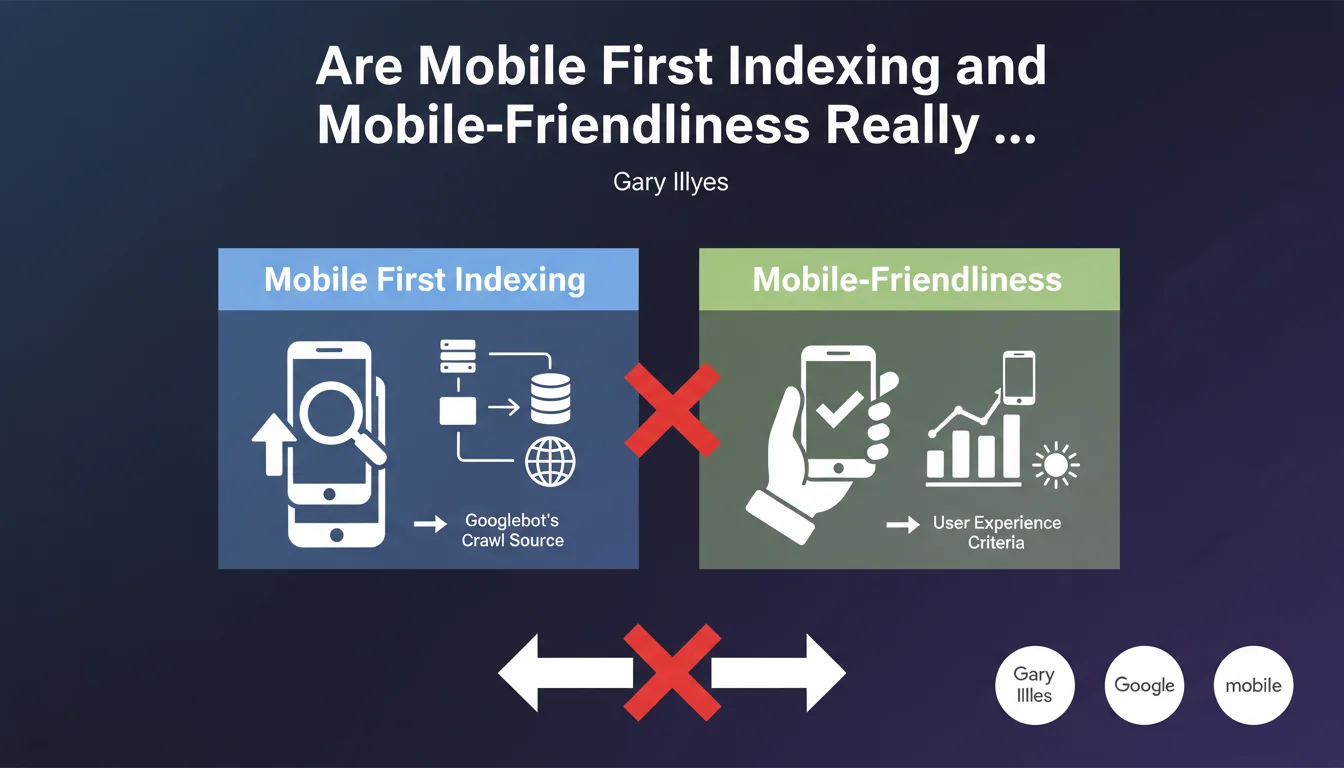
The Mobile First Index refers to the fact that Google now primarily uses the mobile version of a site for indexing and ranking. This switch doesn't happen all at once for all websites on the web.
Google decides on a case-by-case basis when a site is ready to switch. This decision is based on technical criteria and not on the behavior of the site's users.
Does Mobile Traffic Volume Determine the Switch to Mobile First?
This is a very widespread misconception, but John Mueller is categorical: mobile traffic is not a decision criterion. Even if 90% of your visitors come from mobile, this won't accelerate your migration.
What really matters is the technical preparation of your site. Google verifies that your mobile version contains all the elements necessary for proper indexing.
What Are the Real Criteria for Switching to Mobile First?
Google evaluates whether your mobile site has all the content present on the desktop version. The structural elements must be identical or equivalent.
- Equivalence of textual content between mobile and desktop versions
- Presence of metadata (titles, descriptions, structured data)
- Accessibility of resources for Googlebot (images, CSS, JavaScript)
- Quality of mobile user experience (speed, usability)
- Internal link architecture consistent on mobile
SEO Expert opinion
Is This Statement Consistent with Practices Observed in the Field?
Absolutely. Analyses of sites that have switched to Mobile First confirm that Google favors technical maturity rather than usage metrics. I've observed sites with very low mobile traffic switch quickly because they were technically flawless.
Conversely, e-commerce sites with 80% mobile traffic remained on hold for months because their mobile version hid important content or filters. The usage signal never compensates for a technical weakness.
What Nuances Should Be Added to This Rule?
While mobile traffic is not a direct criterion, it remains an important indirect indicator. A site with high mobile traffic suffers the consequences of poor mobile preparation more quickly.
Additionally, Google Search Console displays more insistent recommendations for sites with high mobile traffic. This is a psychological incentive to optimize, not a ranking factor.
In What Cases Can This Logic Seem Counter-Intuitive?
For B2B sites whose audience is overwhelmingly desktop (90%+), this switch to Mobile First may seem absurd. However, Google applies the same rule for everyone, because its index is universal.
The logic is simple: even if your users are on desktop, Google must be able to index your site from any device. This is a matter of technical infrastructure, not marketing adaptation.
Practical impact and recommendations
How Can You Verify That Your Site Is Ready for the Mobile First Index?
Start by consulting Google Search Console, "Settings" section then "Mobile First Indexing". Google clearly indicates whether your site has switched and reports any detected issues.
Use the URL inspection tool to compare what Googlebot sees on mobile versus desktop. Check particularly the rendered content, internal links, and structured data.
Test your site with a mobile emulator and disable JavaScript to identify elements that don't display correctly. Content hidden behind accordions or tabs can be problematic.
What Critical Errors Should You Absolutely Avoid?
The most common error consists of hiding content on mobile for usability reasons. Long descriptions, technical specifications, or editorial content must remain accessible, even in collapsed form.
Be careful with different URLs between mobile and desktop (m.mysite.com configuration). This architecture requires rigorous management of canonical and alternate tags. Implementation errors are very penalizing.
- Verify complete content parity between mobile and desktop
- Ensure that all images have alt attributes on mobile
- Confirm that structured data is present on mobile
- Test the accessibility of all resources (no robots.txt blocking)
- Validate mobile loading speed (Core Web Vitals)
- Verify that internal links work correctly on mobile
- Check the display of metadata (title, meta description) on mobile
What Strategy Should You Adopt to Optimize the Switch to Mobile First?
Adopt a proactive rather than reactive approach. Don't wait for Google to switch you before fixing problems. Regularly audit your mobile version with Google's tools.
Favor responsive design if possible, which naturally ensures content parity. If you have separate URLs, precisely document your configuration and systematically test each modification.
💬 Comments (0)
Be the first to comment.