
Official statement
What you need to understand
Why Does Managing Multiple Links to the Same Page Create Problems?
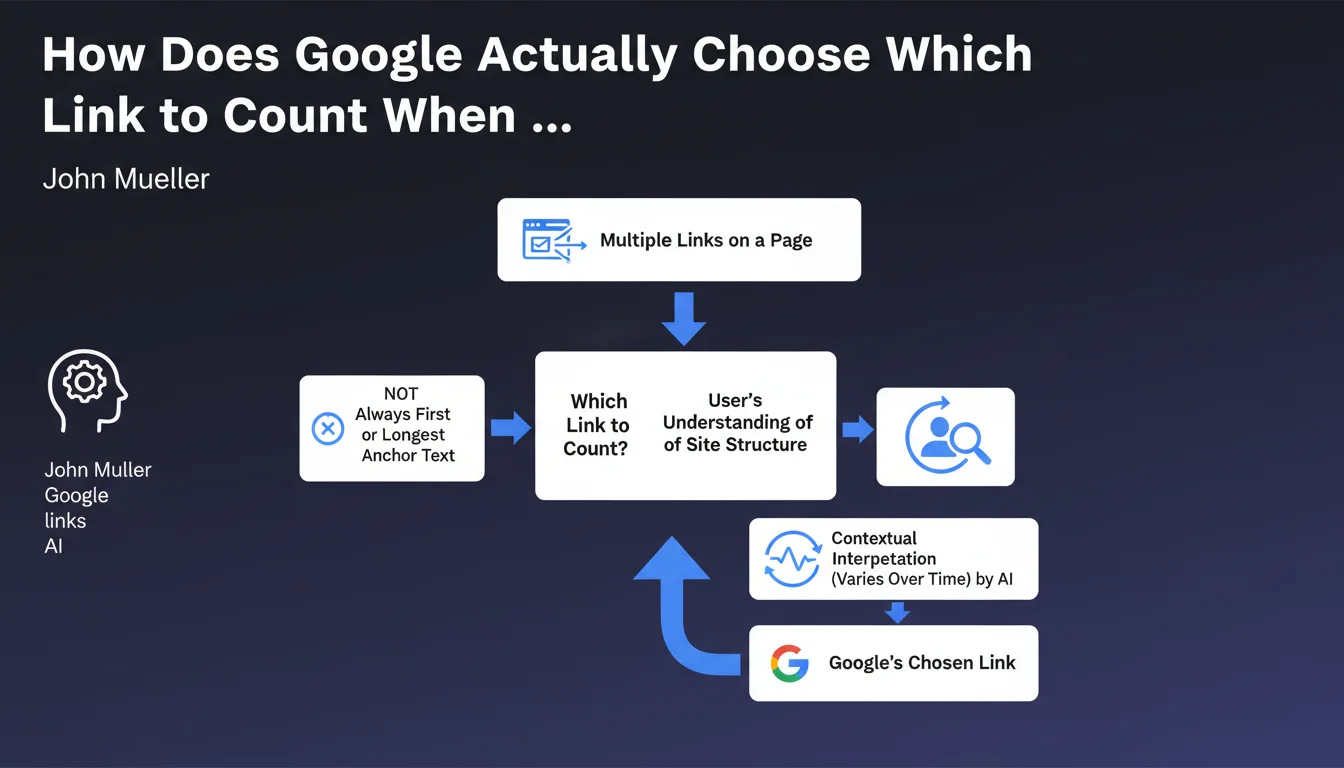
When a page contains multiple links pointing to the same URL, Google must decide which one to consider for anchor text analysis and PageRank distribution. This situation is common in modern websites with their menus, footers, and contextual links.
Contrary to the old simple rule of "first link in the code," Google now applies more sophisticated logic that seeks to replicate how a user perceives the site structure.
What Was the Old Rule and Why Has It Evolved?
For a long time, the rule was clear: only the first link encountered in the HTML code was taken into account by Google. This simplistic approach was problematic because it often favored non-descriptive navigation links.
Google evolved its algorithm to account for the context and visual importance of links. The goal is to prioritize the most relevant link for understanding the relationship between pages.
What Criteria Does Google Use Now to Make Its Choice?
Google now analyzes several contextual factors: the visual position of the link, its importance in the layout, the richness of the anchor text, and how a user would naturally perceive the structure.
This approach means the choice can vary over time according to algorithm evolution and analysis of user behavior on your site.
- The first link in the code is no longer automatically prioritized
- Google seeks to understand site structure as a user would
- Selection criteria can evolve over time
- Visual position and context play an important role
- The most descriptive and relevant anchor text is favored
SEO Expert opinion
Is This Statement Consistent with Observed Practices in the Field?
After 15 years of experience, I can confirm that this Google approach indeed corresponds to empirical observations. In my audits, I've found that rich contextual links are often prioritized over generic navigation links, even when the latter appear earlier in the code.
This evolution reflects Google's desire to move toward semantic understanding rather than purely technical analysis. However, this sophistication also creates an area of uncertainty that can complicate optimization.
What Important Nuances Should Be Added to This Rule?
The main nuance is that this temporal variability can create fluctuations in the interpretation of your internal linking. What works today might be analyzed differently tomorrow.
Moreover, this rule applies differently depending on the type of site and its structure. An e-commerce site with complex categories won't be treated the same as a simple blog with linear navigation.
In Which Cases Can This Approach Create Problems?
Sites with complex architecture or automatically generated templates are particularly vulnerable. When dozens of links point to the same page with different anchors, Google must make a choice that won't always align with your SEO intentions.
Multilingual sites and sites with multiple navigation levels (breadcrumb, main menu, contextual menu, footer) are also exposed to variable interpretations of their structure.
Practical impact and recommendations
What Should You Actually Do to Optimize Your Link Strategy?
The main recommendation remains valid: ensure that the first link in the HTML code has descriptive and optimized anchor text. This practice maximizes your chances that Google will retain the right link.
Also work on the visual prominence of your important links. A well-highlighted contextual link in the main content has a better chance of being prioritized than a link buried in a menu.
Limit redundant links to the same page as much as possible. Each additional link adds ambiguity and reduces your control over the interpretation of your internal linking.
What Common Mistakes Should You Absolutely Avoid?
The most frequent error is having a generic navigation link (like "Products" or "Services") that appears before a rich, descriptive contextual link in the source code. Reorganize your HTML so the highest-quality links appear first.
Also avoid contradictory anchors for the same URL. If one link says "Running Shoes" and another says "Sport Sneakers," Google must decide and might not choose the anchor you prefer.
Don't multiply links to the same page in a restricted area. Repetitive link blocks dilute semantic value and create confusion.
How Can You Audit and Fix Multiple Link Issues on Your Site?
Start with a complete crawl of your site to identify all pages containing multiple links to the same URLs. Tools like Screaming Frog make it easy to extract this data.
Then analyze the order of appearance in the code versus the visual order for each critical page. Use DOM inspection to verify the actual sequence that Googlebot encounters.
- Audit pages with multiple links to the same destinations
- Verify that the first link in the code has the most descriptive anchor
- Eliminate unnecessary redundant links
- Harmonize anchor texts to avoid contradictions
- Prioritize contextual links in the main content
- Test the visual hierarchy and its alignment with the code
- Document your internal linking strategy to maintain consistency
- Monitor fluctuations over time in Google's interpretation
In summary: Managing multiple links to the same page has become more complex with the evolution of Google's algorithms. While prioritizing the first descriptive link in the code remains best practice, Google now applies sophisticated contextual analysis that can vary.
Optimizing internal linking and strategically managing anchors requires deep technical expertise and continuous monitoring. These structural optimizations, while fundamental to your SEO performance, can prove complex to implement and maintain over time, particularly on large-scale sites. Support from a specialized SEO agency can provide the necessary expertise to thoroughly audit your link architecture, implement a coherent strategy, and ensure regular monitoring of its effectiveness.
💬 Comments (0)
Be the first to comment.