
Official statement
Other statements from this video 4 ▾
- □ Comment SafeSearch filtre-t-il vraiment le contenu explicite dans les résultats de recherche ?
- □ Comment Google filtre-t-il automatiquement certains contenus sans votre consentement ?
- □ Comment Google filtre-t-il les résultats explicites selon l'intention de recherche ?
- □ SafeSearch filtre-t-il vos contenus pour les mineurs par défaut ?
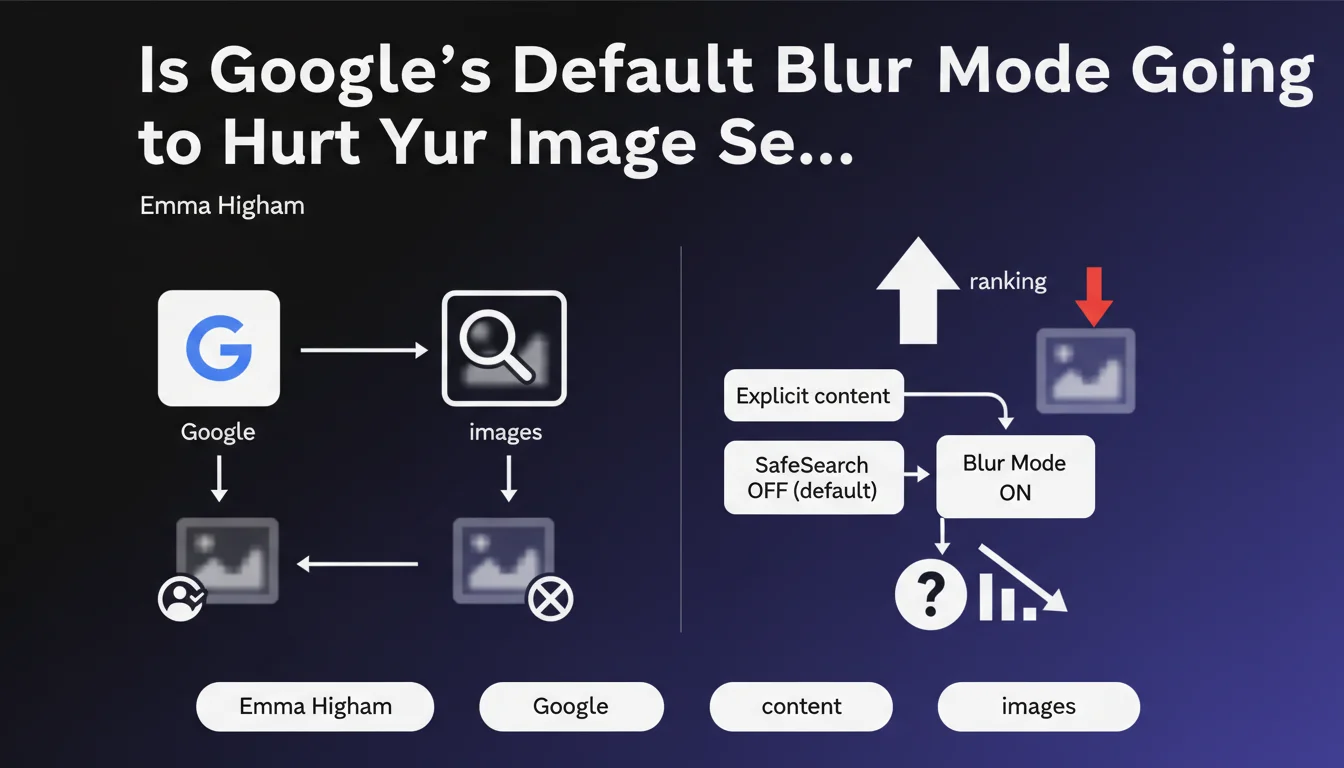
Google now activates Blur mode by default for all users who haven't configured SafeSearch settings. Explicit images (adult content, graphic violence) are automatically blurred in search results. This decision directly impacts the visibility of images that may be filtered.
What you need to understand
What exactly is Blur mode and how does it differ from strict SafeSearch?
The Blur mode represents a compromise between no filtering at all and strict SafeSearch mode. Unlike strict SafeSearch, which completely removes explicit content from results, Blur mode simply obscures it visually.
Images remain technically present in the results — they're simply masked by a blur effect that users can remove with a single click. This approach maintains accessibility while creating a visual barrier for sensitive content.
Why is Google enforcing this setting as default right now?
Google is responding to growing regulatory pressure regarding child protection online. Several jurisdictions now impose strict obligations on search engines.
This default choice also reflects a desire to limit unintended exposure to shocking content, without completely censoring it — a political position balancing individual freedoms and collective protection.
What types of content are affected by this blurring?
Google targets two main categories: adult content (nudity, pornography) and graphic violence (war scenes, accidents, mutilations). Image classification algorithms automatically determine the status of each visual.
The boundary remains fuzzy — and that's precisely the problem for sites in gray areas: artistic, educational medical, or cultural content can be filtered by mistake.
- Automatic activation for all accounts without prior SafeSearch configuration
- Two targeted categories: adult content and graphic violence
- Algorithmic detection prone to false positives on ambiguous content
- Users can manually disable this filter in their settings
- Immediate impact on initial visibility of affected images
SEO Expert opinion
Does this measure actually match what we're observing in real practice?
Yes, the rollout has been observable for several months on unconfigured Google accounts. But let's be honest: the classification consistency leaves much to be desired. Perfectly legitimate artistic or medical images get blurred, while some borderline content slips through.
Google's computer vision algorithms remain imperfect with cultural contexts. A classical sculpture, a masterpiece painting, or a breastfeeding photo can trigger the filter just as easily as genuinely explicit content.
What are the gray areas in this statement?
Google provides absolutely no specifics about the exact technical criteria that determine blurring. No confidence threshold, no metrics, no documented appeals process. [To verify]: the complete lack of transparency regarding classification algorithms makes any preventive optimization virtually impossible.
Another unaddressed point: the impact on click-through rate. Does a blurred image receive the same engagement volume as a visible image? Google shares no data, but field observations suggest a significant CTR drop for masked visuals — even though technically they remain in results.
Should you worry if your site covers sensitive topics?
It depends on your business model. If your traffic comes mostly from Google Images and your visuals could be interpreted as explicit, expect organic traffic erosion. It's not an SEO penalty in the classic sense, but the effect is similar.
For sites in gray niches, the risk is twofold: immediate visibility loss plus potential escalation toward manual penalties if Google deems you're systematically trying to circumvent its filters.
Practical impact and recommendations
How can you tell if your images are affected by blurring?
Test in real conditions: create a fresh Google account, don't touch SafeSearch settings, and search for your own images. If they appear blurred, you're on the radar. Repeat the operation in private browsing to eliminate the impact of your search history.
Use Google Search Console to monitor changes in traffic from Google Images. A sudden drop without editorial changes on your end could signal a classification change. Unfortunately, GSC won't explicitly tell you which images are blurred — you'll need to cross-reference with manual tests.
What concrete actions should you take right now?
If your visual content is legitimate but potentially ambiguous, strengthen context. Algorithms also analyze surrounding text: descriptive alt tags, detailed captions, explanatory paragraphs embedded in content.
For medical or educational sites, add visible disclaimers and appropriate Schema.org markup (MedicalWebPage, EducationalOrganization). This guarantees nothing, but it can influence contextual classification.
- Audit your highest-traffic images to identify those likely to be blurred
- Systematically optimize alternative text and EXIF/IPTC metadata to clarify editorial intent
- Diversify your traffic sources: don't rely solely on Google Images if your topic is sensitive
- Monitor engagement metrics (CTR, time on page) on your visually heavy pages
- Document false positives and test image variations less likely to trigger the filter
- Evaluate the opportunity to provide alternative versions of certain visuals for Google Images
Should you completely rethink your image strategy?
Not necessarily. If image traffic represents less than 15% of your total and your content is clearly editorial, the impact will remain marginal. However, for fashion e-commerce, health, beauty, or art sites, a strategic reassessment is warranted.
Consider optimizing for other search engines (Bing, DuckDuckGo) that don't yet apply this default filtering. Strengthen your presence on Pinterest, Instagram, or visual platforms specialized in your sector.
❓ Frequently Asked Questions
Le mode Flou impacte-t-il le classement SEO des images dans Google Images ?
Peut-on demander à Google de ne pas flouter nos images légitimes ?
Les images floutées génèrent-elles encore du trafic ?
Ce filtrage s'applique-t-il aussi aux résultats de recherche web classiques ?
Existe-t-il des balises HTML ou Schema pour indiquer qu'une image est éducative ?
🎥 From the same video 4
Other SEO insights extracted from this same Google Search Central video · published on 24/10/2023
🎥 Watch the full video on YouTube →
💬 Comments (0)
Be the first to comment.