
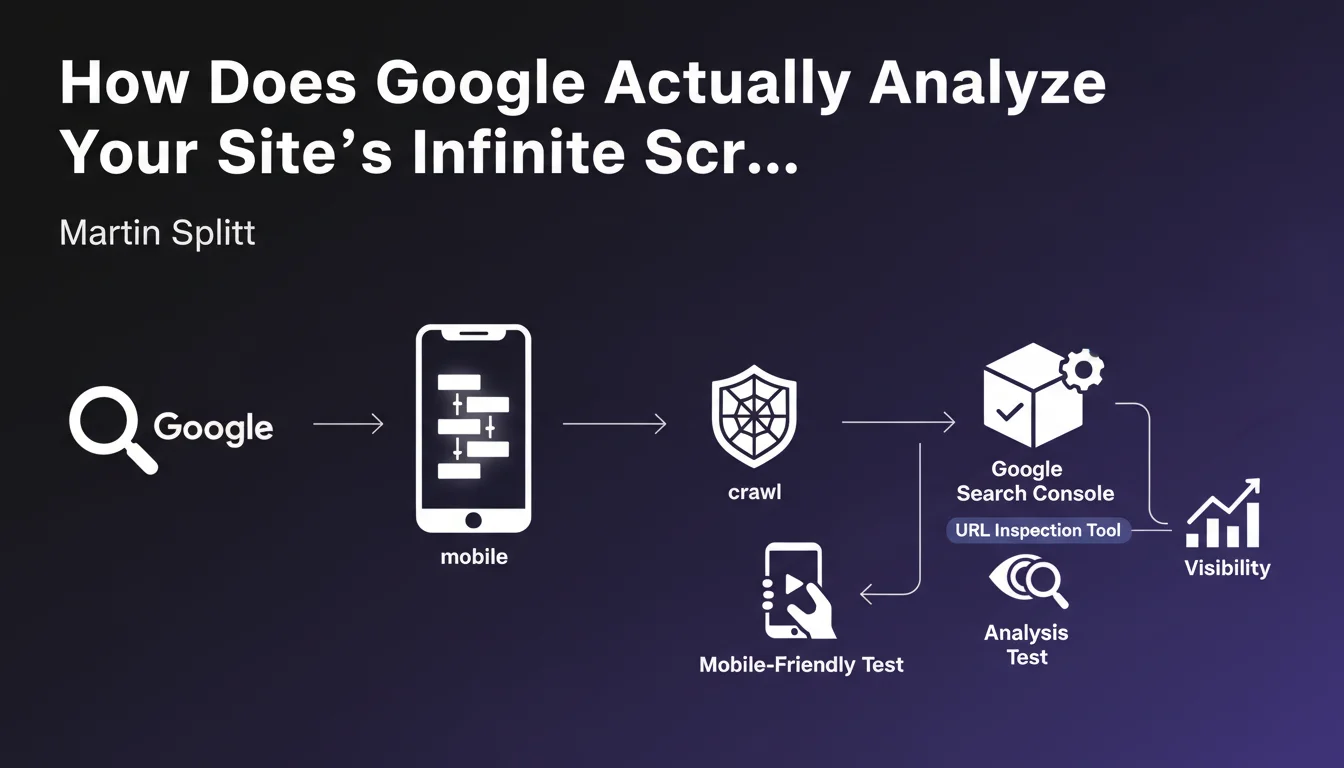
Official statement
What you need to understand
Why does infinite scroll create problems for SEO?
Infinite scroll is an interface technique where content loads dynamically as the user scrolls down the page. This approach enhances user experience but creates a major obstacle for search engine optimization.
Googlebot doesn't simulate scrolling by default when crawling a page. Any content that requires a scrolling action to be loaded via JavaScript therefore risks remaining invisible to the search engine, and thus never being indexed.
What are the concrete consequences on indexation?
When Google crawls your page, it analyzes the initial DOM and partially executes JavaScript. But without scroll action, elements conditioned to this event don't trigger.
Result: a significant portion of your content can be completely absent from Google's index. Your writing efforts, your strategic keywords, and your high-value content become invisible in search results.
- Googlebot doesn't perform automatic scrolling on pages
- Content loaded conditionally on scroll risks not being indexed
- This technical limitation directly affects your SEO visibility
- The problem is particularly critical for e-commerce sites and blogs
- Testing before going live is essential to detect these issues
What technical alternatives are available?
Traditional pagination remains the safest solution to guarantee complete indexation. Each page has a unique URL and directly accessible content without user interaction.
Other technical solutions exist like lazy loading with intersection observer properly implemented, or using rel="next" and rel="prev" tags. The important thing is to always provide a version of content accessible without JavaScript.
SEO Expert opinion
Is this statement consistent with practices observed in the field?
Absolutely. Technical SEO audits regularly reveal massive losses of indexable content related to infinite scroll. On some sites, up to 70% of content can be invisible to Google.
Tests with Google Search Console and the rich results testing tool systematically confirm this problem. Server-side HTML rendering often shows a considerable gap with what Googlebot actually sees after JavaScript execution.
What important nuances should be added to this recommendation?
We must distinguish between pure infinite scroll and intelligent lazy loading. Well-implemented lazy loading, which loads content just before it becomes visible, can be SEO-friendly if the mechanism doesn't depend exclusively on the scroll event.
Some modern implementations use techniques like server-side static rendering (SSR) or static site generation (SSG), which solve this problem by providing Googlebot with complete HTML from the start.
In which contexts does infinite scroll remain acceptable?
For web applications where SEO isn't a priority (dashboards, internal tools, member areas), infinite scroll retains all its UX benefits without negative consequences.
On social networks or user-generated content platforms, where deep indexation isn't the main objective, this approach remains relevant. The key is making a conscious choice based on your business priorities.
Practical impact and recommendations
How can you detect if your site is impacted by this problem?
Use the URL Inspection tool in Google Search Console to compare raw HTML with the rendered version. A significant gap signals a potential indexation problem.
Disable JavaScript in your browser and navigate your site. If a significant portion of content disappears, Google probably can't index it either.
Analyze your server logs to identify crawled pages and compare them with your actual content. Entire zones not visited by Googlebot indicate a structural problem.
What corrective actions should be implemented immediately?
- Audit all pages using infinite scroll or conditional loading
- Test rendering with Google's rich results testing tool
- Implement classic pagination with unique URLs as an alternative
- Use server-side rendering (SSR) for critical content
- Add HTML fallbacks accessible without JavaScript
- Implement rel="next" and rel="prev" tags for pagination
- Verify that important content is present in the initial HTML
- Document tests before each deployment of JavaScript functionalities
What critical mistakes must absolutely be avoided?
Never assume that "if it works in Chrome, Google will index it". Googlebot has its own limitations and doesn't execute JavaScript exactly like a modern browser.
Avoid depending solely on user events (scroll, click, hover) to load strategic SEO content. These interactions aren't simulated by default during crawling.
Never neglect the technical testing phase before going live. Indexation problems can go unnoticed for months, causing significant traffic losses that are difficult to recover.
💬 Comments (0)
Be the first to comment.