
Official statement
Other statements from this video 1 ▾
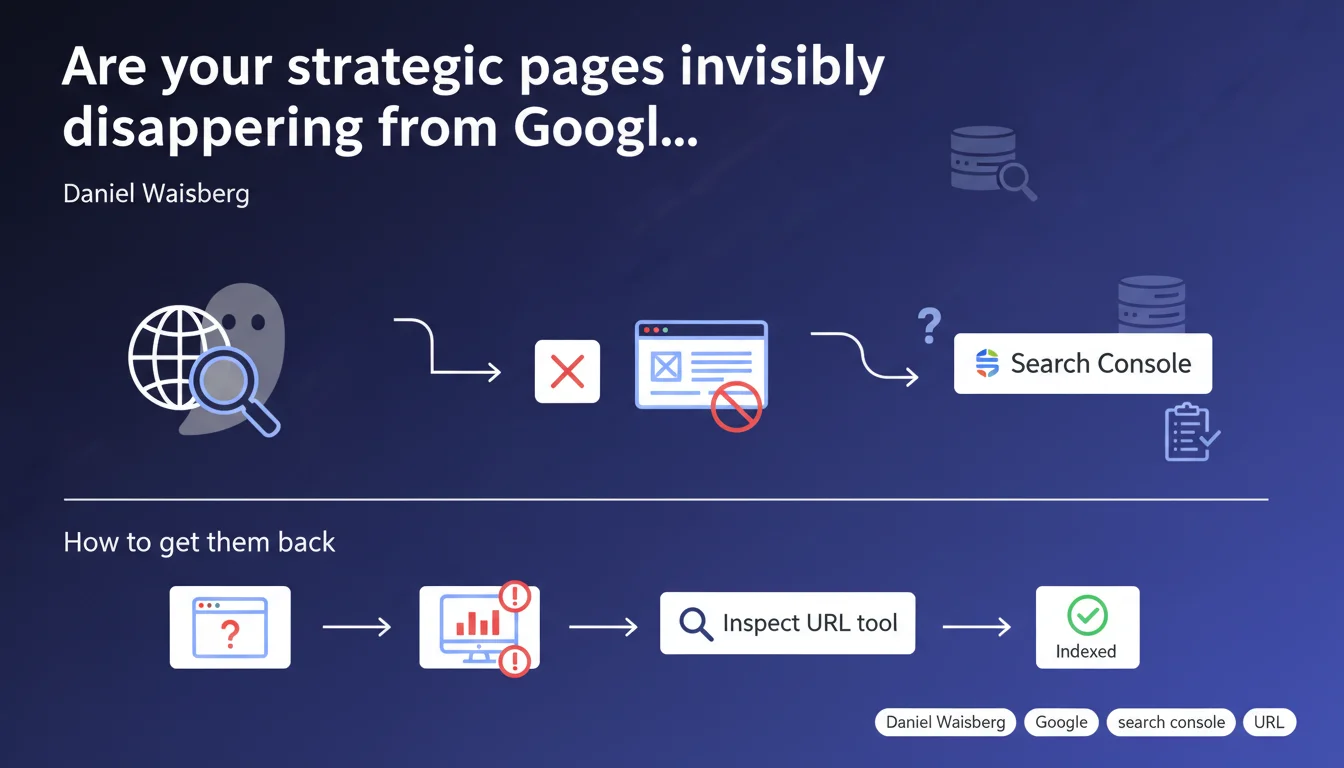
Google confirms that missing important pages in Search Console signals an indexation problem. The Inspect URL tool remains the first-line diagnostic to identify the root cause. This approach requires SEOs to actively monitor their indexation coverage rather than assuming everything is working properly.
What you need to understand
Waisberg's statement reinforces a fundamental principle: Search Console only lists pages that Google has actually crawled and indexed. If a strategic page is missing, it's not a console display bug — it's a red flag.
The message targets practitioners who passively check their indexation reports without cross-referencing them against their inventory of critical pages. Too many SEOs verify what comes back without questioning what should come back.
What causes a page to disappear from Search Console?
The causes are multiple and rarely straightforward. Robots.txt blocks, noindex tags, misconfigured self-referential canonicals, soft 404s, chained redirects — any of these factors can exclude a page from the index without triggering visible alerts in the interface.
Inspect URL lets you diagnose in real-world conditions: Google tells you whether it crawled the page, whether it's indexable, and why it's not indexed if that's the case. It's direct feedback from the engine, not extrapolation from a generic report.
Why does Google emphasize this tool over aggregate reports?
Coverage reports aggregate thousands of pages and apply significance thresholds. A single strategic URL can slip under the radar if it represents only a fraction of total volume.
Inspect URL forces unit-level and immediate verification. It's the equivalent of a manual ping: you ask Google to tell you what it sees right now, not what it saw during the last batch crawl.
Which pages should you prioritize?
Any page that generates revenue, converts, or structures your site architecture. Bestselling product pages, PPC landing pages repurposed for SEO, content hubs, category pages — these are the ones you must monitor first.
A site with 10,000 URLs may depend on 200 critical pages. If even one isn't indexed, the business impact is disproportionate to total volume.
- Manually verify indexation of strategic pages, don't rely solely on aggregate reports
- Use Inspect URL for every critical page and archive the results
- Cross-reference your Analytics data with pages listed in Search Console — gaps reveal blind spots
- Automate missing URL detection via the Search Console API if volume justifies it
SEO Expert opinion
Is this recommendation sufficient to diagnose the problem's origin?
Inspect URL is a good starting point, but it doesn't replace systematic analysis. The tool tells you what Google sees, not always why it sees it that way. If the page is blocked by legacy robots.txt, you'll know — but if it's suffering from insufficient crawl budget or broken internal linking, Inspect URL won't tell you directly.
Furthermore, the tool runs an on-demand crawl test, which may differ from actual crawler behavior. A page can be technically indexable during manual testing but ignored in practice if never crawled spontaneously. [Needs verification]: Google doesn't clarify whether Inspect URL's live test accurately reflects actual automated crawler priorities.
What are the tool's limitations in complex site scenarios?
On a site with thousands of pages, manually checking each strategic URL becomes impractical. The Search Console API allows you to automate these checks, but it imposes daily quotas and response delays — complicating real-time monitoring.
Another limitation: Inspect URL doesn't detect cannibalization issues or duplicate content across multiple URLs. If your strategic page is indexed but Google prefers displaying a competing variant, the tool won't alert you. You need to cross-reference with branded queries and server logs to catch these cases.
When does this approach fall short?
If your indexation problem is structural — for instance a poorly architected site with few internal backlinks pointing to strategic pages — testing a single URL unitarily won't help. Google may be technically capable of indexing the page, but not crawling it frequently enough to keep it fresh.
In this case, you need to address root causes: redesign site architecture, strengthen internal linking, optimize crawl budget through robots.txt and XML sitemaps. Inspect URL is diagnostics, not a cure.
Practical impact and recommendations
What concrete steps should you take to identify missing pages?
Cross-reference your data sources: extract your strategic URL list from your CMS, product database, or XML sitemap. Compare it against the URLs listed in Search Console's coverage report. Gaps reveal blind spots.
Then, for each missing URL, run it through Inspect URL. Google will tell you whether the page was crawled, whether it's indexable, and if it's actually indexed. Note the exclusion reason if shown — that reason guides your corrective action.
What mistakes should you avoid during diagnosis?
Don't fix the isolated URL without understanding the root cause. If 10 strategic pages are blocked by the same robots.txt or the same noindex tag inherited from a template, fixing one page solves nothing. Identify the pattern, not just the symptom.
Another common mistake: requesting reindexation via Inspect URL without fixing the underlying issue. Google will recrawl the page, find the problem persists, and you're back where you started — except you've burned through your reindexation request quota.
How do you verify your site is healthy and critical pages are properly indexed?
Implement recurring monitoring of strategic URLs. Either manually via a spreadsheet where you archive Inspect URL results monthly, or via the Search Console API if you have the technical resources to automate.
Systematically cross-reference with your server logs: a page indexed but never crawled in 3 months is a weak signal. It risks falling out of the index if Google doesn't revisit regularly.
- Extract the complete list of strategic URLs from your CMS or sitemap
- Compare this list against URLs present in the Search Console coverage report
- For each missing URL, use Inspect URL and archive the exclusion reason
- Fix technical issues identified (robots.txt, meta tags, redirects)
- Request reindexation via Inspect URL only after fixing
- Automate critical page monitoring via the Search Console API if possible
- Cross-reference Search Console data with server logs to detect indexed URLs never crawled
❓ Frequently Asked Questions
Inspect URL remplace-t-il les rapports de couverture dans Search Console ?
Une page peut-elle être indexée sans apparaître dans Search Console ?
Combien de demandes de réindexation via Inspect URL puis-je faire par jour ?
Si Inspect URL dit qu'une page est indexable, pourquoi n'apparaît-elle pas dans l'index ?
Faut-il surveiller toutes les pages du site ou seulement les pages stratégiques ?
🎥 From the same video 1
Other SEO insights extracted from this same Google Search Central video · published on 10/03/2026
🎥 Watch the full video on YouTube →
💬 Comments (0)
Be the first to comment.