
Official statement
What you need to understand
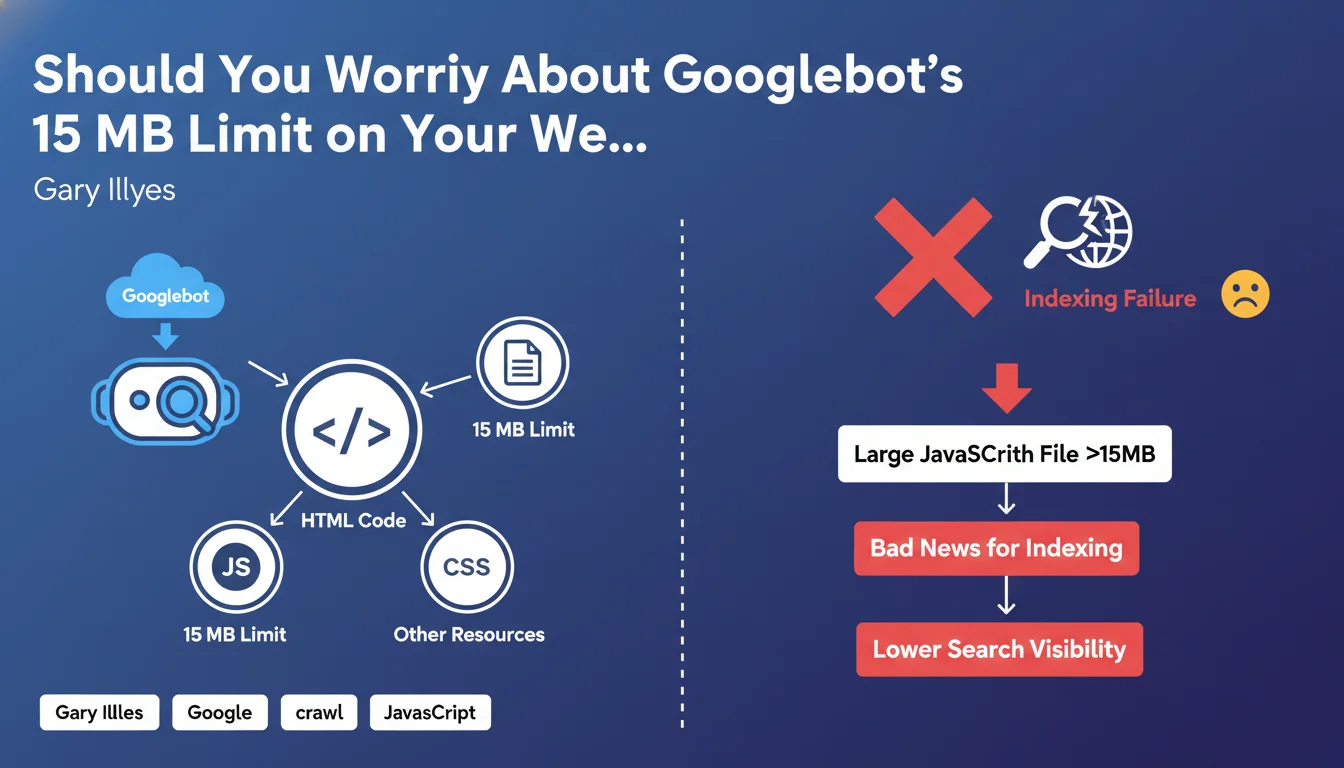
Google has clarified its Googlebot crawling rules by specifying that a strict 15 MB limit applies not only to the HTML code of your pages, but also to each individual resource referenced: JavaScript files, CSS, images, etc.
This limit, increased from 10 MB to 15 MB in 2022, means in concrete terms that any resource exceeding this threshold will be truncated during crawling. Googlebot will only analyze the first 15 MB of the file, ignoring the rest of the content.
For large JavaScript files exceeding this limit, the consequences can be significant: missing functionality, unindexed content, or incomplete rendering of your pages in search results.
- The 15 MB limit applies to each file individually, not to the entire page
- JavaScript and CSS files are particularly affected by this restriction
- A truncated file can prevent proper rendering and indexing of your content
- The average size of an HTML file is 30 KB, well below the limit
- Modern JavaScript applications (SPAs) are most at risk
SEO Expert opinion
In daily SEO practice, this 15 MB limit only poses a problem for a minority of sites, primarily those using heavy JavaScript frameworks or unoptimized libraries. The majority of websites naturally comply with this constraint.
However, there are concerning edge cases: some modern web applications compile all their JavaScript code into a single bundle, which can easily exceed several megabytes. Sites using numerous third-party libraries without proper tree-shaking are also vulnerable.
Frameworks like React, Vue, or Angular, when poorly configured in production, can generate bundles exceeding this limit. Code splitting and minification then become technical necessities, not simply optimizations.
Practical impact and recommendations
- Audit your resource sizes: Use your browser's developer tools (Network tab) to identify all JavaScript and CSS files loaded on your main pages
- Check your JavaScript bundles: If you use a modern framework, check the size of files generated in production and enable minification
- Implement code splitting: Split your large JavaScript files into smaller modules loaded on demand rather than in a single monolithic block
- Optimize your third-party libraries: Remove unnecessary dependencies and use selective imports rather than importing entire libraries
- Enable Gzip/Brotli compression: Even though the limit applies to the decompressed file, reducing the downloaded size improves overall performance
- Monitor regularly: Set up automatic monitoring of your resource sizes in your deployment pipeline
- Test with Google Search Console: Use the URL inspection tool to verify that Googlebot renders your most important pages correctly
- Prioritize strategic pages: Focus your optimization efforts on pages with high commercial or SEO stakes first
These technical optimizations, particularly on modern JavaScript architectures, often require deep expertise in front-end development and technical SEO. Configuring code splitting, auditing dependencies, and implementing an optimized architecture can quickly become complex.
For high-traffic sites or those relying on JavaScript frameworks, working with a specialized SEO agency provides personalized support. Experts can audit your technical architecture, precisely identify problematic resources, and implement solutions tailored to your specific context, while preserving your site's functionality.
💬 Comments (0)
Be the first to comment.