
Official statement
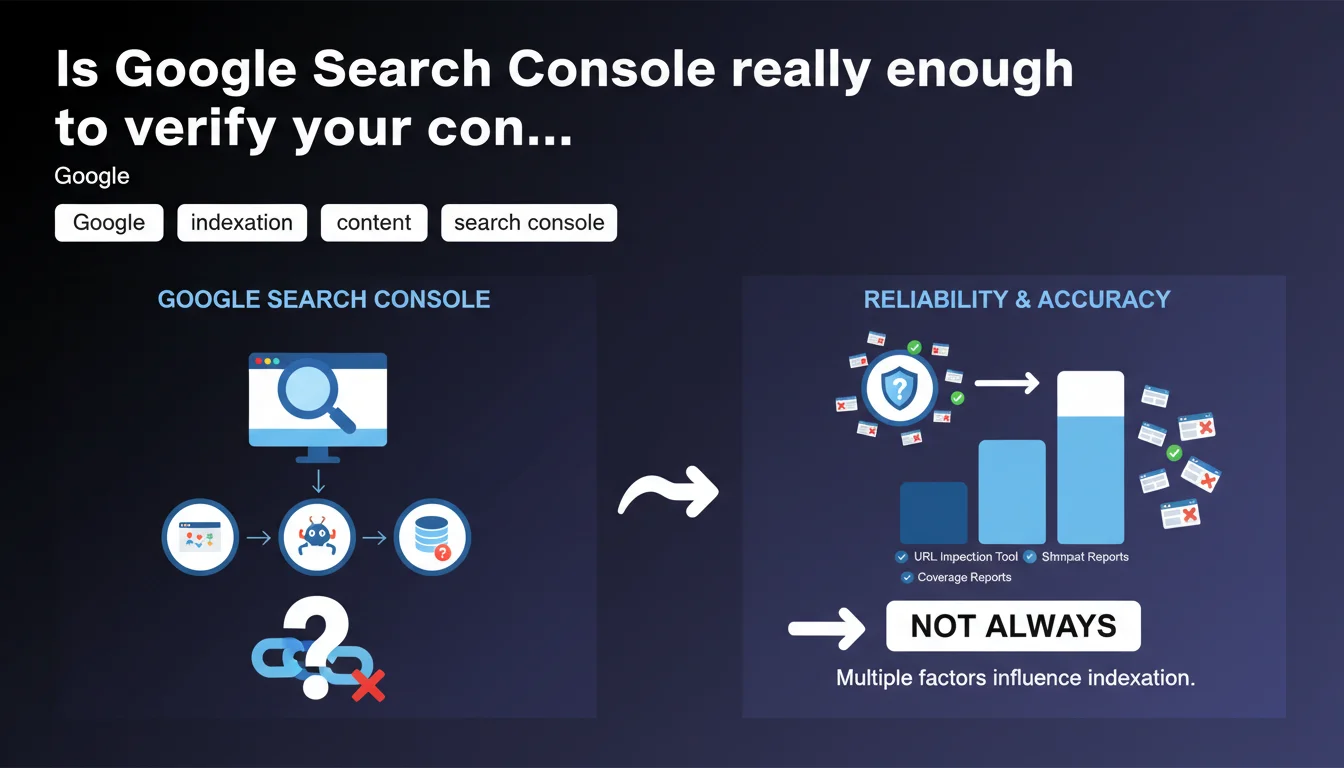
Google officially designates Search Console as the reference tool to verify whether your content is indexed. However, not all verification methods are equal: some are more reliable and precise than others. The challenge is knowing which approaches to prioritize to avoid missing critical indexation issues.
What you need to understand
Why does Google insist on Search Console rather than other tools?
Google pushes Search Console as the privileged tool for a simple reason: it's the only one that directly reflects what its systems see. Unlike third-party tools or search operators, GSC relies on raw crawl and indexation data.
Other methods — such as site: and cache or Googlebot simulators — provide a partial or delayed view. GSC, on the other hand, displays the errors detected by robots, discovered URLs, and the exact indexation status of each page.
What are these "approaches" Google mentions and why aren't they all equivalent?
Google doesn't explicitly detail all methods, but we can guess it's contrasting Search Console with common practices: the site: operator, server logs, or manual URL inspection via external tools.
The problem? The site: operator doesn't guarantee that all indexed pages will appear — it can exclude variants, filter certain content, or display fluctuating results. Server logs, on the other hand, show what Googlebot crawls, not what it indexes. Critical nuance.
What should you prioritize monitoring in Search Console to verify indexation?
Three areas deserve daily attention. First, the coverage report: it lists indexed pages, excluded pages, and those encountering errors. Next, the URL inspection tool to manually test a suspicious page.
Finally, the sitemaps report: if Google discovers fewer URLs than what you submit, there's a structural issue — misconfigured robots.txt, poorly managed canonicals, or content deemed low-value.
- Search Console directly reflects Google's vision, unlike third-party tools or search operators
- The site: operator is unreliable for a complete audit: it can omit pages or display partial results
- Crawling doesn't guarantee indexation: a robot can visit a page without ever adding it to the index
- Three critical areas in GSC: coverage, URL inspection, and sitemaps
- Variable reliability: some methods provide a delayed or incomplete view of the actual indexation status
SEO Expert opinion
Is this statement consistent with practices observed in the field?
Yes, but with limitations that Google doesn't mention. Search Console has its own blind spots. For example, it can sometimes display an "indexed" status when the page doesn't appear in any relevant search — what we call technical indexation without real visibility.
Conversely, some pages marked "excluded" can generate organic traffic through very specific searches. Google sometimes indexes without explicitly signaling it in GSC. [To verify]: the synchronization between the real index and the data displayed in the console isn't always immediate.
What nuances should we apply to this recommendation?
Google says "recommended tool," not "only tool." A robust verification combines GSC with other sources. Server logs allow you to detect crawl issues that the console doesn't always report: redirect loops, recurring timeouts, or orphaned pages never visited.
Tools like Screaming Frog or OnCrawl provide a structural view that GSC doesn't offer: click depth, internal linking distribution, chained canonicals. Let's be honest — GSC is essential, but it's not enough for a complete audit.
In which cases doesn't this rule apply fully?
On high-volume sites — several million pages — GSC can sample data. It doesn't always report the full extent of errors or indexed pages. E-commerce sites with dynamic facets are particularly exposed to this bias.
Another case: multi-domain or multi-property sites. GSC fragments the view by property, which complicates the detection of cross-cutting issues — duplicate content across domains, cannibalization between language versions, or poor hreflang management.
Practical impact and recommendations
What should you concretely do to use Search Console effectively?
Start by configuring all variants of your domain in GSC: HTTP, HTTPS, www and non-www. Even if you redirect, Google can crawl these variants and report specific errors. Losing this granularity means missing valuable clues.
Next, enable email alerts and check the coverage report at least twice a week. A sudden drop in the number of indexed pages or a spike in "5xx server" errors should trigger immediate action — not in three weeks.
Use the URL inspection tool to force reindexation after each critical change: meta description overhaul, substantial content additions, or fixing a technical error. Don't assume Googlebot will return quickly — force its hand.
What errors should you avoid when interpreting Search Console data?
Don't confuse "discovery" with "indexation." A URL can appear in the report as "discovered, currently not indexed" — which doesn't mean it ever will be. Google judges the content as low priority, even useless. If strategic pages remain in this status, that's a warning signal.
Also avoid panicking at the "excluded by noindex tag" status. If you intentionally added a noindex, that's normal. But regularly check that this status doesn't affect pages you think are indexed — a classic mistake after a poorly monitored migration.
How do you verify that your site is properly configured for optimal indexation?
Cross-reference GSC data with your server logs. If Googlebot isn't crawling certain strategic sections, it's either an internal linking problem or a crawl budget saturated by useless URLs — filters, sessions, dynamic parameters.
Manually test URL inspection on a representative sample: product pages, categories, editorial content. Compare the "rendered HTML" with what you see in the source. If Google loads a different version — poorly executed JavaScript, missing asynchronous content — you have a rendering problem.
- Configure all domain variants in Search Console (HTTP, HTTPS, www, non-www)
- Enable email alerts to be notified immediately of critical errors
- Check the coverage report at least twice a week
- Use the URL inspection tool to force reindexation after each major change
- Cross-reference GSC data with server logs to detect unreported crawl issues
- Regularly verify that strategic pages don't remain in "discovered, currently not indexed" status
- Test HTML rendering via URL inspection to ensure Google sees all content
- Don't rely solely on the site: operator to audit indexation
💬 Comments (0)
Be the first to comment.