
Official statement
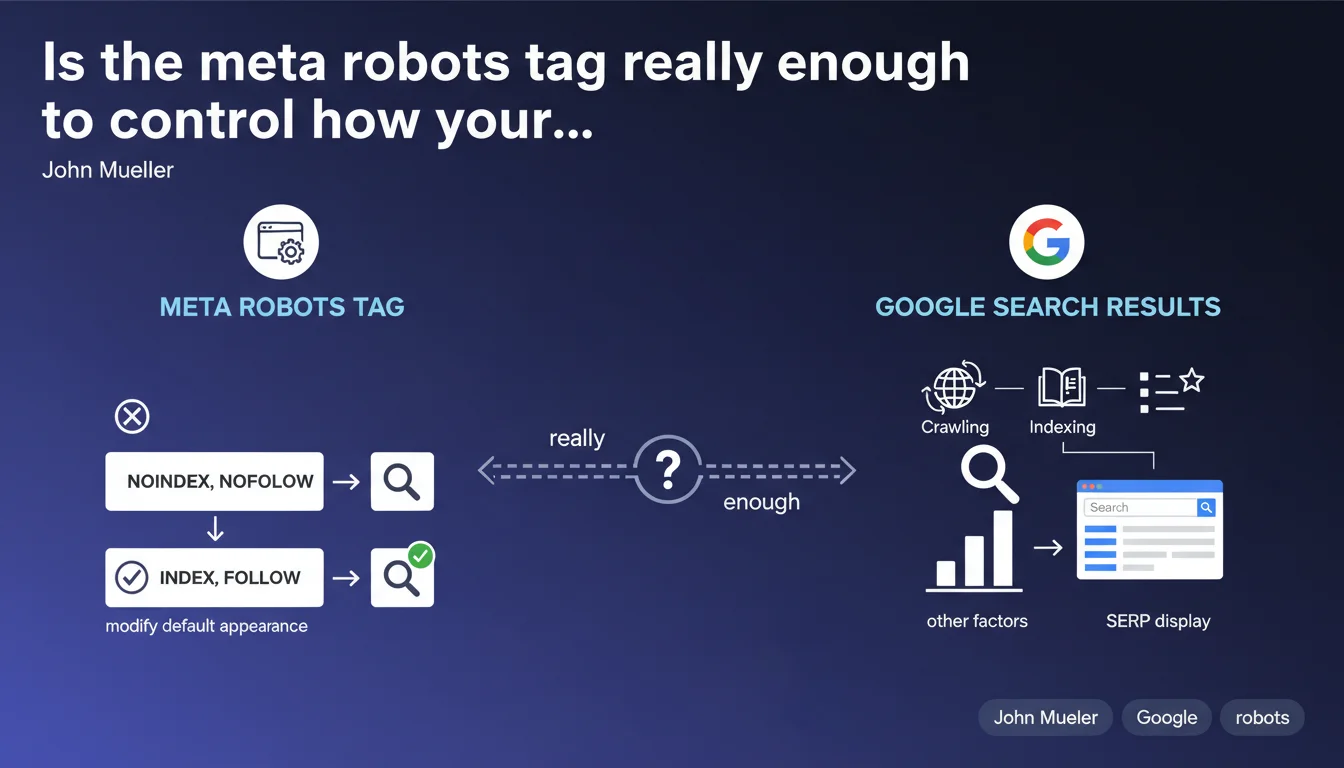
The meta robots tag allows you to define how a specific page appears in Google search results, or even exclude it entirely. It modifies the default display behavior of a page. In concrete terms, it's your granular control lever over the presence and presentation of each URL in the SERP.
What you need to understand
What is the exact role of the meta robots tag?
The meta robots tag is inserted in the <head> section of an HTML page and gives direct instructions to Googlebot on how to handle this URL. Unlike the robots.txt file, which acts at the crawl level, this tag intervenes after the page is downloaded and controls its indexation and display.
It accepts multiple values: noindex prevents indexation, nofollow blocks link following, nosnippet removes the text snippet, noarchive disables caching, and so on. Each directive modifies a specific aspect of the page's presence in the results.
How does it differ from robots.txt?
The robots.txt file blocks crawling: Googlebot doesn't even download the page. The meta robots tag, on the other hand, assumes the page has been crawled and downloaded — it then acts on indexation and display.
Direct consequence: if you block a URL in robots.txt, Google cannot read its meta robots tag. Result? The page can still appear in the results, without a description, if external links point to it. This is a classic pitfall.
What are the most commonly used directives in practice?
SEO professionals primarily exploit noindex to exclude low-value pages (filters, internal search results, thank-you pages). The page-level nofollow is rare — we prefer to manage links individually via the rel="nofollow" attribute.
The nosnippet, max-snippet, max-image-preview, and max-video-preview directives serve to control appearance in the SERP without affecting indexation. Useful for protecting sensitive content or preventing an overly long snippet from cannibalizing traffic.
- The meta robots tag acts page by page, after crawling but before indexation
- It differs from robots.txt, which blocks page download
- Multiple values are possible:
<meta name="robots" content="noindex, nofollow"> - Google respects these directives — it's a firm contract, not a suggestion
- A page blocked in robots.txt can still be indexed (without content) if it receives backlinks
SEO Expert opinion
Is this statement complete or does it oversimplify reality?
Mueller presents the fundamentals, but leaves several subtleties in the shadows. For example, he doesn't mention that the X-Robots-Tag HTTP header offers exactly the same functionality — and it's sometimes better suited for non-HTML files (PDFs, images, videos).
Another point: the meta robots tag doesn't block crawling. Google will continue to download the page on each visit to verify if the directive has changed. If you have thousands of pages with noindex, they consume crawl budget — something Mueller doesn't clarify here.
What nuances should be added in practice?
In reality, certain combinations of directives create conflicts or unexpected behaviors. Example: a page with noindex in the meta tag AND blocked in robots.txt. Google can't read the tag, so it indexes the URL (without content) if it has backlinks. [To verify] in your own audits.
Another edge case: noindex, follow. The page disappears from the index, but Google follows and passes PageRank through its links. Useful for transition pages, but misunderstood by many practitioners who believe noindex cuts everything off.
noindex directive left in place too long eventually causes the page to disappear from the index — but Google also stops following its links after a certain time. If you're counting on a noindexed page to distribute juice, monitor the evolution over time.What to do when Google ignores the meta robots tag?
It happens — rarely, but it does happen. Common causes: tag placed after the <body>, JavaScript loading the tag too late, 301/302 redirect before Googlebot reads the HTML, or conflicting HTTP headers.
In these cases, Google may index the page despite a noindex present. The solution: technical audit to identify where the robot reads (or doesn't read) your directive. Rendering tools like Search Console help, but don't replace real-world testing.
Practical impact and recommendations
How do you verify that your meta robots tags are correctly configured?
First reflex: crawl your site with Screaming Frog or OnCrawl and extract all meta robots tags. Compare with your indexation strategy. Look for inconsistencies: strategic pages with noindex, useless pages that are indexable, contradictory directives.
Next, test rendering on Google's side via the URL Inspection tool in Search Console. Verify that the rendered HTML contains the tag, in the right place, with the correct syntax. If the tag is inserted via JavaScript after initial load, Google may miss it.
What critical errors must you absolutely avoid?
Never combine robots.txt and noindex on the same URL — it's the best way to create a zombie indexed without content. If you want to deindex, let Google crawl the page to read the tag.
Another pitfall: applying a global noindex via a poorly configured tag manager. Result: your entire site disappears from the index in a few weeks. This happens more often than you'd think, especially during migrations or redesigns.
- Audit all your meta robots tags with a professional crawler
- Test HTML rendering via Search Console for each critical page type
- Never block in robots.txt a page you want to deindex
- Document your indexation strategy page by page, especially on large sites
- Monitor orphaned pages with
noindexthat waste crawl budget unnecessarily - Prefer the X-Robots-Tag header for non-HTML files (PDFs, images)
- Verify that your directives are not overridden by conflicting HTTP headers
The meta robots tag is a powerful tool, but it demands technical and strategic rigor. Incorrect configurations — especially on sites with thousands of pages — can destroy months of SEO work in just a few days.
If your infrastructure is complex (multi-language, dynamic facets, filter systems), or if you notice inconsistencies between your intentions and what Google actually indexes, it may be wise to call on a specialized SEO agency for an in-depth audit and personalized support. Some errors are only detected with field expertise and professional tools.
❓ Frequently Asked Questions
Peut-on combiner plusieurs directives dans une seule balise meta robots ?
La balise meta robots fonctionne-t-elle pour tous les moteurs de recherche ?
Que se passe-t-il si je supprime une balise noindex d'une page ?
L'en-tête X-Robots-Tag est-il plus efficace que la balise meta ?
Une page en noindex transmet-elle encore du PageRank via ses liens ?
🎥 From the same video 3
Other SEO insights extracted from this same Google Search Central video · published on 20/09/2022
🎥 Watch the full video on YouTube →
💬 Comments (0)
Be the first to comment.