
Official statement
Other statements from this video 4 ▾
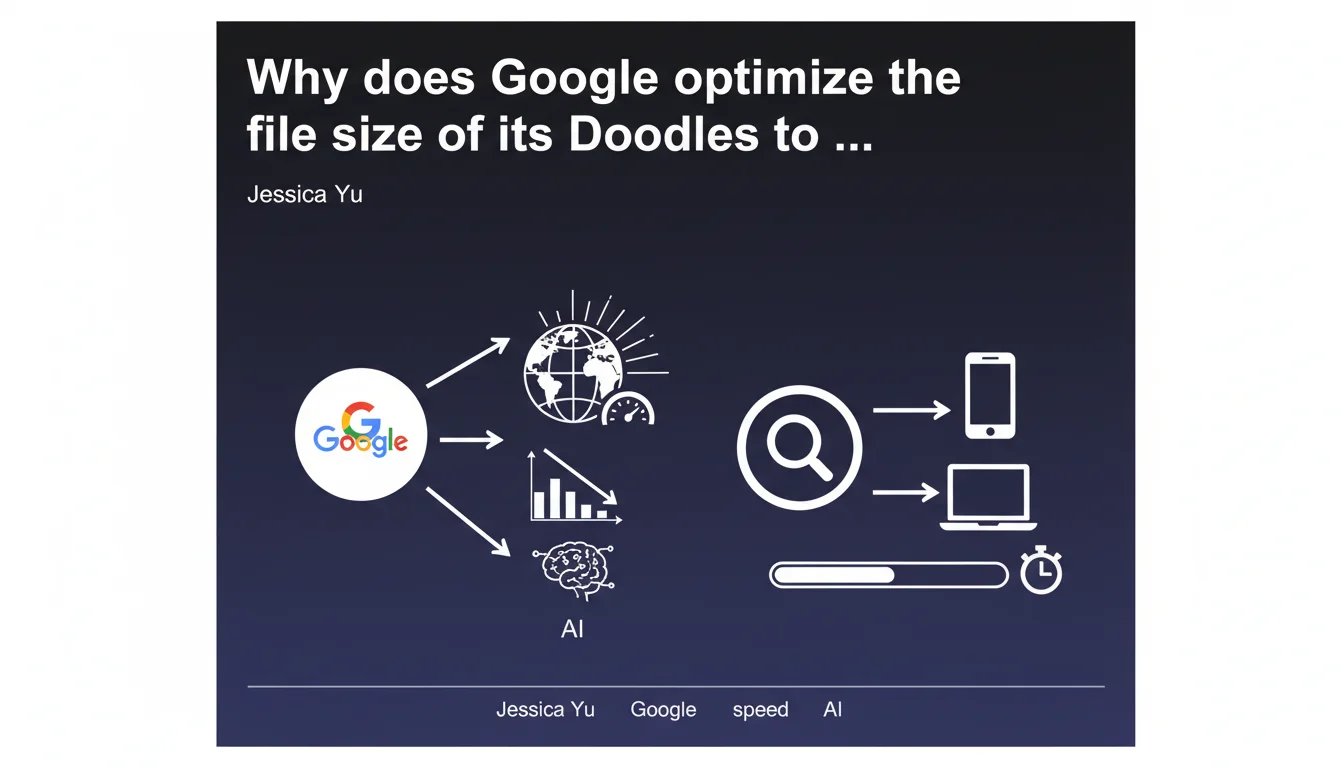
Google confirms that loading speed remains an absolute priority by revealing the attention paid to the file size of its Doodles. These graphic elements, displayed on every search in a given country, are optimized to avoid slowing down the search engine — a clear signal that every millisecond counts for user experience.
What you need to understand
Why does this statement about Doodles matter for SEO?
At first glance, you might think that optimizing Doodles only concerns Google's creative teams. Wrong. This statement reveals Google's technical mindset: if the company applies such strict discipline to its own graphic elements, it's because loading speed isn't just one criterion among many — it's an obsession.
Doodles appear on every search performed in a given country. We're talking about billions of impressions. A file a few kilobytes too large, multiplied by this volume, becomes a major infrastructure problem. Google can't afford to slow down its own search engine.
What concrete lesson should we draw for our websites?
If Google imposes such rigor on elements that only serve visual experience, imagine what it expects from the sites it crawls and ranks. The consistency between what Google preaches and what it practices is total here: speed is non-negotiable.
Concretely? Every resource loaded on your pages — images, scripts, fonts — must justify its presence and its weight. Core Web Vitals aren't just a buzzword: they reflect an engineering philosophy that Google applies to itself.
Does this statement change anything about recommended practices?
No, but it strengthens the legitimacy of technical optimizations we've been hammering home for years. Some clients still balk at investing in image compression or script cleanup. This statement becomes an argument: even Google optimizes its own resources down to the kilobyte.
- Loading speed remains a confirmed and priority ranking factor
- Google applies the same requirements to its own assets as it imposes on third-party sites
- Every resource loaded must be justified and optimized — no exceptions
- Core Web Vitals reflect an engineering philosophy, not just an SEO KPI
SEO Expert opinion
Is this statement consistent with practices observed in the field?
Absolutely. Since the introduction of Core Web Vitals as a ranking signal, we've observed a clear correlation between performance and visibility — especially on mobile. Sites that neglect LCP, FID, or CLS lose ground to competitors that are technically sharper.
What's interesting is that Google doesn't just recommend optimization: it demonstrates it by example. Doodles are complex, often animated, yet maintained under draconian weight thresholds. It's a textbook case of balancing creativity with performance.
What nuances should we add to this statement?
Beware — don't swing to the opposite extreme. Optimizing speed doesn't mean sacrificing user experience or content. Google itself displays interactive and rich Doodles: what it optimizes is technical weight, not creative ambition.
In certain sectors (luxury, art, photography), compromise is necessary. A high-definition image gallery can't weigh 50 KB. The challenge becomes intelligent lazy loading, adaptive compression (WebP, AVIF), responsive sizing. In short: optimize without impoverishing.
[To verify] Google never specifies the exact thresholds applied to Doodles. We don't know the maximum authorized weight or validation criteria. Impossible therefore to set a universal numerical target — each context requires its own tradeoffs.
In what cases doesn't this rule apply strictly?
There are practical exceptions. Sites distributing video content, 3D configurators, or complex SaaS tools can't always follow theoretical recommendations. The challenge becomes prioritization: load what matters first, defer the rest.
Let's be honest: an e-commerce site with 50 products per page and 200 customer reviews will never be as fast as a minimalist blog. What matters is staying within your industry's average and avoiding gross errors (uncompressed images, render-blocking scripts, unoptimized fonts).
Practical impact and recommendations
What should you do concretely after this statement?
First, audit your static resources. Images, videos, fonts, scripts: everything needs scrutiny. Use tools like PageSpeed Insights, Lighthouse, or WebPageTest to identify the heaviest files and compression opportunities.
Next, adopt modern formats. WebP and AVIF for images, WOFF2 for fonts, lazy loading for anything not immediately visible. These optimizations are no longer optional — they've become standard.
What errors should you avoid absolutely?
Don't load 4K images to display them at 300x200 pixels. That's the most frequent and costliest mistake. Size your visuals as close as possible to their actual display size, and serve different versions depending on the device (responsive images).
Another trap: uncontrolled third-party scripts. Google Tag Manager, advertising pixels, chatbots, social widgets… each external tool adds weight and loading time. Ask yourself: is it really essential? If yes, load it asynchronously or deferred.
How do you verify your site meets these requirements?
Regularly test your pages with PageSpeed Insights and scrutinize Core Web Vitals in Search Console. This data reflects your users' real experience — not lab tests. If your scores drop, identify the cause (often: images, JavaScript, slow server).
Also monitor your competitors. If you're at 3 seconds LCP and they're at 1.5, you have a problem. Tools like GTmetrix or Pingdom let you easily compare relative performance.
- Compress all images (WebP/AVIF) and size them to the minimum
- Enable lazy loading on images and iframes
- Defer loading of non-critical scripts
- Minify and bundle CSS/JS
- Use a CDN to accelerate static resource distribution
- Monitor Core Web Vitals in Search Console
- Regularly audit third-party scripts and remove those no longer needed
- Test mobile performance first (it's the reference index)
❓ Frequently Asked Questions
Les Doodles ont-ils un impact direct sur le classement des sites tiers ?
Quelle est la taille maximale acceptable pour une image sur une page web ?
Faut-il sacrifier la qualité visuelle pour améliorer la vitesse ?
Les Core Web Vitals sont-ils vraiment déterminants pour le SEO ?
Comment mesurer l'impact réel de ces optimisations sur le trafic ?
🎥 From the same video 4
Other SEO insights extracted from this same Google Search Central video · published on 17/10/2024
🎥 Watch the full video on YouTube →
💬 Comments (0)
Be the first to comment.