
Official statement
Other statements from this video 8 ▾
- □ Are Core Web Vitals really a UX diagnostic tool or just another ranking factor in disguise?
- □ Does Google really rank pages based on how real users actually experience them?
- □ Why does Google rely on lab data to debug SEO issues—and should you?
- □ Is Lighthouse really the gold standard tool for diagnosing performance issues?
- □ Why can't Lighthouse actually measure how responsive your site really is to users?
- □ Why isn't Lighthouse catching all your Core Web Vitals issues?
- □ Why is Chrome DevTools Performance panel a game-changer for debugging Core Web Vitals?
- □ Should you really test Core Web Vitals in the lab before going live?
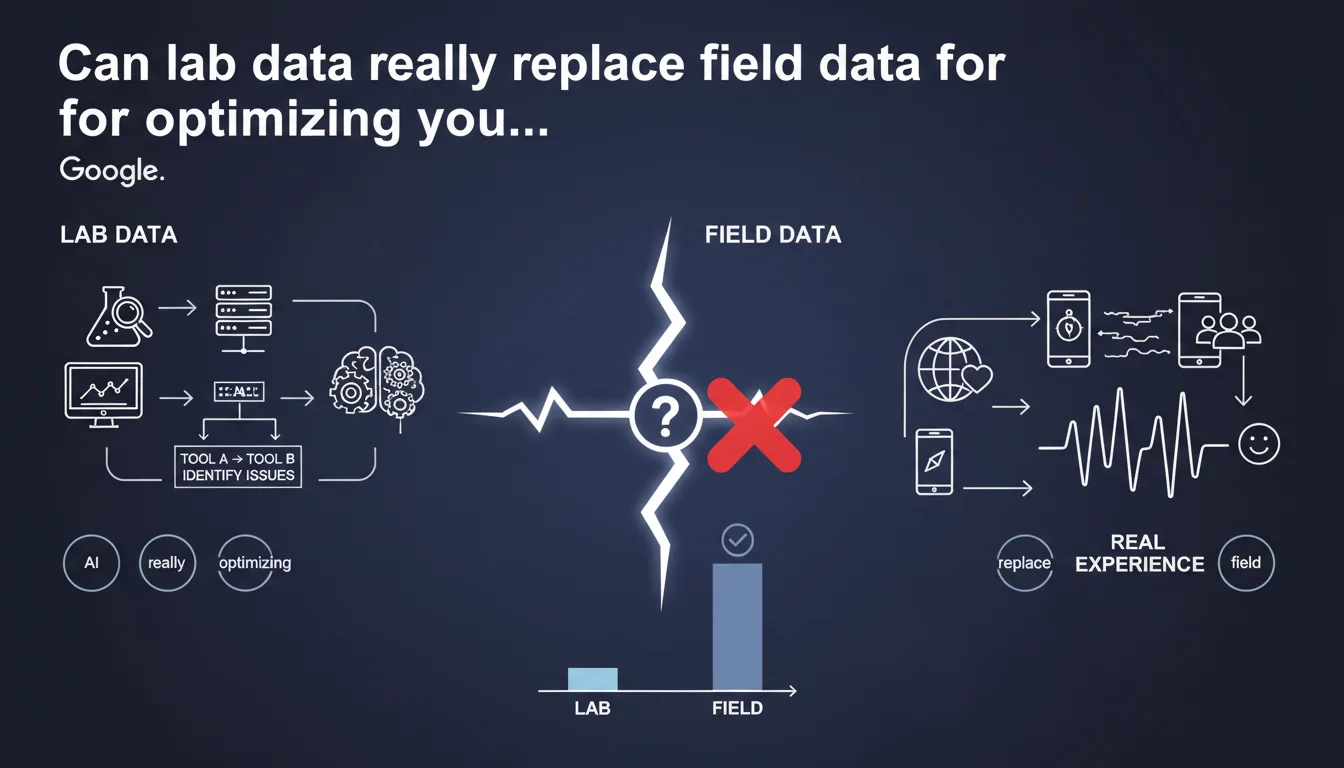
Google confirms that field data (RUM) remains the gold standard for measuring actual user experience on your sites, but lab tools are more than sufficient to identify performance issues. In other words: diagnose in the lab, validate in real conditions.
What you need to understand
What's the difference between field data and lab data?
Field data comes from real users navigating your site with their own devices, connections, and browsers. It reflects the actual experience—with its glitches, traffic spikes, and exotic configurations.
Lab data is generated in a controlled environment: same machine, same network, same conditions. Lighthouse, PageSpeed Insights in lab mode, WebPageTest—all produce reproducible but artificial metrics.
Why does Google insist on the importance of field data?
Because what matters for rankings (and your conversions) is the actual experience of your visitors. The Core Web Vitals used by Google come from the Chrome User Experience Report (CrUX), which is based on aggregated field data over 28 days.
A site can show excellent Lighthouse scores in the lab and fail miserably on mobile 3G in remote areas. It's that reality that Google measures.
So what's the point of lab data if field data is the truth?
To diagnose quickly and iterate without waiting for CrUX to accumulate enough data. Testing a change? Lighthouse gives you instant feedback. Found a bottleneck? Lab tools highlight it with precision.
Field data validates, lab data guides. One doesn't cancel out the other—they complement each other.
- Field data reflects the actual user experience and feeds into rankings via CrUX
- Lab data lets you identify issues without waiting 28 days for data collection
- Diagnose in the lab, then verify in real conditions: that's the efficient workflow
- Never rely solely on Lighthouse scores to judge perceived performance
SEO Expert opinion
Is this statement consistent with what we see in practice?
Absolutely. For years, we've been juggling between Lighthouse (handy for debugging) and CrUX (the only one that truly matters). Google is just formalizing what we already know: the lab identifies problems, the field validates them.
Except this phrasing can be misleading. Saying we have "many tools to identify issues using only lab data" might suggest we can stop there. Wrong. If your site doesn't have enough traffic to appear in CrUX, you're flying blind when it comes to rankings.
What nuances should we add to this claim?
First, not all sites generate enough Chrome visits to appear in CrUX. For them, there's no public field data—Google probably uses other signals or doesn't apply Core Web Vitals as a ranking factor. [To be verified] because Google remains vague on this specific case.
Second, lab tools never perfectly reproduce the diversity of user configurations: older smartphones, saturated networks, parasitic browser extensions. A Lighthouse score of 95 means nothing if 40% of your visitors are on budget mobile devices with flaky 4G.
When do lab data become misleading?
When your tech stack differs significantly between test and production environments. CDN configured differently, server-side cache missing in dev, third-party scripts loading differently depending on context—all these biases make lab data unreliable.
Another classic case: sites with lots of dynamic or personalized content. Lighthouse tests an anonymous page, but your real users see adjusted content, recommendations, conditional popups. The gap can be huge.
Practical impact and recommendations
What should you actually do to balance lab and field data?
Set up RUM monitoring if your traffic isn't enough for CrUX or if you want more granular data. Solutions like SpeedCurve, Cloudflare Web Analytics (free), or even Google Analytics 4 (with its limits) give you real-time visibility into perceived performance.
Keep using Lighthouse in CI/CD to detect regressions before they reach production. But never stop there: systematically verify the actual impact post-deployment via CrUX or your RUM tool.
What mistakes must you avoid?
Never rely on a single Lighthouse test to validate a page. Scores fluctuate—run multiple tests, ideally on different page types (homepage, product page, article) with network throttling enabled.
Also avoid comparing your lab scores to a competitor's field data. You have zero visibility into their real conditions: maybe they have 80% desktop traffic on fiber where you have 60% mobile on 4G. Compare yourself to yourself, not to others.
How do you ensure your site really performs for your users?
Set up alerts on Core Web Vitals in Search Console. As soon as a threshold turns orange or red, take action. Cross-reference this data with your bounce rate and conversions by device/region—patterns often jump out.
Regularly test from varied devices and connections. An old Samsung Galaxy A on Android 10 with saturated 4G will teach you more than a MacBook Pro M3 on fiber.
- Implement RUM monitoring to capture real experience beyond CrUX
- Integrate Lighthouse into your CI/CD pipeline to catch regressions upstream
- Run multiple lab tests per page type with network throttling enabled
- Regularly check CrUX via Search Console or BigQuery to validate actual impact
- Set up alerts on Core Web Vitals and correlate with business metrics
- Manually test on budget and mid-range devices with limited connections
- Never rely solely on lab scores to validate a major redesign
❓ Frequently Asked Questions
Les Core Web Vitals utilisent-ils des données labo ou terrain ?
Mon site n'apparaît pas dans CrUX, suis-je pénalisé sur les Core Web Vitals ?
Faut-il atteindre 100/100 sur Lighthouse pour bien se classer ?
Quels outils RUM sont recommandés pour compléter CrUX ?
Dois-je optimiser pour mobile ou desktop en priorité ?
🎥 From the same video 8
Other SEO insights extracted from this same Google Search Central video · published on 29/08/2023
🎥 Watch the full video on YouTube →
💬 Comments (0)
Be the first to comment.