
Official statement
Other statements from this video 2 ▾
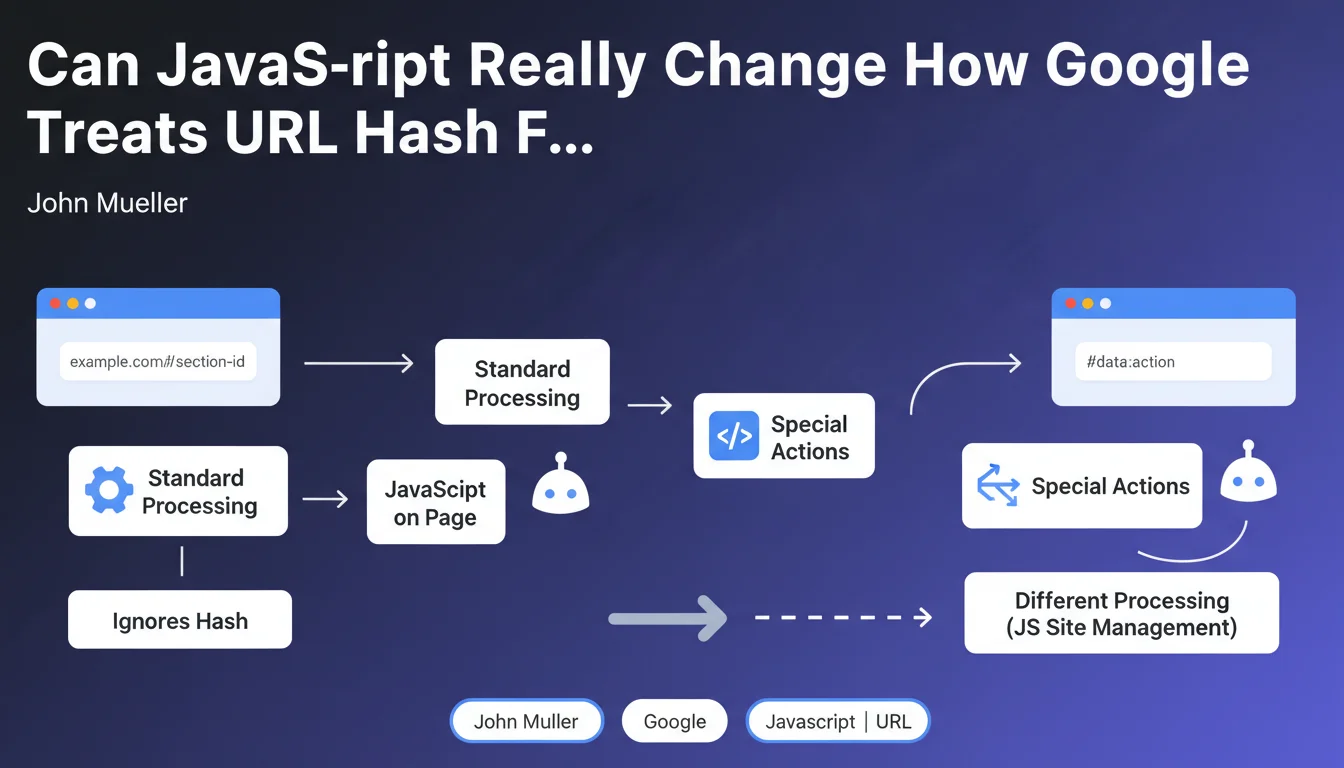
Google confirms an important exception: when JavaScript actively manipulates URL hash fragments (#), Googlebot's processing differs from standard behavior. This handling falls under JavaScript-specific site issues, with direct implications for indexation and crawling.
What you need to understand
Why Does This Exception Change Everything for JavaScript Sites?
Normally, Google simply ignores URL fragments (the part after the #). It's a known rule for years: example.com/page#section1 and example.com/page#section2 are treated as the same URL.
But as soon as a client-side script uses these fragments to load dynamic content or change the page state, you enter a gray area. The bot must then execute JavaScript to understand what the page actually does — and that's where it gets complicated.
What Actually Triggers This Different Processing?
The difference happens at render time. If your JavaScript listens to hashchange events or uses window.location.hash to load content, Googlebot must interpret this behavior.
Single Page Applications (SPAs) are particularly affected: React Router in hash mode, older Angular frameworks with HashLocationStrategy, or any site that uses fragments to manage navigation. In these cases, standard processing no longer applies.
What's the Real Scope of This Exception?
- Classic static sites: Fragments remain ignored, no change
- Modern SPAs with hash-based routing: JavaScript will be executed to understand the structure
- Simple navigation anchors: Still ignored, even if you have JS on the page
- Content loaded dynamically via #fragment: Risk zone — rendering becomes critical
- Crawl budget resources mobilized: JS execution costs more in crawl budget
SEO Expert opinion
Is This Statement Aligned With What We See In the Field?
Yes, but Google remains deliberately vague about implementation details. We've known for years that Googlebot executes JavaScript — the novelty here is officially acknowledging that fragments can trigger different processing.
What's missing? Concrete examples. When exactly does the bot decide to execute JS linked to fragments? Are all frameworks treated the same way? [Needs verification]: Google has never published a benchmark on the reliability of SPA rendering with hash routing versus the History API.
In Which Cases Does This Rule Create Problems?
The real issue is execution timing. Googlebot's JavaScript isn't Chrome — there are delays, timeouts, scripts that don't load in the right order.
Concretely: if your main content depends on a fragment and the JS takes 3 seconds to execute, you're taking a risk. I've seen sites lose 40% of their indexed pages after migrating to poorly configured hash-based routing.
Should You Completely Avoid URL Fragments in SEO?
No, that would be excessive. Classic anchors (#section-contact) work very well and don't cause any problems. The problem appears when you build your entire navigation architecture around fragments.
Let's be honest: in 2025, the History API and modern routing (Next.js, Nuxt) are infinitely more reliable for SEO. If you're starting a project, only use fragments for anchors — never for main navigation.
Practical impact and recommendations
What Should You Do If Your Site Already Uses Fragments for Navigation?
First reflex: test rendering against Google. The URL testing tool in Search Console shows you exactly what Googlebot sees after JavaScript execution. If your content doesn't appear in the render, you have a problem.
Next, check your server logs. Do pages with fragments generate separate requests to the bot? If so, how much time passes between the first hit and complete rendering? More than 5 seconds = red zone.
What Concrete Alternatives Should You Implement?
The cleanest solution: migrate to the History API. You keep smooth navigation on the client side, but with clean URLs that Google understands without executing anything.
If a complete migration isn't possible in the short term, implement Server-Side Rendering (SSR) or Static Site Generation (SSG). Critical content must be present in the initial HTML — JavaScript then only enhances it.
- Audit all URLs using fragments with JavaScript functionality
- Test Googlebot rendering via Search Console for each page type
- Verify that main content is accessible without JS execution
- Implement canonical tags if multiple fragments point to the same content
- Monitor crawl budget — JS-rendered pages cost more
- Prioritize the History API for any new implementation
- Clearly document which content depends on fragments
❓ Frequently Asked Questions
Les ancres classiques (#section) sont-elles concernées par cette exception ?
Mon SPA en React utilise HashRouter — est-ce un problème pour le SEO ?
Comment vérifier si Google traite correctement mes fragments avec JavaScript ?
Le budget de crawl est-il impacté par cette exception ?
Peut-on utiliser des fragments pour du contenu secondaire sans risque ?
🎥 From the same video 2
Other SEO insights extracted from this same Google Search Central video · published on 26/10/2022
🎥 Watch the full video on YouTube →
💬 Comments (0)
Be the first to comment.