
Official statement
What you need to understand
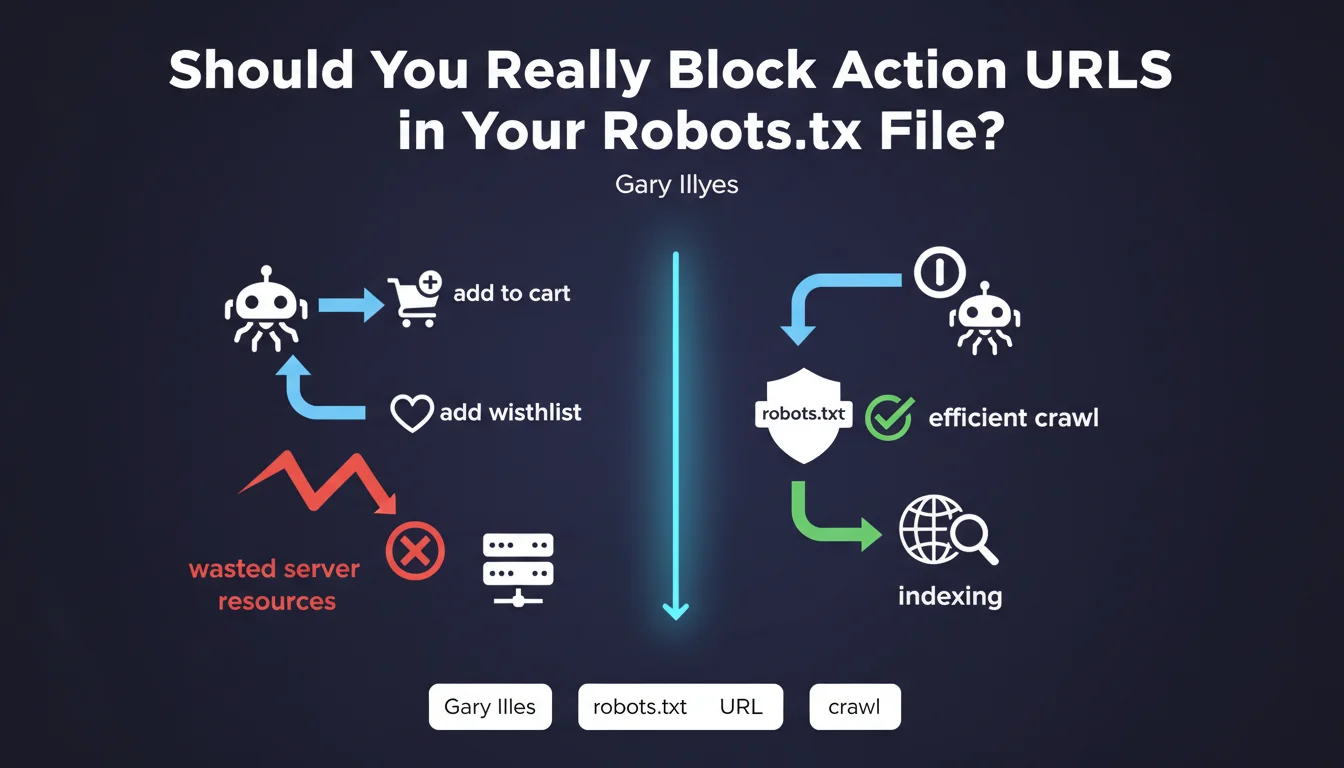
Action URLs are pages that trigger specific functionalities on a website: adding to cart, adding to favorites, sorting, filtering, or sharing functions. These pages generally contain no unique content and provide no value for search engine optimization.
When indexing robots crawl these URLs, they unnecessarily consume the site's crawl budget. This budget represents the number of pages that Googlebot agrees to explore during a session. The more this budget is wasted on worthless pages, the less frequently truly important pages are crawled.
Google's recommendation aims to optimize crawling efficiency by directing robots exclusively toward strategic content. This also improves server performance by reducing unnecessary requests.
- Action URLs should not be indexed or crawled
- The robots.txt file allows these URLs to be blocked effectively
- This practice preserves crawl budget for important pages
- It reduces server load and improves response times
- E-commerce sites are particularly affected by this issue
SEO Expert opinion
This reminder from Google falls within fundamental SEO best practices, but deserves some important nuances. While blocking action URLs via robots.txt is indeed relevant, this approach should be combined with other methods for maximum effectiveness.
In practice, it's recommended to also use nofollow attributes on links triggering these actions, as well as URL parameters in Google Search Console to indicate how to handle certain parameters. Robots.txt alone isn't always sufficient, particularly if these URLs are already indexed or linked from external sites.
Furthermore, not all sites are equally concerned. Small sites with few pages generally don't have crawl budget issues. This optimization becomes critical for large-scale sites with thousands of pages, particularly e-commerce platforms and content-generating sites.
Practical impact and recommendations
- Audit your site to identify all action URLs (cart, wishlist, sorting, filters, social sharing)
- List URL parameters dynamically generated by your CMS or e-commerce platform
- Add Disallow directives in your robots.txt to block these URL patterns
- Apply the rel="nofollow" attribute to all links triggering these actions
- Configure URL parameters in Google Search Console to indicate their handling
- Check in your server logs that Googlebot no longer crawls these unnecessary URLs
- For already indexed action URLs, first add a noindex tag before blocking them
- Monitor the evolution of your crawl budget via Search Console after implementation
- Document the applied rules to facilitate future robots.txt maintenance
💬 Comments (0)
Be the first to comment.