
Official statement
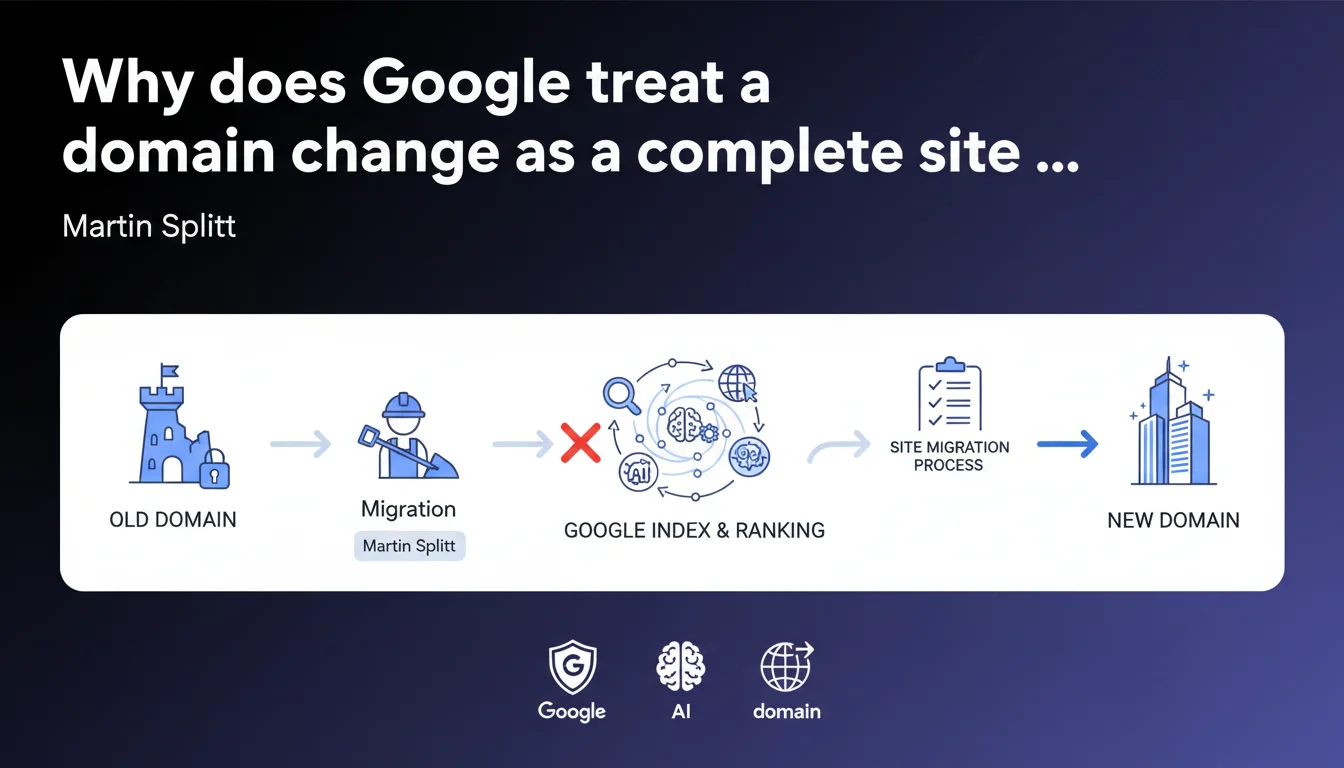
Google is unequivocal: changing your domain name = complete site migration, with all the procedures that come with it. No shortcuts possible. The official migration process documented by Google must be followed to the letter to avoid a catastrophic drop in organic traffic.
What you need to understand
Martin Splitt's statement may sound almost trivial — yet it clarifies a frequent source of confusion in the field. Many SEO professionals still think that a simple domain change can be handled with a few 301 redirects and a declaration in Search Console.
Spoiler: it can't.
Is a domain change really a complete migration?
Yes. Google makes no distinction between a domain change and a complex technical migration involving a redesign, CMS change, or URL restructuring. In both cases, the process is identical: you are transferring your SEO capital from site A to site B.
This means that even if your content, site architecture, and CMS remain exactly the same, Google treats the operation as a full-fledged migration requiring the same methodological rigor.
Why is Google clarifying this now?
Because mistakes on this type of operation are costly. SEO teams that ignore the official protocol end up with traffic losses of 30 to 70% for several months — or even permanently if the migration is mishandled.
Google wants to prevent webmasters from thinking that a domain change is a lightweight operation. It never is.
What exactly is the "official process"?
Google documents a multi-step procedure: preparing the new site, setting up permanent 301 redirects, declaring the address change in Search Console, monitoring coverage and indexation reports.
The process also includes checks on backlinks, sitemaps, robots.txt files, and consistency of signals between the old and new domain.
- Domain change = site migration, with no exceptions or shortcuts possible
- The process documented by Google is mandatory, regardless of how simple the operation appears
- Neglecting this procedure results in massive and often irreversible traffic losses
- 301 redirects alone are never sufficient — declaring the change in Search Console is essential
- Post-migration monitoring must last several months to detect indexation anomalies
SEO Expert opinion
Is this statement consistent with what we observe in practice?
Completely. Failed domain migrations all share the same flaw: failure to follow the official process. Teams think that setting up 301 redirects is enough — then they see their traffic collapse three weeks later.
Google isn't inventing anything here. It's simply reminding us that its algorithm needs clear and multiple signals to transfer trust and authority from one domain to another. Without a formal declaration in Search Console, Googlebot crawls the old domain for months without understanding that the new one is the final destination.
Are there cases where this rule doesn't apply?
No. Let's be honest: even for a 5-page site with zero backlinks, the process remains the same. Google makes no distinction between a small blog and an e-commerce site with 50,000 URLs.
Some think that a "temporary" or "test" domain change escapes this rule. That's wrong. The moment a domain replaces another with the intent to inherit its organic traffic, you're in a migration — and you must follow the protocol.
Does Google provide enough detail on this "official process"?
Not really. The documentation exists, but it remains intentionally generic. Google doesn't specify how long it takes Googlebot to transfer signals, nor what percentage of traffic loss should be expected as temporary. [To be verified] in the field with your own data.
The official recommendations are clear on "what to do," much less so on "when" and "how long." This ambiguity requires SEO professionals to monitor intensively each migration to detect anomalies in real time.
Practical impact and recommendations
What must you do concretely before changing domains?
First, prepare the new domain exactly like the old one: same URL structure, same content, same title/meta tags, same technical structure. Any discrepancy creates a confusing signal for Google.
Next, set up permanent 301 redirects for 100% of URLs from the old domain to their exact equivalents on the new one. A redirect to a generic homepage is never enough — each URL must point to its logical match.
What errors must be avoided at all costs?
Never launch a domain change without declaring the address change in Search Console. This is the strongest signal you send to Google to accelerate the transfer of authority.
Don't monitor only overall traffic. Monitor indexation URL by URL via the coverage reports. Some pages can remain orphaned for weeks if redirects are misconfigured.
- Verify that both the old and new domains are added and verified in Search Console
- Configure permanent 301 redirects for each individual URL (never mass redirects to the homepage)
- Officially declare the address change using the dedicated tool in Search Console
- Submit the XML sitemap of the new domain and verify its progressive indexation
- Keep the old domain active with redirects for at least 6 to 12 months
- Monitor daily the coverage reports, 404 errors, and organic performance
- Never block crawling of the old domain via robots.txt — Googlebot must be able to follow the redirects
How do you ensure the migration goes smoothly?
Organic traffic should stabilize within 3 to 6 months. An initial drop of 10 to 30% is normal — but if it persists beyond 8 weeks, something is wrong.
Verify that backlinks pointing to the old domain properly transfer their authority through the 301 redirects. Google follows these links and progressively transfers PageRank — but only if the redirects are permanent and consistent.
In summary: A domain change is a complex technical operation that requires careful preparation, rigorous execution, and prolonged monitoring. The stakes are high — a mistake can cost months of organic traffic.
If you're considering a domain change for a strategic site, working with a specialized SEO agency can help you avoid costly errors. These operations involve dozens of micro-technical decisions where hands-on experience makes all the difference.
💬 Comments (0)
Be the first to comment.