
Official statement
Other statements from this video 11 ▾
- □ Does Google really transcribe your video audio to rank them?
- □ Does Google really analyze the text displayed in your videos for SEO rankings?
- □ Does Google really analyze video visual content for SEO purposes?
- □ Why do video structured data markups remain indispensable despite Google's AI advances?
- □ Why does Google require the video file URL in structured data to boost your rankings?
- □ Could blocking your video files be secretly destroying your search visibility?
- □ Should you really use reverse DNS verification to authorize Googlebot?
- □ Should you always prioritize content URL over embed URL in video structured data?
- □ Does Google really analyze video content or does it just rely on page text?
- □ Can Google really index short-form videos if they have a crawlable URL?
- □ Why is Google finally making Googlebot IP addresses publicly available?
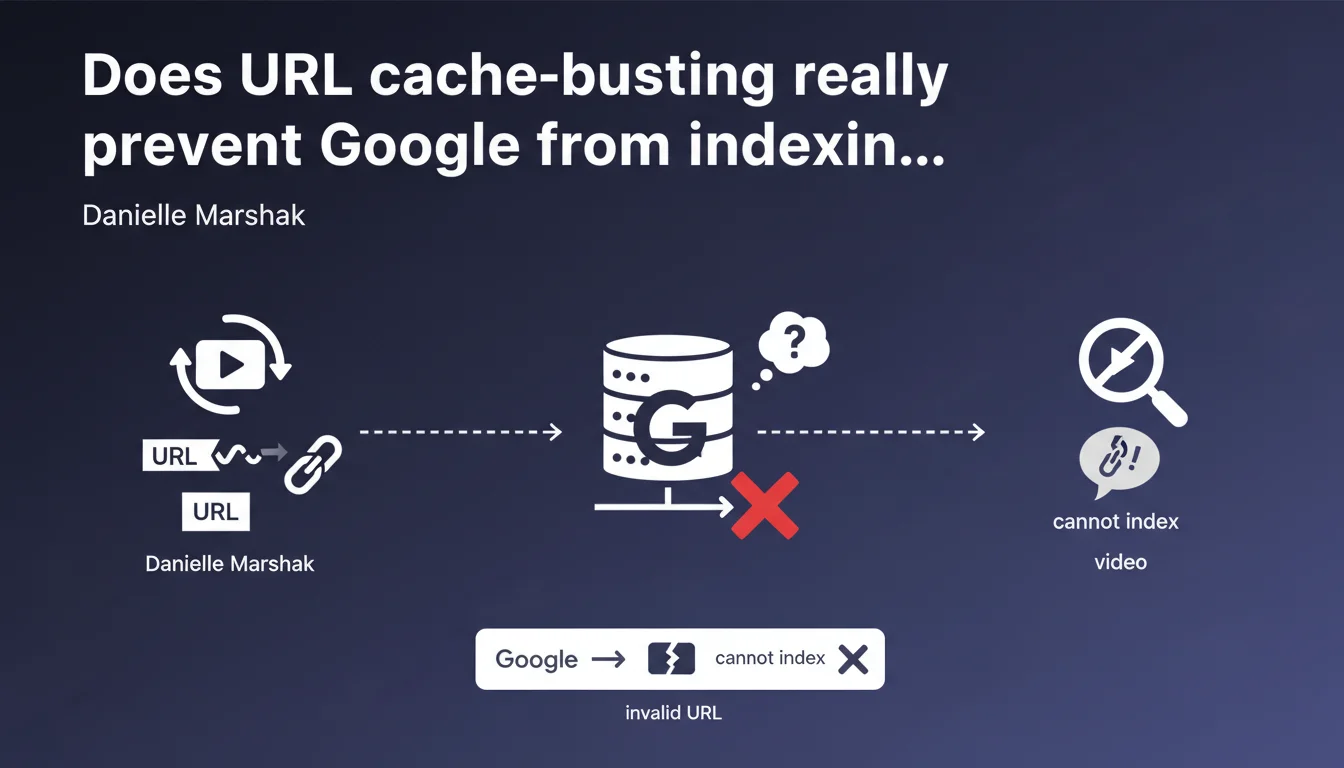
Google cannot index a video if its URL changes with every page load (cache-busting). By the time Googlebot attempts to retrieve the video resource, the URL is no longer valid. Result: your video remains invisible in search results.
What you need to understand
What exactly is URL cache-busting?
Cache-busting involves modifying a URL with each request to force the browser to download a fresh version of the resource rather than use its cached version. In practice, this means adding a variable parameter to the URL: video.mp4?v=1234567890 where the number changes with each load.
This technique, common for CSS or JS files, creates a fundamental problem with videos. Unlike an HTML page that executes immediately, Google indexes videos in two stages: first discovering the URL, then retrieving the actual video file itself — sometimes hours or days later.
Why does Googlebot fail to index these videos?
When Googlebot crawls your page, it records the video URL with its unique timestamp. But when it returns later to analyze the video content itself, that timestamp has expired or changed. The URL now points to a non-existent or different resource.
The crawler then receives a 404 error or a file that no longer matches what it expected. It's impossible under these conditions to create an entry in the video index. It's like giving a mailman an address that no longer exists.
Which video formats are affected?
All formats hosted directly are impacted: MP4, WebM, MOV. The issue affects both videos in HTML5 video tags and those declared via VideoObject in schema.org.
On the other hand, YouTube or Vimeo videos embedded via iframe don't suffer from this issue — the platform handles indexing on its side.
- Cache-busting adds a variable parameter to the video URL with each page load
- Googlebot discovers the URL at time T but retrieves it at T+X hours/days
- In the meantime, the URL has changed and returns an error or wrong file
- Video indexing fails systematically in this scenario
- The problem only affects self-hosted videos, not embeds from third-party platforms
SEO Expert opinion
Is this statement consistent with observed practices?
Yes, and it's actually a recurring field problem. I've seen several e-commerce sites with perfectly structured product videos that never appeared in Google Videos. The culprit? A poorly configured CDN that systematically added an MD5 cache hash to the URL.
The delay between discovery and retrieval isn't officially documented by Google [To verify], but my observations suggest a 24 to 72-hour gap on sites crawled daily. On less priority sites, it can take a week.
What nuances should we consider?
Be careful: not all URL parameters are problematic. A stable and deterministic parameter like ?version=2.1 that only changes during a true video file update poses no issue.
The problem only arises with dynamic and unpredictable parameters: Unix timestamps, random numbers, session hashes. If the URL remains identical between requests separated by several days, Google will handle it just fine.
In what cases doesn't this rule apply?
If you use an XML video sitemap with the <video:player_loc> element pointing to a stable embedded player, you partially work around the issue. Google then indexes via the player rather than the direct source file.
Similarly, with YouTube or Dailymotion in an iframe, you completely delegate indexing. But you also lose control over SERP display and structured data.
Practical impact and recommendations
What should you do concretely to fix the problem?
First step: audit your current video URLs. Reload a page containing a video multiple times and observe if the src attribute of the <video> tag or the contentUrl of the VideoObject changes. If yes, you have an issue.
Next, modify your CDN configuration or code to serve stable video URLs. If you absolutely need cache-busting for updates, use manual and deterministic versioning: video-v2.mp4 rather than video.mp4?t=1234567890.
What mistakes should you absolutely avoid?
Don't simply disable cache-busting without a replacement strategy. You risk serving obsolete videos for weeks due to overly aggressive browser caching.
Instead, opt for intelligent HTTP Cache-Control headers combined with manual URL versioning during actual content updates. Also avoid placing your videos behind authentication or temporary tokens — same ephemeral URL problem.
How do you verify your site is now compliant?
Use Search Console, Enhancements > Videos section. If your videos don't appear or show indexing errors, it's likely a URL stability issue.
Also test manually: copy a video's URL from the source code, wait 48 hours, then try opening it directly in the browser. It must still work. If you get a 404 or 403 error, you've identified the culprit.
- Audit all video URLs by reloading pages multiple times
- Disable automatic cache-busting on video files only
- Implement manual versioning (video-v1.mp4, video-v2.mp4) for updates
- Configure appropriate Cache-Control headers (e.g., max-age=2592000 for 30 days)
- Verify that VideoObject URLs in schema.org are also stable
- Test URL persistence after 48-72 hours
- Monitor Search Console Videos section for indexing errors
- If you use a CDN, explicitly exclude .mp4/.webm files from cache-busting
❓ Frequently Asked Questions
Les paramètres UTM sur une URL vidéo posent-ils le même problème ?
Un sitemap vidéo XML suffit-il à contourner le cache-busting ?
Faut-il éviter complètement le cache-busting sur un site avec vidéos ?
Comment détecter si mes vidéos souffrent de ce problème ?
Les vidéos YouTube intégrées en iframe sont-elles concernées ?
🎥 From the same video 11
Other SEO insights extracted from this same Google Search Central video · published on 10/03/2022
🎥 Watch the full video on YouTube →
💬 Comments (0)
Be the first to comment.