
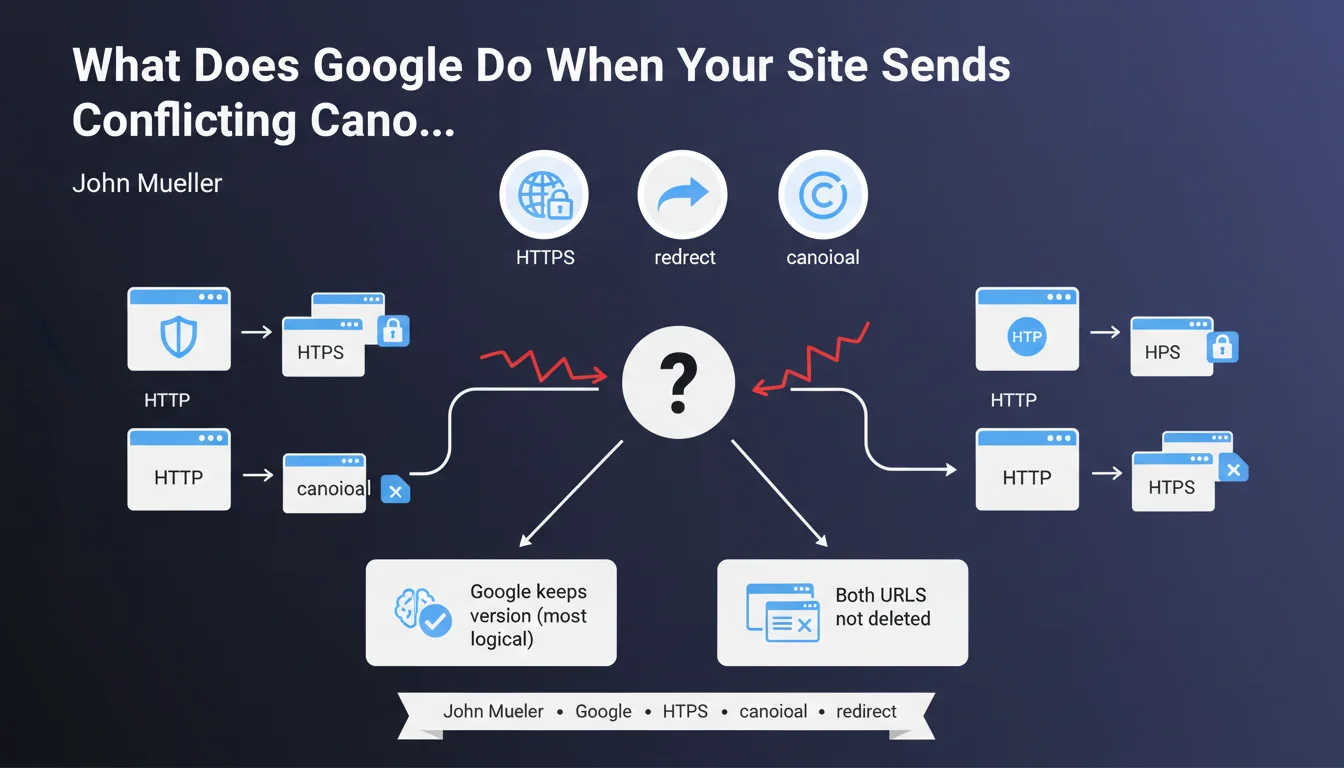
Official statement
What you need to understand
What criteria does Google use for canonicalization?
Google uses a multi-signal system to determine which version of a page to consider canonical. This decision doesn't rely on a single factor but on a combination of weighted criteria.
Among these criteria are 301 redirects, internal and external links pointing to a specific URL, presence in the XML sitemap, hreflang tags, the canonical tag itself, and URL structure (particularly the presence of parameters).
Why is the canonical tag just one signal among others?
Contrary to what many people think, the canonical tag is not an absolute directive but merely a suggestion. Google considers it as a signal that it can choose to ignore if it believes other indicators point to a different URL.
This approach allows Google to correct implementation errors and detect manipulation attempts. The search engine analyzes all signals to make the most relevant decision according to its algorithm.
What's the limitation of Google's approach?
The list provided by John Mueller reveals a notable absence of content as an explicit criterion. Yet two pages with substantially different content should not be considered duplicates requiring canonicalization.
- Google uses a multi-criteria approach to determine the canonical URL
- The canonical tag is a strong signal but not an absolute directive
- Redirects, links and sitemaps influence the canonicalization decision
- Content doesn't appear explicitly in the list of mentioned criteria
- The algorithm may ignore your preferences if other signals are contradictory
SEO Expert opinion
Does this list really reflect the complexity of the process?
While Mueller's list is accurate, it remains incomplete in its communication. The absence of content as a criterion is troubling because Google necessarily compares the content of two pages before deciding to canonicalize them.
In practice, we observe that Google generally doesn't canonicalize two pages with significantly different content, even if all other signals point in that direction. This suggests that content plays a role, probably upstream, in determining whether two URLs are actually candidates for canonicalization.
What are the risks of misunderstanding these signals?
Many SEO professionals think they completely control canonicalization through the canonical tag. This illusion of control can lead to unpleasant surprises when Google chooses a different URL from the one specified.
Problematic cases often occur with URL parameters, HTTP/HTTPS versions, trailing slashes, or www/non-www variations. If your signals are contradictory (canonical to one URL, internal links to another), Google may make a choice that doesn't match your expectations.
In what cases can canonicalization signals contradict each other?
Conflicting situations are common: a canonical tag points to URL A, but 80% of internal links point to URL B, while the sitemap contains URL C. Google must then arbitrate, and its choice may surprise you.
Site migrations are particularly at risk. If you maintain old temporary redirects, obsolete internal links or outdated sitemaps, you create a cacophony of signals that disrupts canonicalization.
Practical impact and recommendations
How can you harmonize all your canonicalization signals?
The absolute priority is to ensure consistency across all your signals. Every technical element of your site must point to the same canonical version of each page.
Start by systematically auditing your internal linking. All internal links should point to the canonical version, not to a URL that then redirects. This consistency significantly strengthens the signal sent to Google.
Verify that your XML sitemap contains only canonical URLs. Never include URLs with parameters, redirects, or variants you want to be ignored. The sitemap is a powerful but often neglected canonicalization signal.
What technical mistakes should you absolutely avoid?
The most common error is using contradictory canonical tags between mobile and desktop versions, or between different languages of a multilingual site. Each version must point to itself as canonical, unless you explicitly have a desktop-only version.
Avoid canonicalization chains: page A points to B as canonical, which points to C. Google may interpret this unpredictably. Canonicalization must always be direct and without intermediaries.
- Audit all internal links and ensure they point to canonical URLs
- Clean up the XML sitemap to include only desired canonical versions
- Verify consistency of canonical tags on mobile and desktop
- Implement permanent 301 redirects to canonical versions
- Standardize URL structure (www/non-www, HTTPS, trailing slash)
- Remove or block URLs with unnecessary parameters
- Monitor Search Console to detect unwanted canonicalizations
How can you verify that Google respects your canonicalization choices?
Google Search Console is your primary tool. In the coverage report, check the "Excluded" section to identify pages marked as "Duplicate, page not selected as canonical". This reveals cases where Google ignores your preferences.
Use the URL Inspection tool for each strategic page. It indicates the canonical URL detected by Google, which may differ from the one you specified. These discrepancies signal signal conflicts that need to be resolved.
💬 Comments (0)
Be the first to comment.