
Official statement
What you need to understand
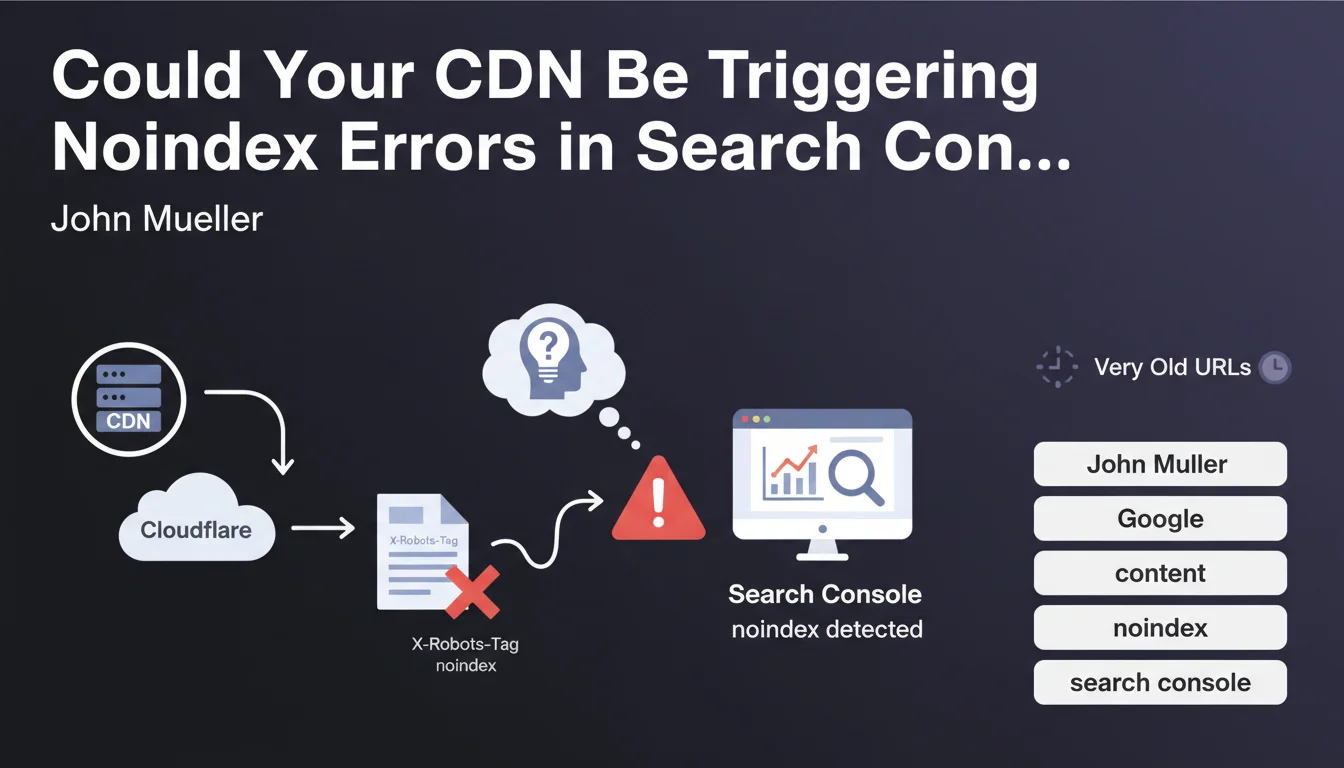
Google Search Console sometimes reports "noindex detected in X-Robots-Tag HTTP header" errors on pages that don't actually contain any such directive in their source code. This disconcerting phenomenon can have serious consequences on the indexing of your content.
John Mueller from Google identified two main causes for this problem: content delivery networks (CDN) like Cloudflare, and very old URLs still present in the index. The CDN, which serves as an intermediary between your server and visitors, can inject additional HTTP headers that you haven't configured.
This situation is particularly problematic because it escapes the direct control of the webmaster. The indexing directives added by the CDN override your actual intentions.
- The problem manifests in Search Console through noindex errors on pages that should be indexable
- The CDN can inject X-Robots-Tag headers without your awareness
- Old URLs retained in Google's index can also present this symptom
- The error is not visible in the HTML source code but only in the HTTP headers
SEO Expert opinion
This observation from Mueller is completely consistent with what we regularly see in the field. CDNs like Cloudflare have cache and security rules that can interfere with indexing directives, particularly through their Page Rules or advanced security settings.
It's particularly important to note that certain CDN security configurations can automatically trigger noindex directives for pages considered sensitive or suspicious. Web Application Firewall (WAF) rules and scraping protections can also generate this type of header for certain bots, sometimes including Googlebot.
Mueller's mention of old URLs also deserves consideration. Google sometimes retains historical versions of URLs in its index that had noindex directives, even after their removal. This phenomenon can persist for several weeks, even months.
Practical impact and recommendations
- Inspect the actual HTTP headers of your pages using curl or the Network tab in developer tools, not just the HTML code
- Check your CDN configuration (Cloudflare, Fastly, Akamai, etc.): examine all Page Rules, WAF rules, and security settings that could inject headers
- Test with different user-agents: verify whether Googlebot receives the same headers as standard browsers
- Use the URL Inspection tool in Search Console to see exactly what Google receives during crawling
- Temporarily disable your CDN in test mode to identify whether the problem actually comes from this layer
- Remove and request re-indexing of problematic old URLs via Search Console to force a complete recrawl
- Document your CDN configuration: create a registry of all active rules impacting HTTP headers
- Set up Search Console alerts to be notified immediately of any new detected noindex errors
Noindex errors related to CDNs represent a complex technical problem that requires in-depth understanding of web architecture, HTTP headers, and advanced CDN configurations. This issue perfectly illustrates the growing complexity of modern technical SEO.
Resolving these dysfunctions requires multidisciplinary expertise combining SEO, web development, and network infrastructure. If you encounter this type of persistent error or wish to implement proactive monitoring of your technical architecture, support from a specialized SEO agency can prove valuable for quickly diagnosing these invisible problems and ensuring optimal indexability of your strategic content.
💬 Comments (0)
Be the first to comment.