
Official statement
Other statements from this video 5 ▾
- □ Does redirecting 404 errors to your homepage actually kill your search rankings?
- □ Is redirecting 404 errors to your homepage really killing your SEO?
- □ Should you really avoid 301 redirects when content no longer exists?
- □ Should you really return a 404 instead of redirecting to similar content?
- □ Should you really stop redirecting 404 errors to your homepage?
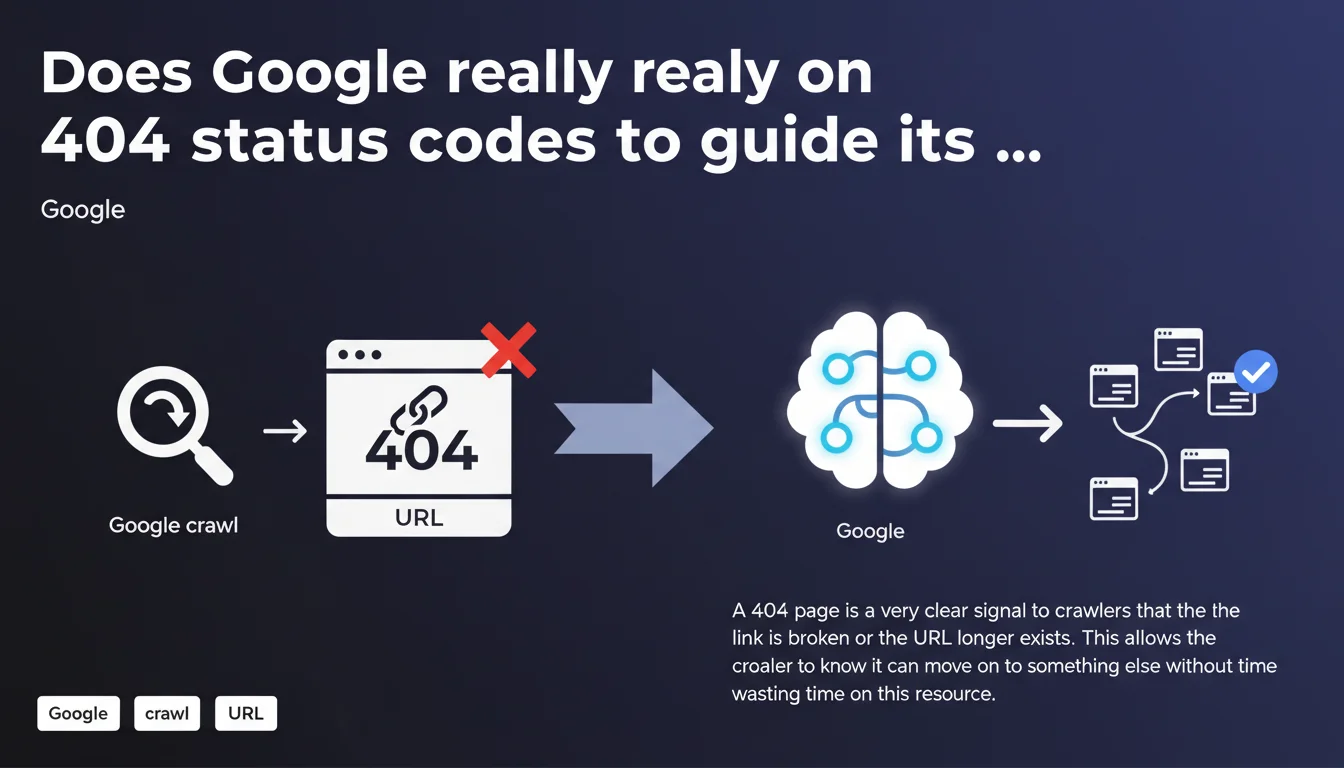
Google confirms that the 404 code is the clearest signal to indicate that a page no longer exists. This allows the crawler to save time and resources by moving on immediately. Avoiding soft 404s or unnecessary redirects therefore becomes a priority for optimizing crawl budget.
What you need to understand
What is a 404 status and why is it crucial for crawling?
The HTTP 404 code indicates that a resource does not exist or is no longer available on the server. Unlike other codes (200, 301, 302), it communicates information without ambiguity: the page is dead.
For Googlebot, this signal is essential. The crawler has a limited crawl budget — it cannot explore indefinitely all the URLs on a site. Receiving a 404 allows it to immediately classify this URL as irrelevant and reallocate its resources elsewhere.
What happens if you avoid returning a 404?
Some sites return a 200 code with a "page not found" message in the content. This is called a soft 404. Google must then analyze the content to understand that the page doesn't actually exist — a waste of time, potential confusion.
Other sites systematically redirect to the homepage or a generic page. Result? The crawler follows unnecessary redirects, dilutes crawl budget, and may even consider these pages as low-quality content.
What is the real advantage of a properly configured 404?
A clean 404 speeds up the crawl process. Google immediately knows it can remove this URL from its index or stop attempting to crawl it regularly. This frees up bandwidth for pages that really matter.
Additionally, it prevents polluting the index with phantom URLs or poorly managed error pages. A site that respects this logic demonstrates a healthy technical architecture — an indirect quality signal for Google.
- 404 is the clearest signal to indicate that a page no longer exists
- Soft 404s force Google to analyze content unnecessarily
- A well-managed 404 optimizes crawl budget and speeds up indexing of the rest of the site
- Avoid systematically redirecting to the homepage to hide errors
SEO Expert opinion
Is this statement really surprising?
Not at all. Google has been hammering home this principle for years. What's interesting is that they still feel the need to repeat it — a sign that many sites continue to mismanage their 404 errors.
In practice, we still see too many CMSs configured by default to return 200s on nonexistent pages, or agencies that redirect everything to the homepage "to not lose traffic." Spoiler: that's not how it works.
Are there cases where a 404 is not the best solution?
Yes — and that's where it gets nuanced. If a page has been permanently moved, a 301 redirect to the new URL is more appropriate. Google follows the redirect and transfers authority.
If a page is temporarily unavailable (maintenance, out of stock in e-commerce), a 503 or 410 may be more appropriate depending on context. The 410 ("Gone") indicates a permanent deletion and accelerates deindexing even more than a 404.
What frequent error do we observe in technical SEO?
Undetected soft 404s. A site may return a 200 with a "product not found" or "this page does not exist" message without the technical teams realizing it. Google Search Console reports these anomalies, but many never fix them.
Another trap: redirect chains. A dead URL redirects to an intermediate page which itself redirects elsewhere. Google wastes time, and authority transfer dilutes with each hop. [To verify]: some SEOs think Google follows chains to the end — in reality, it often gives up after 3-4 redirects.
Practical impact and recommendations
What should you concretely do on your site?
First reflex: audit the HTTP codes returned by your server. Use Screaming Frog, Sitebulb, or an equivalent tool to crawl your site and identify soft 404s. Verify that each nonexistent page returns a proper 404, not a disguised 200.
Next, check your custom error pages. They must return a 404, while remaining useful to the user (link to homepage, internal search engine, suggestions). UX matters, but the HTTP code takes priority.
How do you identify and fix soft 404s in Google Search Console?
Go to Coverage > Pages, then look for the "Not found (404)" section and "Discovered, currently not indexed." If you see URLs that should return a 404 but show a different status, that's a red flag.
Fix the server to return an explicit 404. If the page has moved, set up a 301. If it's permanently deleted and you want to speed up deindexing, a 410 is even more effective.
Should you worry about 404s reported by Search Console?
Not necessarily. Google explores URLs from external links, old sitemaps, malformed URL variants. If these are pages that never existed or parasitic URLs, leave them as 404. No need to redirect them.
On the other hand, if you see 404s on pages that received traffic or backlinks, set up 301s to the closest pages in content. Otherwise, you'll lose SEO juice unnecessarily.
- Crawl your site to identify soft 404s and fix them
- Verify that custom error pages return a proper 404 code
- Analyze 404s in Search Console to spot critical errors
- Set up 301s for moved pages generating 404s
- Use 410 for permanently deleted pages if you want to speed up deindexing
- Don't systematically redirect 404s to the homepage
❓ Frequently Asked Questions
Faut-il rediriger toutes les pages 404 vers la homepage ?
Un 404 nuit-il au référencement d'un site ?
Quelle est la différence entre un 404 et un 410 ?
Comment savoir si mon site renvoie des soft 404 ?
Google pénalise-t-il les sites avec beaucoup de 404 ?
🎥 From the same video 5
Other SEO insights extracted from this same Google Search Central video · published on 05/03/2025
🎥 Watch the full video on YouTube →
💬 Comments (0)
Be the first to comment.