
Official statement
What you need to understand
Search Console reports sometimes display an impressive number of 404 errors, which can worry SEO professionals. But not all these errors deserve the same attention.
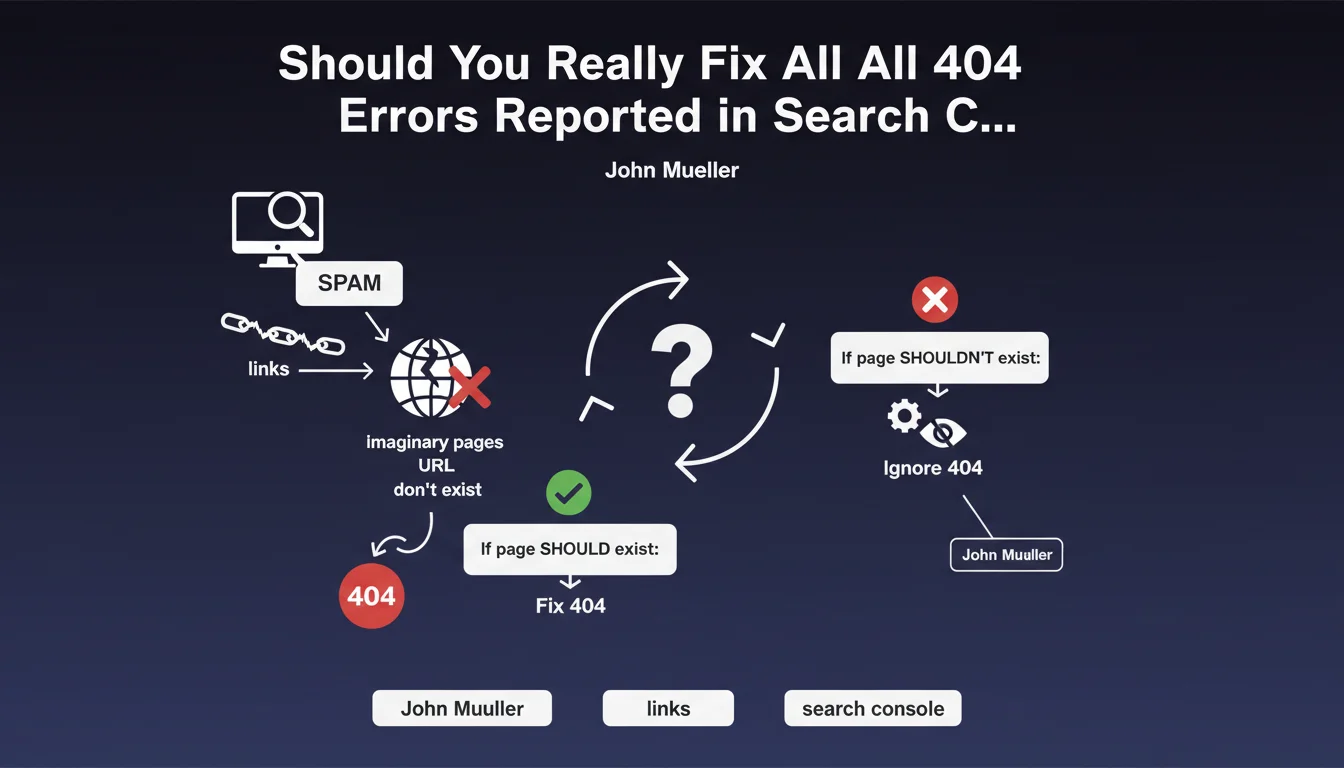
The case mentioned here concerns URLs that have never existed on your site. These phantom pages appear in your reports because third-party sites (often spam) create links to imaginary pages on your domain.
Google clarifies that it's perfectly normal for a non-existent page to return a 404 code. This is actually the expected and recommended behavior. The mistake would be wanting to eliminate these reports at all costs.
- Not all 404 errors are problematic for your SEO
- Non-existent URLs should legitimately return a 404 code
- Spam backlinks to fictional pages require no action
- Search Console reports these errors for completeness, not urgency
- Focus your efforts on real broken pages that have lost their content
SEO Expert opinion
This clarification is consistent with the technical reality of the web and with field observations. Too many SEO professionals waste valuable time trying to "fix" 404 errors that pose no real problem.
However, an important nuance must be added: this approach only applies to URLs that have never existed. If you've deleted content that was generating traffic or had quality backlinks, these 404s deserve real attention with appropriate 301 redirects.
The obsession with "zero errors" in Search Console can be counterproductive. It's better to invest your time in creating quality content and optimizing existing pages rather than chasing ghosts.
Practical impact and recommendations
- Analyze the origin of your 404 errors: review the URLs involved and check whether they ever existed on your site
- Ignore 404s on fanciful URLs created by spam sites (random strings, bizarre parameters, non-existent extensions)
- Focus on 404s that correspond to real former pages: analyze their traffic history and backlinks
- Implement 301 redirects only for deleted pages that had value (traffic, backlinks, conversions)
- Monitor broken internal links with a crawler (Screaming Frog, Sitebulb): these 404s must be fixed
- Don't create fake content just to eliminate 404s from Search Console
- Document your 404 management strategy for your team to avoid unnecessary interventions
Intelligent management of 404 errors requires in-depth contextual analysis rather than systematic correction. This distinction between legitimate and problematic 404s demands technical and strategic expertise.
For complex sites with a rich history, auditing 404 errors, analyzing lost backlinks, and implementing an optimal redirect architecture can represent substantial work. A specialized SEO agency can support you in this process by cross-referencing Analytics data, site history, and backlink mapping to effectively prioritize high-impact actions.
💬 Comments (0)
Be the first to comment.