
Official statement
What you need to understand
Google has just adjusted how data is displayed in Search Console regarding video traffic. This modification specifically affects website owners using VideoObject structured data according to the Schema.org schema.
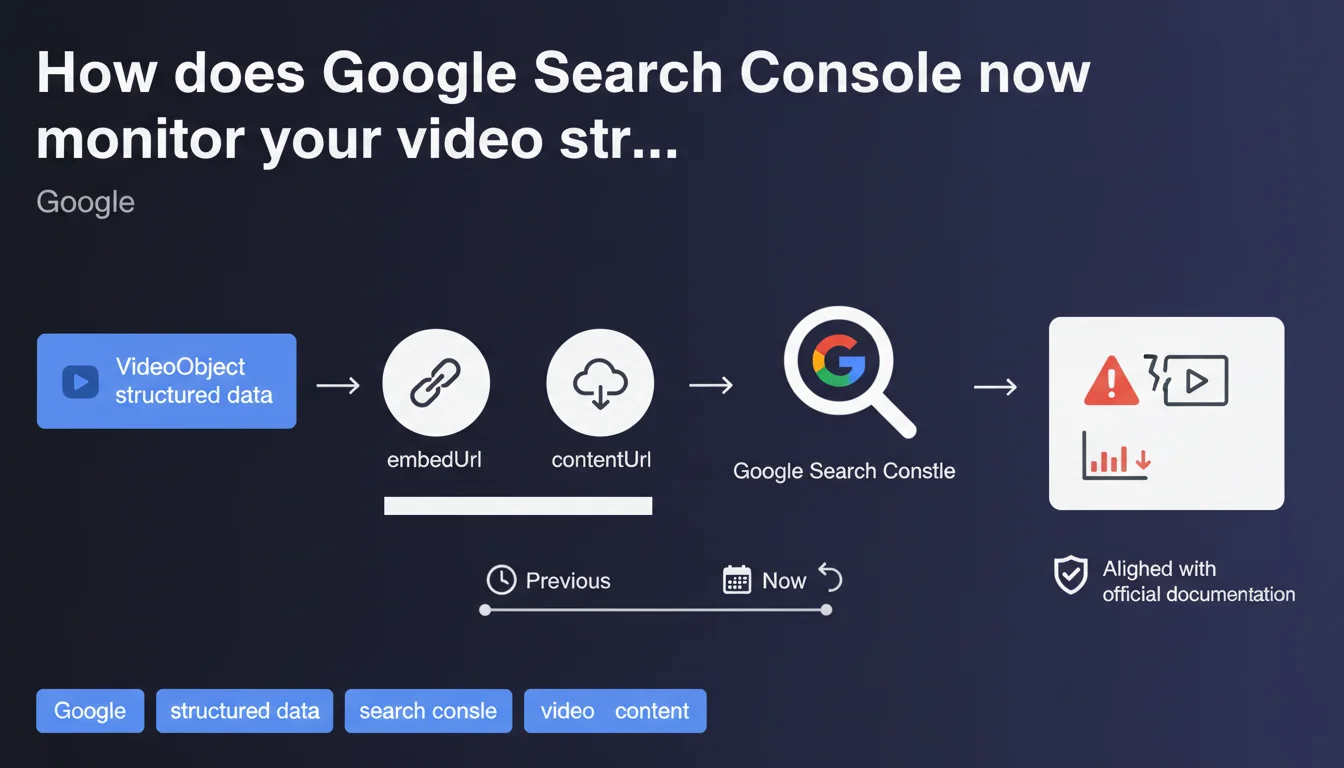
Specifically, Search Console now generates an explicit warning when VideoObject markup contains neither the embedUrl property nor the contentUrl property. This validation aligns with Google's official documentation, which specifies that one of these two properties must be present for a video to be properly indexed and displayed in search results.
Key takeaways:
- VideoObject requires either embedUrl, contentUrl, or both
- Search Console now detects this absence and generates a clear warning
- This validation improves compliance with Google's official documentation
- The absence of these URLs can prevent rich display of your videos in SERPs
- This change only affects alert display, not indexing itself
SEO Expert opinion
This Search Console update is consistent with the technical requirements that Google has documented for a long time. In practice, many sites were already correctly using these properties, but this explicit validation enables quick detection of incomplete implementations that might have gone unnoticed.
The positive aspect of this evolution is that it transforms a silent error into an actionable signal. Previously, a VideoObject without a URL might simply not generate a rich result without the webmaster understanding why. Now, the diagnosis is immediate and explicit in Search Console.
Practical impact and recommendations
- Immediately audit your Search Console video report to identify warnings
- Verify that each VideoObject contains at least a contentUrl or an embedUrl
- Prioritize using both properties simultaneously: contentUrl to the source file and embedUrl to your player
- For contentUrl, use a direct URL to the video file (MP4, MOV, etc.)
- For embedUrl, point to the page with integrated player or the embed iframe
- Test your modifications with Google's Rich Results Test tool
- Prioritize corrections on video pages generating organic traffic
- Document your standard implementation for future video publications
- Monitor performance in Search Console after correction (2-4 week delay)
- Don't remove other recommended VideoObject properties (thumbnail, description, uploadDate, duration)
💬 Comments (0)
Be the first to comment.