
Official statement
What you need to understand
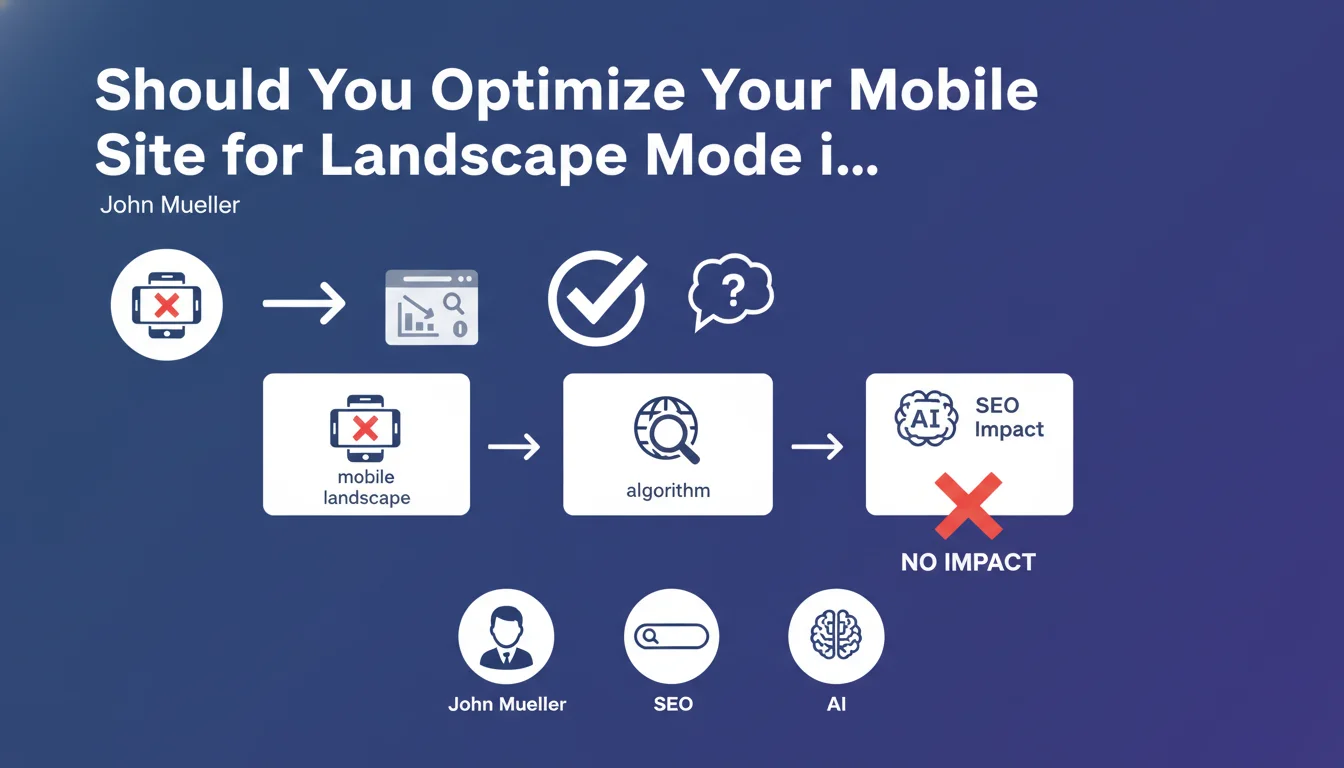
This statement from Google provides important clarification on a frequently debated technical aspect of mobile optimization: landscape orientation is not a ranking factor taken into account by the search algorithm.
Concretely, this means that if your site doesn't adapt perfectly when a user rotates their smartphone to horizontal mode, it won't impact your ranking in search results. Google primarily evaluates mobile compatibility in portrait (vertical) mode, which remains the default orientation and the most commonly used on mobile.
This position aligns with the logic of Mobile-First Indexing: Google prioritizes content relevance, accessibility, and overall user experience over secondary display criteria. The algorithm focuses on fundamental elements like text readability, spacing of touch elements, and loading speed.
- Mobile landscape mode is not a ranking criterion
- Portrait optimization remains the priority for Mobile-First
- Content relevance takes precedence over display orientation
- Core Web Vitals and overall mobile UX remain essential
SEO Expert opinion
This clarification is perfectly consistent with Google's philosophy of prioritizing UX signals that are most representative of actual user behavior. Statistics indeed show that the majority of mobile browsing occurs in portrait mode, making landscape orientation secondary from an algorithmic perspective.
However, this position requires nuance: the absence of direct SEO impact doesn't mean landscape mode is unimportant. If a user arrives at your site from Google, rotates their device, and encounters a degraded experience (cut-off content, impossible navigation), this can generate negative behavioral signals such as high bounce rates or reduced visit duration. These engagement metrics can, in turn, have an indirect impact on your rankings.
Practical impact and recommendations
Following this official statement, here are the concrete actions to implement in your mobile SEO strategy:
- Prioritize portrait optimization: Focus your efforts and budget on the mobile experience in vertical mode, which remains the standard evaluated by Google
- Don't completely neglect landscape: Even without direct SEO impact, ensure minimal functional display to avoid a catastrophic user experience
- Test with Google tools: Use the Mobile-Friendly Test and PageSpeed Insights, which evaluate in portrait mode by default
- Monitor behavioral metrics: Analyze in Google Analytics whether orientation issues are generating bounce or frustration
- Allocate resources intelligently: If your development budget is limited, invest first in Core Web Vitals and mobile portrait accessibility
- Handle special cases: For sites with heavy visual content (videos, galleries), still plan for basic landscape mode management for UX purposes
💬 Comments (0)
Be the first to comment.