
Official statement
Other statements from this video 11 ▾
- □ Is JavaScript Really Hurting Your Site's SEO Performance?
- □ Is excessive JavaScript fragmentation killing your SEO performance?
- □ Does PageSpeed Insights Really Reveal Critical JavaScript Problems That Are Harming Your SEO?
- □ Does bundling your JavaScript files really boost your SEO rankings?
- □ Is HTTP/2 making JavaScript file concatenation obsolete for SEO?
- □ Does loading JavaScript from too many domains really slow down your site's first impression?
- □ How can you eliminate the inefficient JavaScript that's killing your Core Web Vitals?
- □ Can passive listeners really boost your Core Web Vitals?
- □ Why is unused JavaScript tanking your Core Web Vitals even when it never executes?
- □ Should you really compress all your JavaScript files to boost your SEO performance?
- □ Does Google Really Care About Cache Headers for Your JavaScript Files?
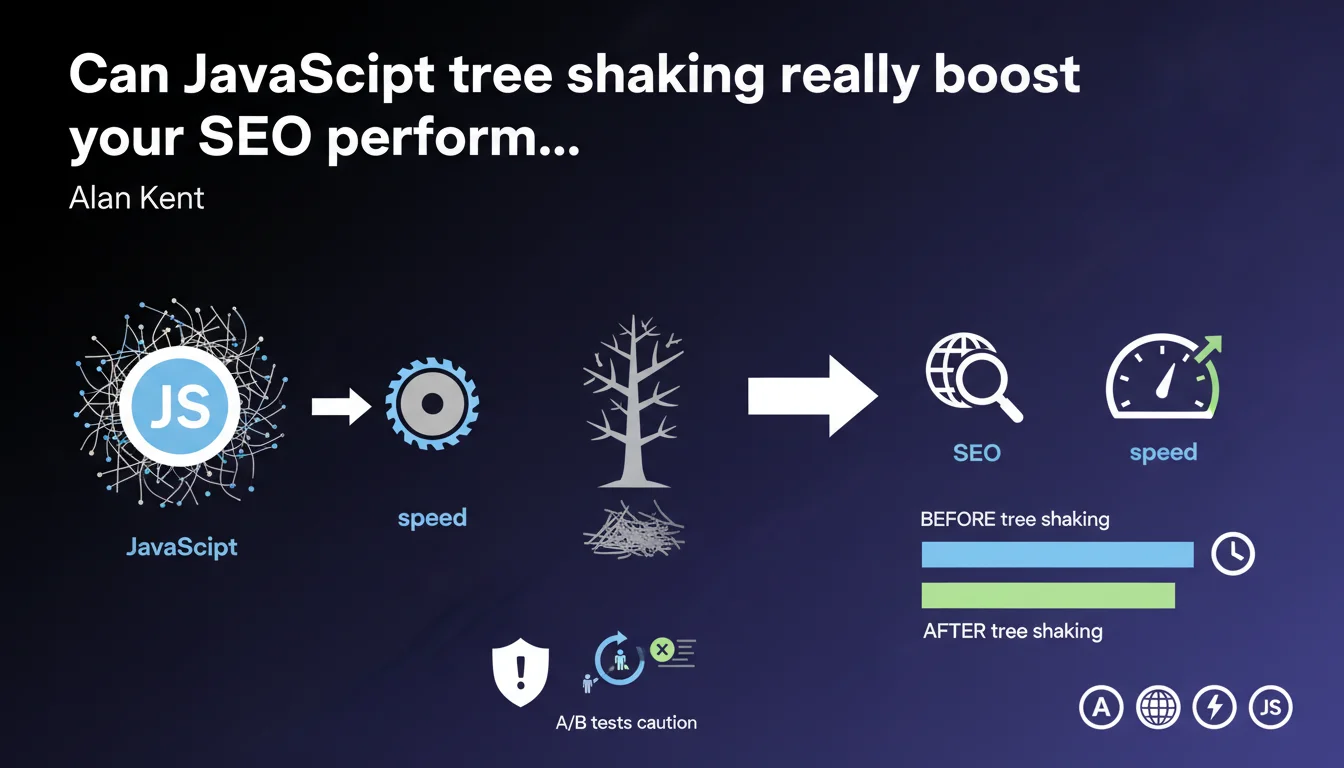
Google recommends using tree shaking to remove JavaScript code that is never executed and reduce download file sizes. Be careful: this technique can cause problems with A/B tests where certain code sections only activate for specific user segments.
What you need to understand
What exactly is tree shaking and why is Google talking about it now?
Tree shaking is an optimization technique that analyzes your JavaScript to identify and remove code fragments that are never called during execution. The goal: reduce the weight of JS files downloaded by browsers.
Google is emphasizing this because JavaScript remains one of the main obstacles to web performance. Heavy JS files slow down parsing, execution, and deteriorate Core Web Vitals — particularly LCP and INP.
Why this warning about A/B tests?
The problem is that some tree shaking tools can mark code as "unused" when it actually serves A/B test variants. Code that only executes for 50% of visitors? The algorithm risks flagging it for removal.
Result: you deploy an optimized version that breaks the experience for part of your audience. Google is highlighting a technical blind spot that many overlook.
What are the real gains to expect?
Benefits vary enormously depending on your technical stack. On a typical WordPress site with 15 JS plugins, you can gain 30 to 50% in bundle weight. On a poorly configured React SPA, gains can exceed 60%.
But be warned: tree shaking isn't magic. It only removes code that is statically detectable as unused. If your code uses dynamic imports or runtime evaluations, the analysis will be limited.
- Tree shaking identifies and removes JavaScript that is never executed
- Significant reduction in the weight of downloaded JS files
- Direct impact on LCP, INP and parsing time
- Risk of breaking conditional features (A/B tests, feature flags)
- Limited effectiveness on dynamic or runtime-evaluated code
SEO Expert opinion
Is this recommendation truly a priority for SEO?
Let's be honest: tree shaking is a second-level technical optimization. If your site loads 2 MB of JavaScript because you misconfigured your dependencies or you're bundling jQuery + React + Vue at the same time, tree shaking won't save the day.
However, on an already well-optimized site, this is the kind of marginal gain that can push an 89 to a 92 on Lighthouse. And that's where it becomes interesting for SEO, especially on mobile.
Does the A/B test warning hide a deeper problem?
What Google doesn't explicitly say is that this warning reveals a tension between personalization and performance. Modern CRO tools (Optimizely, VWO, Google Optimize) inject conditional JavaScript — exactly what tree shaking hates.
You're stuck between two imperatives: optimize conversions with tests, and optimize performance for SEO. [To verify] No official data confirms that Google penalizes sites that choose personalization over JS weight — but Core Web Vitals are unforgiving.
Can you really automate this optimization without risk?
Most modern frameworks (Webpack, Rollup, Vite) include tree shaking by default. The problem? Their default configuration is conservative. They only remove what is absolutely certain to be safe.
To go further, you need to manually analyze your bundle, identify dead zones, and adjust the config. It's time-consuming and requires solid JS expertise. And that's where it gets stuck for many SEO teams.
Practical impact and recommendations
How to implement tree shaking without breaking your site?
First step: audit your current JavaScript. Use Chrome DevTools Coverage to identify what percentage of your code is actually executed. Anything never touched is a candidate for tree shaking.
Next, configure your bundler (Webpack, Rollup, etc.) in production mode with tree shaking enabled. On Webpack 5, that's optimization.usedExports: true and optimization.minimize: true.
But — and this is crucial — create a staging environment identical to production to test all your A/B variants, feature flags, and conditional flows. Don't rely solely on automated tests.
What mistakes should you absolutely avoid?
The classic mistake: enabling tree shaking on a legacy project without understanding dependencies. Result? You remove code that was called via eval(), dynamic properties, or asynchronous callbacks.
Another trap: ignoring side effects. Some JS modules execute code when imported (polyfills, global initializations). If your bundler considers them unused, you break everything.
And the worst: deploying without monitoring. If you haven't set up alerts for your JS error rates, you may not detect that a critical feature is broken for part of your traffic.
What should you implement concretely right now?
- Analyze your JS coverage with Chrome DevTools Coverage
- Check your bundler configuration (tree shaking enabled in production mode)
- List all your A/B tests, feature flags and conditional paths
- Create a staging environment to test each variant after optimization
- Set up JS error monitoring in production (Sentry, LogRocket, etc.)
- Measure real impact on your Core Web Vitals before/after deployment
- Document modules to exclude from tree shaking (polyfills, side effects)
❓ Frequently Asked Questions
Le tree shaking fonctionne-t-il avec tous les frameworks JavaScript ?
Est-ce que Googlebot détecte le JavaScript supprimé par tree shaking ?
Peut-on faire du tree shaking sur du JavaScript inline dans les pages HTML ?
Comment savoir si mon bundler fait déjà du tree shaking ?
Le tree shaking impacte-t-il le temps de build ?
🎥 From the same video 11
Other SEO insights extracted from this same Google Search Central video · published on 17/05/2022
🎥 Watch the full video on YouTube →
💬 Comments (0)
Be the first to comment.