
Official statement
What you need to understand
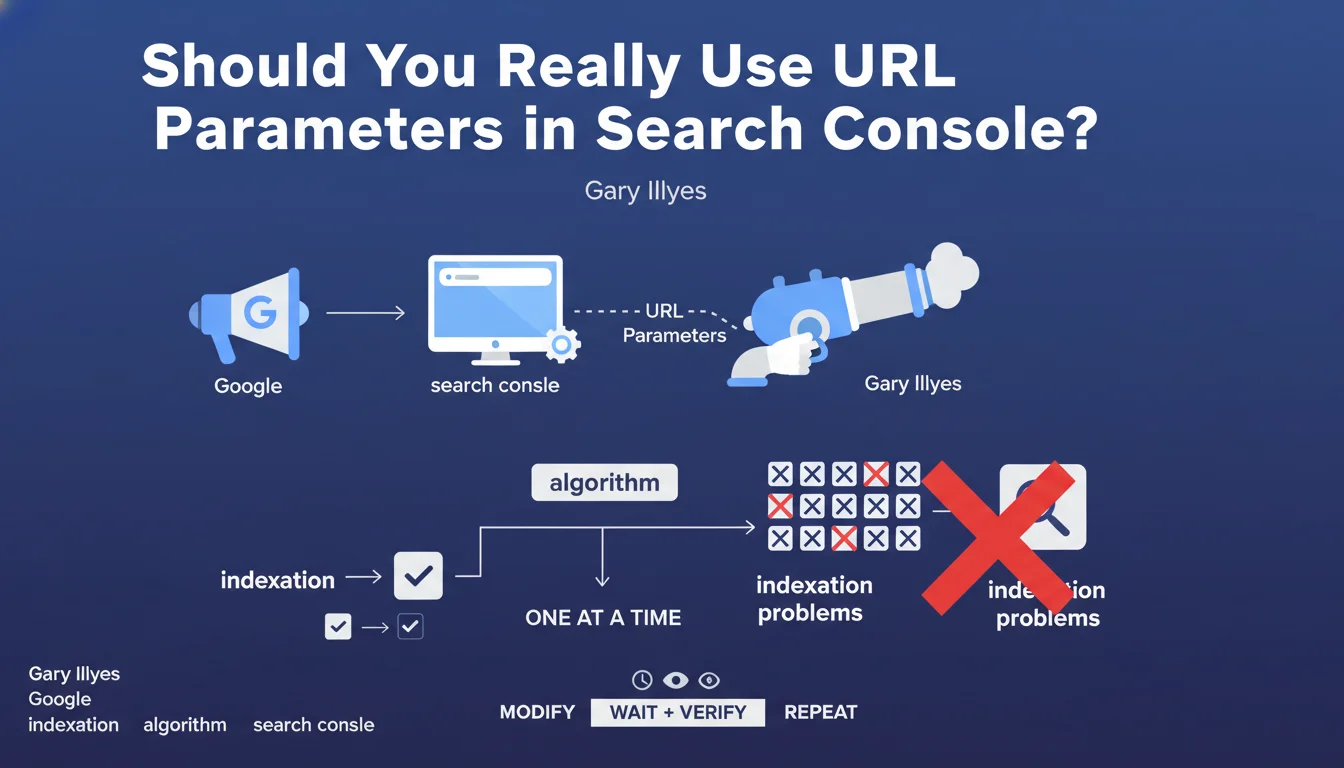
Google has clarified its position regarding URL parameter management: the robots.txt file remains the preferred method to block crawling of URLs with complex parameters. The URL parameters handling tool in Search Console does not constitute a sufficient alternative.
This statement highlights a clear hierarchy between crawl control tools. Robots.txt acts upstream, directly preventing bots from accessing URLs, while the Search Console tool only indicates to Google how to interpret these parameters after the fact.
The key points to remember:
- Robots.txt offers universal control, valid for all search engines (Google, Bing, etc.)
- Search Console's URL parameters tool only works for Google
- "Clean" management via robots.txt is technically more efficient
- The Search Console tool hasn't been migrated to the new version, raising questions about its longevity
For an SEO practitioner, this means you need to rethink your URL parameter management strategy by favoring a centralized approach via robots.txt rather than relying on engine-specific tools.
SEO Expert opinion
This position from Google is perfectly consistent with SEO best practices observed for years. Robots.txt has always been the reference tool for controlling crawl budget, and this statement confirms it remains the most robust and sustainable solution.
However, an important nuance deserves to be mentioned: blocking via robots.txt prevents indexing but can sometimes create problems with link signals. If URLs with parameters receive backlinks, blocking them completely may cause you to lose that link juice. In this case, a combined approach with canonicals remains preferable.
There are also situations where URL parameters are necessary for site functionality (search filters, internal tracking). In these cases, you should favor clean architecture with canonical tags rather than systematic blocking.
Practical impact and recommendations
- Audit your URLs with parameters: identify all parameters used on your site (pagination, sorting, filters, tracking, session IDs)
- Classify these parameters: distinguish those that generate unique content from those that create duplicate content
- Configure your robots.txt: add Disallow rules to block unnecessary parameters (session IDs, internal tracking parameters)
- Implement canonicals: for parameters necessary for functionality (filters, sorting), use rel=canonical rather than blocking
- Test with Google Search Console: use the robots.txt testing tool to verify your rules work correctly
- Document your strategy: create clear documentation listing all parameters and their treatment (blocked, canonical, indexable)
- Monitor your crawl budget: track the evolution of crawled pages in Search Console after your modifications
- Think multi-engine: your robots.txt configuration will also benefit Bing, Yandex, and other search engines
Technical management of URL parameters and crawl budget optimization can quickly become complex, particularly on e-commerce sites or platforms with numerous filters. An in-depth diagnosis requires specialized expertise to avoid accidentally blocking strategic content or wasting crawl budget on useless pages.
These technical optimizations require a methodical and personalized approach according to your specific architecture. If you manage a site with several thousand URLs and numerous parameters, working with a specialized SEO agency can provide you with tailored support, help you avoid costly mistakes, and quickly maximize your crawl budget efficiency.
💬 Comments (0)
Be the first to comment.