
Official statement
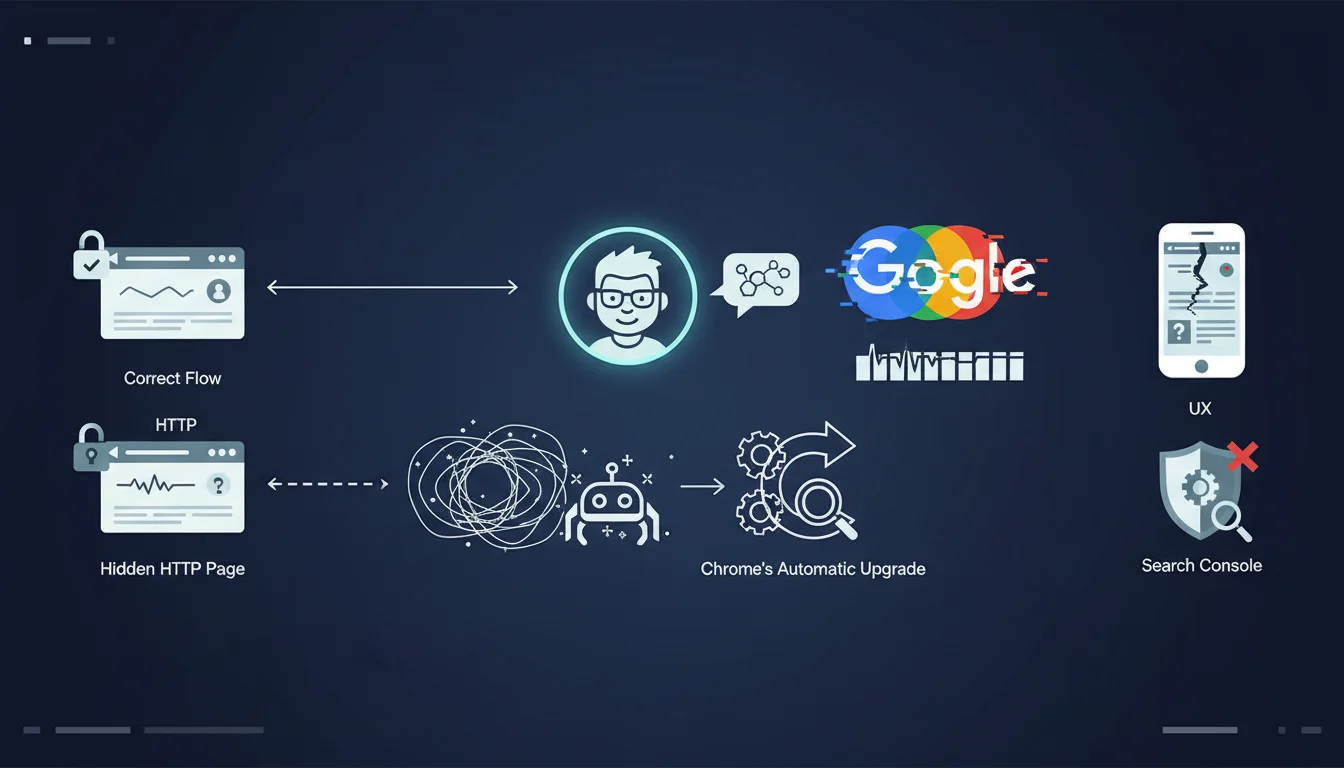
The context: a site was using HTTPS, but a default HTTP homepage remained accessible on the server. The trap? Chrome automatically upgrades HTTP requests to HTTPS, making this HTTP page invisible during normal browsing. However, Googlebot does not follow this behavior and indexes the wrong version. Google determines the site name and favicon from the homepage by reading structured data, title tags, heading elements, and other signals. If Googlebot reads a default HTTP page instead of the real HTTPS page, it uses the wrong information.
John Mueller recommends two methods to see what Googlebot actually sees: Use the curl http://yourdomain.com command in the terminal to display the raw HTTP response without Chrome's automatic upgrade
Use the URL inspection tool in Search Console with a live test If the response returns a default server page rather than your real homepage, that's the problem
What you need to understand
Google has identified an insidious technical issue that can affect the display of your brand in search results. An old HTTP homepage, even invisible to users, can disrupt the display of the site name and favicon that Google presents in its SERPs.
The mechanism is subtle: while your site functions correctly in HTTPS and Chrome automatically redirects all HTTP requests to HTTPS, Googlebot does not benefit from this automatic upgrade. It can therefore crawl and index a default HTTP server page, often a generic page left by the initial hosting configuration.
The problem becomes critical because Google determines the site name and favicon from the homepage by analyzing structured data (notably WebSite schema), title tags, HTML heading elements, and other signals. If Googlebot reads a default HTTP page instead of your real HTTPS page, it extracts erroneous information that then displays in search results.
- Chrome hides the problem by automatically redirecting HTTP to HTTPS
- Googlebot does not follow this behavior and may index the wrong version
- The site name and favicon are determined from the homepage
- A phantom HTTP page can provide incorrect information to Google
- The problem is invisible during normal browsing
SEO Expert opinion
This revelation highlights a fundamental divergence between the behavior of modern browsers and that of Googlebot. As an SEO expert, I regularly observe this type of discrepancy that creates blind spots in technical audits. The fact that Chrome automatically applies HTTPS Everywhere creates a false sense of security: site owners think everything is working perfectly because their browsing is correct, while Googlebot sees a different reality.
This issue is particularly consistent with what we observe in the field regarding Google's management of brand signals. The search engine places increasing importance on brand identity elements (name, favicon, logo) in SERPs, especially since the rollout of site name markup. An error at this level can therefore have a significant impact on click-through rate and brand recognition in search results.
Practical impact and recommendations
- Test with curl: Run
curl http://yourdomain.comin a terminal to see the raw HTTP response without automatic redirection. If you get a default server page rather than your real homepage, you've identified the problem. - Use the URL inspection tool: In Google Search Console, test your homepage with the "Live test" option to see exactly what Googlebot retrieves during crawling.
- Implement a permanent 301 redirect: Configure your server (Apache, Nginx, etc.) to automatically redirect all HTTP requests to their HTTPS equivalent with a 301 code, including for the homepage.
- Check virtual host configuration: Ensure that the HTTP virtual host points to the same directory and content as the HTTPS virtual host, or that it systematically redirects to HTTPS before serving any content.
- Disable default server pages: Remove or disable generic homepages (index.html, default.html, etc.) that could be served by your host in HTTP.
- Implement HSTS: Add the HTTP Strict-Transport-Security header to force browsers and crawlers to always use HTTPS during future visits.
- Verify structured data: Once the issue is fixed, validate that your HTTPS homepage contains the WebSite structured data with the correct name of your site.
- Submit for reindexing: Use Search Console to request reindexing of your homepage after fixing the problem.
- Monitor favicon and site name: Track the evolution of your site name and favicon display in SERPs during the following weeks, as Google may take time to update this information.
These technical checks require an in-depth understanding of server configuration, Googlebot crawling, and indexing mechanisms. The stakes are important as they directly affect your brand's visibility in search results. For high-traffic sites or businesses where brand image is crucial, it is often wise to seek support from a specialized SEO agency that can not only accurately diagnose this type of issue, but also audit your entire technical configuration to identify other potential discrepancies between what your users see and what Google crawls. Expert insight helps avoid costly mistakes and sustainably optimize your presence in search results.
💬 Comments (0)
Be the first to comment.