
Official statement
Other statements from this video 1 ▾
Google reminds us that the URL Inspection Tool in Search Console helps diagnose crawl and indexability issues. While this statement is factually accurate, it says nothing about the tool's limitations or cases where it can be misleading. The question remains: do the data provided always reflect the true behavior of Googlebot?
What you need to understand
What exactly does the URL Inspection Tool do?
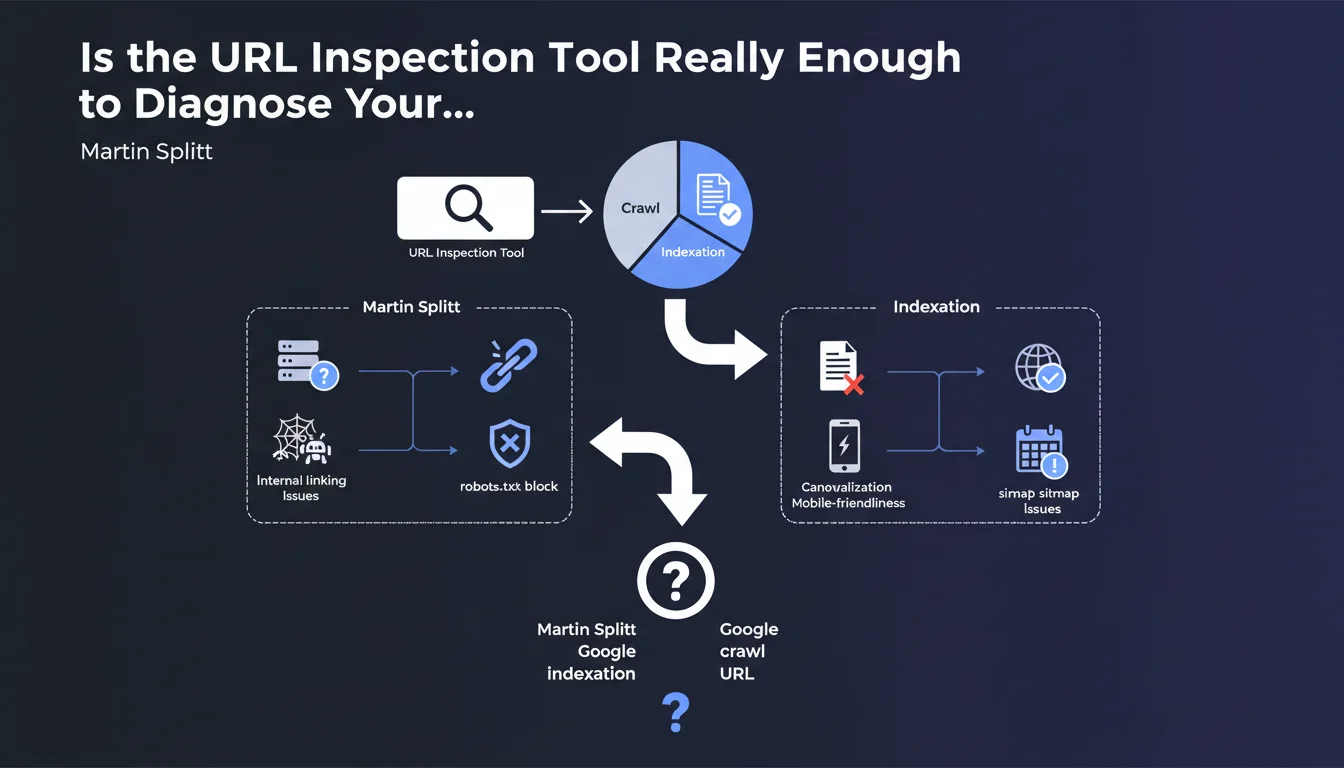
The URL Inspection Tool in Search Console lets you check how Google sees a specific page. It displays the indexation status, the HTML version retained, the resources loaded, and any errors that may prevent crawling or indexation.
The tool offers two modes: analysis of the indexed version (what Google already has in cache) and live testing (on-demand crawl). The latter is particularly useful for validating a fix before requesting a reindex.
Why does Google emphasize this tool for diagnosis?
Because it's the only official way to get a near-instant view of Googlebot's behavior on a given URL. Unlike global coverage reports, which can lag several days behind, URL inspection provides instant diagnostics.
It also prevents you from navigating blindly when a page doesn't appear in the index: instead of multiplying hypotheses, you get Google's direct verdict and the technical reasons for the block.
What key information should you extract for SEO?
- The indexation status: is the URL indexed, excluded, or never crawled?
- Crawl errors: robots.txt, noindex, redirect, server error, timeout, etc.
- The HTML rendering: raw version vs. version after JavaScript execution
- Blocked resources: CSS, JS, images that may prevent proper rendering
- The declared canonical vs. retained canonical: to detect canonicalization conflicts
- Structured data detected and its validity
SEO Expert opinion
Does this tool really give you the absolute truth?
No. The URL Inspection Tool reflects a one-time crawl, not necessarily Googlebot's usual behavior. We've all seen pages show "URL is on Google" in the tool but remain invisible in the SERPs for weeks. [To be verified]: consistency between the displayed status and actual indexation is not 100% guaranteed.
The live test uses infrastructure that may differ from standard crawling. As a result: a page may pass the live test but fail during organic crawling due to server load variations, IP geolocation, or insufficient crawl budget. Google never clarifies these nuances.
In what cases can the tool be misleading?
First source of confusion: pages with client-side generated content (heavy JavaScript). The tool may display proper rendering in live testing, while standard mobile crawling fails because the JS execution delay exceeds what Googlebot tolerates in real conditions.
Second pitfall: temporary redirects (302) or redirect chains. The tool can follow the chain without issue, but Google may decide not to index the final page if the chain is deemed suspicious or if the canonicalization signal is ambiguous.
Does Google tell you everything about indexability criteria?
No. Splitt's statement stays at surface level. The tool doesn't reveal the algorithmic quality signals that can prevent indexation: massive internal duplicate content, thin content, disastrous user signals, discrete manual penalties.
Let's be honest: a URL can technically pass all crawl and indexability tests but still be deliberately excluded by Google for relevance or duplication reasons. The tool will never say this explicitly — you'll just see "Excluded" without convincing detail.
Practical impact and recommendations
What should you do concretely with this tool?
Use URL inspection whenever a strategic page disappears from the index or never appears. It's the first diagnostic reflex: check the status, read the reported errors, compare the raw version and the rendered version.
If the live test succeeds but the page remains unindexed, request reindexation via the tool. But don't spam: Google limits the number of requests, and sending 50 URLs at once won't help if the problem is structural (crawl budget, quality, duplication).
What mistakes should you avoid when using it?
- Don't confuse "URL is on Google" with "URL ranks well" — indexation doesn't guarantee visibility.
- Never ignore blocked resources reported: blocked CSS or JS can break rendering and harm rankings.
- Don't settle for live testing if the indexed version differs: this signals a freshness or recurring crawl problem.
- Never neglect the canonical retained by Google if it differs from the one declared — this is often a sign of internal SEO conflict.
- Avoid diagnosing a single isolated URL: if multiple pages in the same group fail, the problem is probably technical or structural (robots.txt, redirect chains, poorly managed pagination).
How do you validate that your site is making good use of this tool?
Implement a regular monitoring process: inspect your strategic pages monthly (landing pages, flagship product sheets, pillar articles). Document recurring errors and cross-reference this data with coverage reports and server logs.
Train your technical teams to interpret tool results. A developer who understands the difference between "Crawled, currently not indexed" and "Detected, currently not indexed" will avoid costly mistakes during deployment.
The URL Inspection Tool is a valuable ally for diagnosing crawl and indexability, but it doesn't replace server logs or a thorough analysis of quality signals. Use it as a first line of defense, but always validate with other sources.
These cross-checks and technical optimizations can quickly become time-consuming, especially on complex sites with thousands of URLs. If you lack internal resources or problems persist despite your fixes, support from a specialized SEO agency can save you valuable time and prevent costly mistakes.
❓ Frequently Asked Questions
L'outil d'inspection d'URL remplace-t-il l'analyse des logs serveur ?
Pourquoi une URL affiche « URL est sur Google » mais n'apparaît jamais dans les résultats ?
Le test en direct est-il fiable pour valider une correction ?
Combien de demandes de réindexation peut-on envoyer par jour ?
Que signifie « Explorée, actuellement non indexée » ?
🎥 From the same video 1
Other SEO insights extracted from this same Google Search Central video · published on 01/12/2023
🎥 Watch the full video on YouTube →
💬 Comments (0)
Be the first to comment.