
Official statement
Other statements from this video 23 ▾
- 1:04 What technical errors can actually prevent Googlebot from indexing entire sites?
- 1:04 Why do so many websites sabotage themselves with poorly configured noindex tags and robots.txt?
- 1:36 Do technical errors really block your pages from being indexed?
- 2:07 Can indexing errors really make you lose all your Google traffic?
- 2:07 Can you really index a noindex page through a sitemap?
- 2:37 Is it true that robots.txt doesn't really protect your pages from Google indexing?
- 2:37 Why is robots.txt not enough to block the indexing of your pages?
- 3:08 Does Google really exclude all duplicate pages from its index?
- 3:08 Why does Google choose to exclude certain pages by marking them as duplicates?
- 3:28 Is the URL Inspection Tool truly enough to diagnose your indexing problems?
- 4:11 Should you really use the URL Inspection Tool to reindex a modified page?
- 4:44 Should you always request reindexing through the URL Inspection Tool?
- 4:44 How can you find out which URL Google has really indexed on your site?
- 4:44 How can you verify which version of your page Google has actually indexed?
- 5:15 Is Google really effective at handling structured data errors in URL Inspection?
- 5:15 How does Google actually detect errors in your structured data?
- 5:46 How can SEO hacking generate automatic pages stuffed with keywords on your website?
- 5:46 How does Google's security issues report shield your SEO from malicious attacks?
- 6:47 Why does Google emphasize real user data for measuring Core Web Vitals?
- 6:47 Does Google really rely on real-world data to assess Core Web Vitals?
- 8:26 Why don't all your pages show up in the Core Web Vitals report?
- 8:26 Why are your pages disappearing from the Core Web Vitals report in the Search Console?
- 8:58 Should you really use Lighthouse before every production deployment?
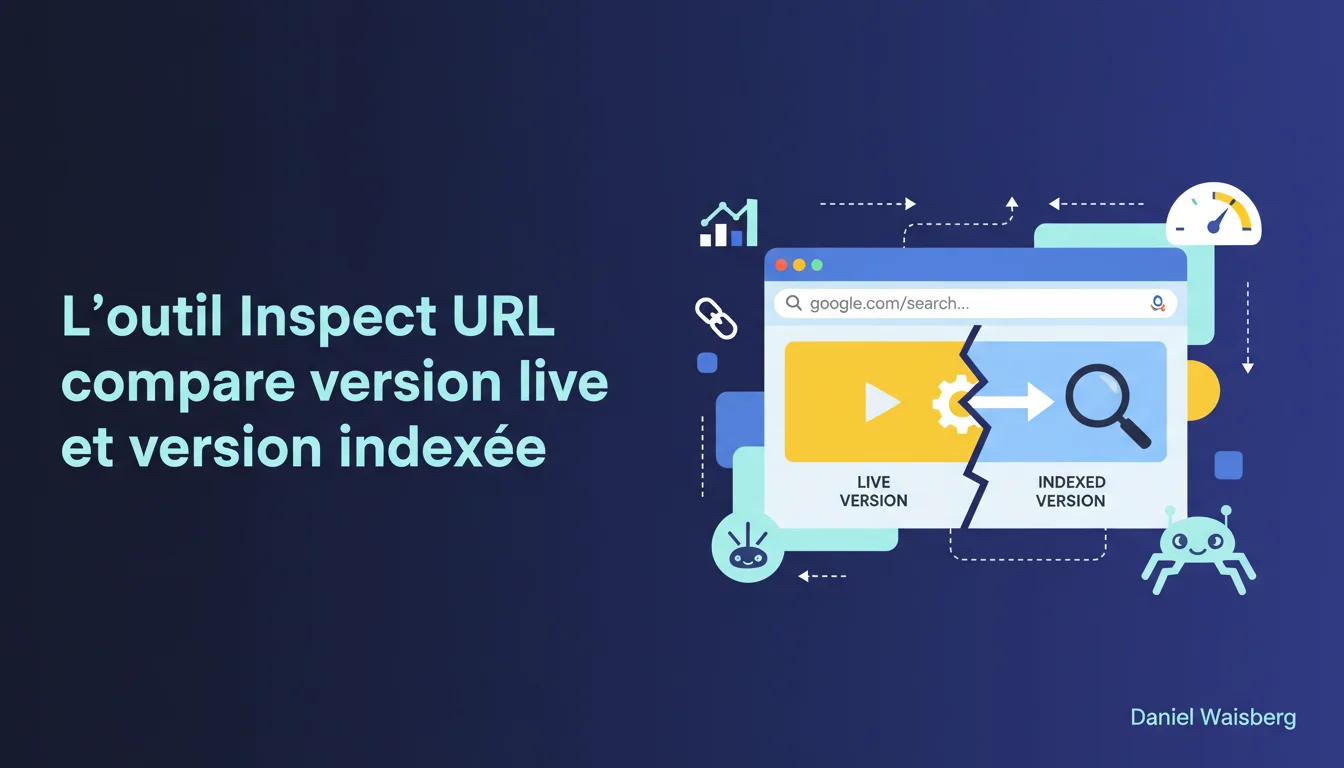
Google confirms that the URL Inspection Tool allows for a comparison between a page's indexed version and its live version tested in real-time. This feature provides SEOs the opportunity to check if the changes made will be correctly crawled and interpreted by Googlebot before their actual indexing. The catch? The tested version does not guarantee final indexing — it only reveals what Google *sees*, not what it *will index*.
What you need to understand
What is the difference between the indexed version and the tested live version?
The indexed version is a snapshot of your page as Google crawled, rendered, and stored it in its index during the last visit. This is the version that appears in search results and serves as the basis for ranking.
The tested live version, accessible via the "Test Live URL" button, simulates a real-time crawl. Google sends Googlebot to retrieve the page at that very moment, executes the JavaScript if necessary, and shows you exactly what it detects: rendered HTML, structured data, blocked resources, loading errors.
Why is this comparison useful in practice?
You just modified a title, corrected a canonical, added schema markup, or resolved a JavaScript rendering issue. Before requesting reindexing, you can check if Google detects your changes correctly.
In practice, this comparison reveals discrepancies between what Google has cached and what it would see if it crawled right now. Is there a server cache issue? Are there resources blocked in robots.txt preventing complete rendering? Is JavaScript failing on Google's side? You will see it immediately.
Does this feature replace a reindexing test?
No. Testing the live version proves that Google can access your changes, but it does not guarantee that it will index them quickly — or even at all. Crawl budget, content quality, perceived freshness of the page, and site authority all play a role.
A positive live test means "OK, technically Google sees what you want it to see". Nothing more. It may very well decide not to recrawl for three weeks, or to crawl but not to reindex if the content is deemed identical or irrelevant.
- The live version tests immediate technical accessibility, not the indexing decision
- Both versions can diverge for days or weeks if Google does not recrawl
- A successful live test does not exempt you from requesting reindexing via "Request indexing" if you're in a hurry
- The discrepancies revealed can signal cache, CDN, JavaScript, or conditional redirection issues
- This comparison is particularly valuable for diagnosing client-side rendering issues
SEO Expert opinion
Is this statement consistent with what is observed on the ground?
Yes, and this is actually one of the few features of the Search Console that has consensus. SEOs heavily use "Test Live URL" to debug indexing issues before requesting reindexing. It is a huge time saver.
Where it gets tricky is in the interpretation. Many believe that a positive live test = guaranteed indexing within 48 hours. False. I've seen pages with a flawless live test remain in outdated version for weeks because Google did not prioritize them. The crawl budget remains the boss.
What nuances should be added to this claim?
Google does not specify that the rendering tested live is not strictly identical to the actual indexing rendering. The live test uses a version of Googlebot that may slightly differ from that of the production crawler — particularly in terms of JavaScript timeout, handling of third-party resources, or simulated geolocation.
Another rarely highlighted point: if your page serves conditional content (server-side A/B testing, IP-based personalization, unintentional cloaking), the live test may see a different version from the one Googlebot will crawl "for real". [To be verified]: Google has never documented the network conditions of the live test (user-agent, IP, exact HTTP headers).
In what cases is this feature not sufficient?
The live test does not detect issues related to crawl budget or algorithmic prioritization. A page may be technically crawlable live and remain ignored for months if it is deep in the architecture, poorly linked, or deemed irrelevant.
Another limit: pages requiring authentication, a specific cookie, or complex user interaction (clicks, infinite scroll, aggressive lazy loading) will never be tested correctly. The live test remains a simplified simulation — it does not replicate a real user journey.
Practical impact and recommendations
What should you concretely do after modifying a page?
As soon as you publish a significant change (title, meta description, content, structured data, canonical), open the Search Console and launch a live test. Methodically compare with the indexed version: is the rendered HTML identical? Are the meta tags up to date? Is the schema markup validated?
If everything is fine on the live side but the indexed version is outdated, request reindexing via "Request indexing". Don't count on natural recrawl if you're in a rush — especially on deep or poorly linked pages.
What mistakes should be avoided during this check?
Never rely solely on the visual rendering in the tool. Google can see content hidden in CSS, load resources blocked for the user, or fail to execute JavaScript that is functional on the client side. Always check the full rendered HTML code.
Another trap: comparing the live version and the indexed version right after a change, noticing a discrepancy, and panicking. If Google hasn't recrawled yet, that's normal. Wait 24-48 hours after a reindexing request before drawing conclusions.
How to integrate this practice into a rigorous SEO workflow?
Automate as much as possible. After each major deployment (redesign, migration, batch of updates), review a sample of pages via the Search Console API. Compare live and indexed versions, log discrepancies, and prioritize reindexing.
For sites with a tight crawl budget or thousands of pages, this step becomes critical. You cannot afford to wait three weeks for a canonical correction to be detected naturally. The live test allows you to force Google's hand on strategic pages.
- Systematically launch a live test after any major technical or editorial change
- Compare rendered HTML, structured data, and loaded resources between live and indexed
- Request reindexing if the live test is OK but the indexed version remains outdated
- Do not rely solely on visual rendering — always check the rendered source code
- Log detected discrepancies to identify patterns (cache, CDN, JavaScript issues)
- Prioritize reindexing on strategic pages with high traffic or visibility loss
❓ Frequently Asked Questions
Le test live URL consomme-t-il du crawl budget ?
Combien de temps après un test live positif Google réindexe-t-il la page ?
Peut-on utiliser le test live pour diagnostiquer des problèmes de JavaScript ?
La version live testée est-elle identique à celle que Google indexera vraiment ?
Faut-il systématiquement demander une réindexation après un test live réussi ?
🎥 From the same video 23
Other SEO insights extracted from this same Google Search Central video · duration 9 min · published on 06/10/2020
🎥 Watch the full video on YouTube →
💬 Comments (0)
Be the first to comment.