
Official statement
Other statements from this video 11 ▾
- 3:07 How does Google truly identify duplicate pages on your site?
- 3:35 Why are redirects essential during a website redesign?
- 3:50 Should you really return a 500 code instead of a 200 for an error page?
- 4:10 Are rel=canonical tags really a reliable signal for managing clustering?
- 4:46 Is rel=canonical truly essential for avoiding indexing mistakes?
- 5:14 Can localized content really be seen as duplicate content by Google?
- 5:25 Can hreflang really stop Google from de-duplicating your localized pages?
- 5:50 How does Google really choose the representative URL to index?
- 6:19 How does Google determine the canonical URL among a cluster of similar pages?
- 8:02 How do conflicting canonical signals sabotage your indexing?
- 8:02 What happens when your canonical signals contradict each other?
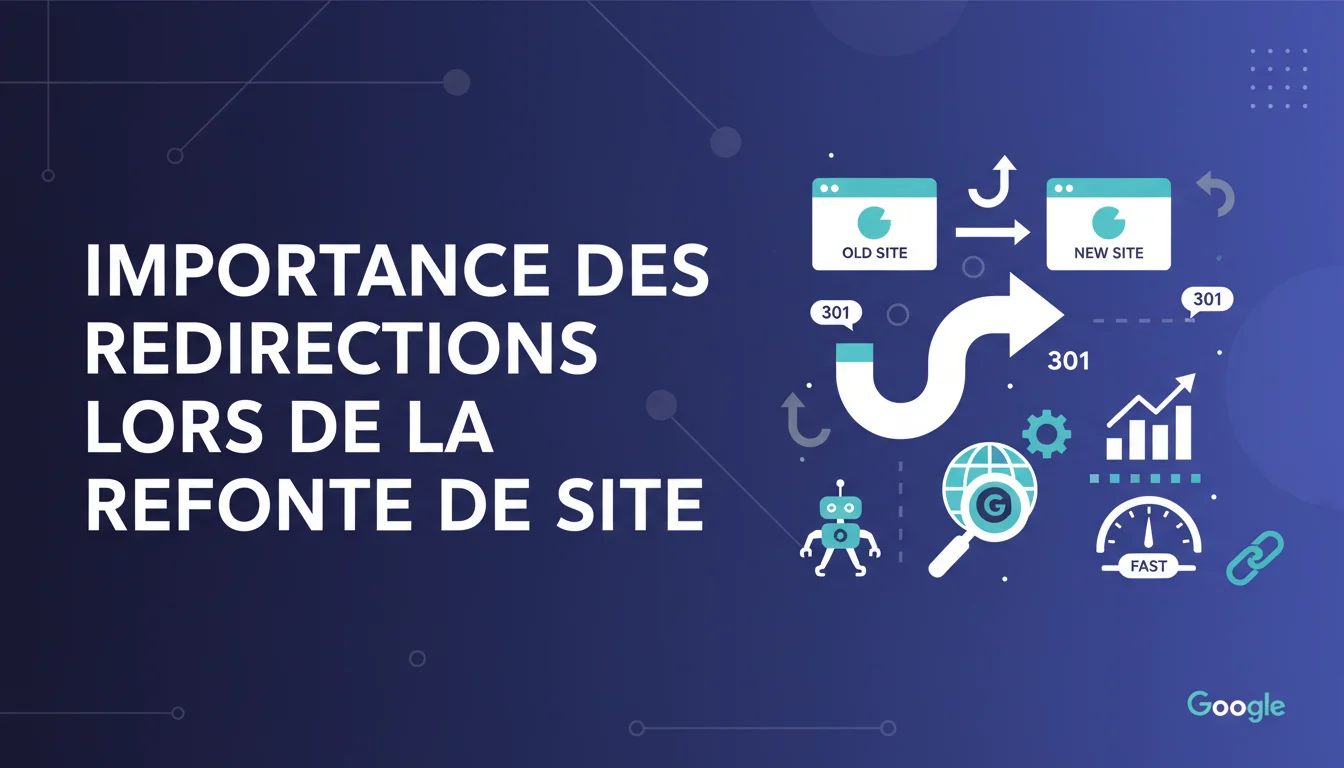
Google insists: during a redesign, redirects are crucial for transferring SEO signals from old URLs to new ones. Without them, you risk losing the authority, rankings, and organic traffic you've built up. Specifically, every old URL that was receiving SEO juice must point to its new version through a 301 redirect — this is the only way to preserve your link equity and history.
What you need to understand
What happens technically when you migrate without redirects?
When you change your site's structure without implementing 301 redirects, Google encounters URLs that return 404 errors. These dead pages immediately lose their ability to rank. The SEO signals — particularly the PageRank conveyed by backlinks — find no destination and vanish.
The bot crawls the old structure, sees that the pages no longer exist, and eventually de-indexes them. Meanwhile, your new URLs start from scratch: no history, no inherited authority, no trust signals. The result? A dramatic drop in traffic that can last for months while Google rebuilds all the lost signals.
Why has Google been hammering this advice for years?
Because it's one of the most costly mistakes a site can make. A redesign without a redirect plan is like moving without leaving a forwarding address. All your clients — here, the engines and the visitors — are faced with a closed door.
Google has observed thousands of failed migrations where organic traffic collapses by 50 to 80% simply because no one took the time to properly map the old URLs to the new ones. The recommendation is not technical for fun: it is vital to preserve continuity in your visibility.
What does it mean to “correctly transfer SEO signals”?
SEO signals are all the criteria that Google has accumulated about your pages over time: backlink authority, content age, user behavior, topical relevance, and click history in the SERPs. A permanent 301 redirect tells Google that the page has moved permanently.
In this case, Google transfers nearly all of these signals to the new URL. It is often said to be a 90-95% transfer — never 100%, but enough to avoid catastrophic loss. Without this redirect, you start from scratch as if your site was just born.
- 301 Redirects: essential for a lasting transfer of PageRank and authority
- Complete URL Mapping: every old URL must point to its relevant equivalent, not to the default homepage
- Pre-Migration Testing: validate the redirect plan in a staging environment before going live
- Post-Migration Monitoring: watch for 404s, redirect loops, and traffic progression in the following weeks
- Consolidation Delay: Google may take several weeks to recrawl all redirects and stabilize rankings
SEO Expert opinion
Is this recommendation really followed in practice?
Let’s be honest: it should be, but it's not always. I’ve seen agencies roll out redesigns in production without even having exported the list of indexed URLs. The result: hundreds of 404s showing up in the Search Console, traffic plunging by 40% in three weeks, and a management team in panic.
The problem is that properly mapping thousands of URLs takes time and rigor. You need to analyze the old structure, identify pages receiving traffic or backlinks, and then determine page by page where to redirect them. Many projects overlook this step due to a lack of resources or haste — and they pay the price in visibility.
Do all types of redirects transfer signals the same way?
No. The 301 (permanent) is the one Google prefers for migrations, as it indicates a permanent move. It transfers nearly all signals. The 302 (temporary), on the other hand, implies that the old page might come back, so Google maintains the signals on the old URL and doesn't fully transfer them.
In theory, Google today treats 302 and 307 similarly to 301 if they remain in place for a long time — but in practice, it's best not to play with fire. A mistakenly used 302 can slow down signal consolidation and create confusion in the indexes. Use a 301 for any definitive migration, period.
What are the most common mistakes in redirect plans?
The most frequent mistake: redirecting all old URLs to the homepage. It’s quick to implement but catastrophic for UX and SEO. Google sees thousands of pages pointing to a single destination and understands that the match isn’t relevant. The result: signal transfer is partial or even nullified.
Another classic mistake: redirect chains. For example, URL1 → URL2 → URL3. Google follows these chains, but each hop dilutes signals and slows the crawl. Always redirect directly from old to new, without intermediate steps. Finally, forgetting to redirect variations (www, http, trailing slash) creates duplicates and losses of juice.
[To check]: Google does not publish official figures on the exact rate of signal transfer via 301. Estimates vary between 85 and 99% depending on the sources, but no one outside of Google can prove it with certainty.
Practical impact and recommendations
How to build a solid redirect plan before redesigning?
First reflex: export the complete list of indexed URLs from the Search Console or through a Screaming Frog / Sitebulb crawl. Isolate the pages that receive organic traffic (Analytics) and those with backlinks (Ahrefs, Majestic). These are your absolute priorities — they must be redirected to relevant equivalents, never to the homepage.
Then, create a URL mapping table: old URL → new URL. Manually verify matches for strategic pages. If an old page no longer has an exact equivalent, redirect to the parent category or the thematically closest page. The aim is to preserve relevance in the eyes of Google and visitors.
What technical mistakes must be absolutely avoided?
Never redirect a URL to itself — it creates a redirect loop that blocks crawling. Also avoid chains: if you restructure multiple times, ensure each redirect points directly to the final destination, without intermediate steps. A post-migration audit should check that no chain exceeds one hop.
Test HTTP codes before going live. A 302 instead of a 301 can go unnoticed for weeks and delay signal transfer. Use tools like Redirect Path (Chrome extension) or a staging server to manually check each redirect before switching.
What if the migration is already live and redirects were forgotten?
Don't panic, but act quickly. Immediately identify URLs generating 404s in the Search Console. Prioritize those that had traffic or backlinks. Urgently deploy missing redirects — every day without a redirect is SEO juice going up in smoke.
Monitor the evolution of organic traffic and rankings in the following weeks. If certain pages don’t recover despite redirects, it may be that they’re pointing to an irrelevant destination. Adjust the mapping if necessary. Google may take 4 to 8 weeks to recrawl everything and stabilize rankings.
- Export all indexed URLs and identify those with traffic or backlinks
- Create a 1:1 mapping table between old and new URLs
- Redirect to relevant destinations, never to the default homepage
- Use exclusively 301 redirects for definitive migrations
- Test redirects in staging before going live
- Check for chains, loops, or 404s after deployment
❓ Frequently Asked Questions
Quelle différence entre une redirection 301 et une 302 lors d'une refonte ?
Combien de temps Google met-il à prendre en compte les redirections après une migration ?
Peut-on rediriger plusieurs anciennes URLs vers une seule nouvelle page ?
Que se passe-t-il si on supprime les redirections quelques mois après la migration ?
Faut-il rediriger les URLs qui n'ont jamais eu de trafic ni de backlinks ?
🎥 From the same video 11
Other SEO insights extracted from this same Google Search Central video · duration 8 min · published on 31/03/2020
🎥 Watch the full video on YouTube →
💬 Comments (0)
Be the first to comment.