
Official statement
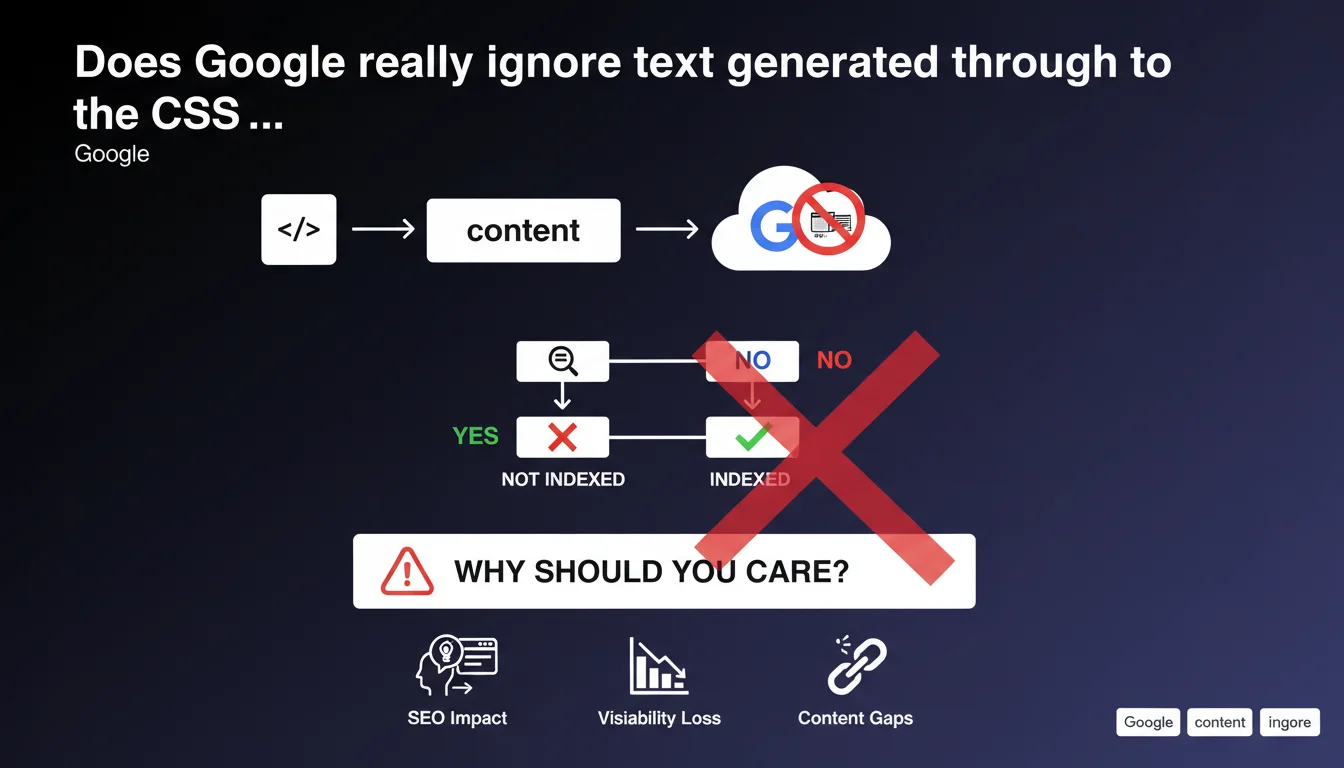
Google generally does not index text inserted via the CSS 'content' property. This technical limitation means that any textual content important for SEO must appear directly in the page's HTML, not in ::before or ::after pseudo-elements. A straightforward but often overlooked rule that can negatively impact your visibility if you use this technique to display editorial content.
What you need to understand
What exactly is the CSS 'content' property?
The CSS 'content' property allows you to insert text or visual elements via the ::before and ::after pseudo-elements. Essentially, it generates content on the client side, in the browser, without that content actually appearing in the page's raw HTML source code.
This technique is commonly used to add decorative icons, stylized quotation marks, or visual labels. The problem? This content doesn't exist when Googlebot analyzes your raw HTML.
Why doesn't Google index it?
The reason is fundamentally technical. Googlebot processes the initial DOM and executes JavaScript, but the CSS 'content' property creates text that is never treated as usable semantic content. It's a rendering artifact, not structured editorial information.
Google has always prioritized semantic HTML as the source of truth for indexing. Anything generated artificially after the fact—whether through CSS or certain JavaScript manipulations—either escapes analysis or is treated with suspicion.
What are the practical consequences?
If you use 'content' to display legal notices, product descriptions, or worse, strategic keywords, these elements simply won't be factored into your page's relevance calculation. You lose SEO signals without even realizing it.
- Text generated via ::before or ::after does not appear in Google's index
- This rule applies regardless of content type (text, links, citations)
- Crawlers only see the raw HTML source, not the final CSS rendering
- Using 'content' for decorative content remains acceptable and risk-free
- Any editorial or semantic content must appear directly in the HTML
SEO Expert opinion
Is this limitation truly universal?
Let's be honest: Google says "generally," not "never." This nuance deserves attention. In certain very specific cases, especially when JavaScript rendering is fully executed, it's possible for CSS elements to be partially interpreted. But that's the exception, not the rule.
In practice, [To be verified] on your own pages using the URL Inspection tool in Search Console. If you notice that CSS content appears in Google's rendering, don't celebrate just yet—it doesn't mean it's indexed or weighted in rankings.
Why do some sites continue using this technique?
Because it solves UI/UX problems elegantly. Adding icons without bloating the HTML, styling quotes without multiplying tags, inserting visual separators—all of that remains relevant from a design perspective.
The real issue arises when SEO-unaware developers use 'content' to display editorial text, thinking they're saving time. Result: content invisible to Google, a lost ranking opportunity. And that's where things break down.
What alternatives actually work?
If you need to display dynamic text, prioritize native HTML complemented by CSS classes for styling. Tags like <span>, <data>, or even aria-label (in certain cases) offer more flexibility without sacrificing indexability.
For purely decorative elements, 'content' remains legitimate. But draw a clear line: anything carrying meaning, context, or keywords must be in the HTML. It's a simple rule that prevents 90% of problems.
Practical impact and recommendations
What should you audit as a priority on your site?
Comb through all uses of ::before and ::after in your stylesheets. Identify which ones insert text via 'content' and assess whether that text has semantic value or is purely decorative.
Use the Inspect URL tool in Search Console to compare the raw HTML source with Google's rendering. If important content appears only visually but not in the code, you have a problem.
What mistakes should you absolutely avoid?
Never hide calls to action, product descriptions, or alternate titles in CSS pseudo-elements. These elements must be crawlable and indexable, period.
Also avoid duplicating content between HTML and CSS. If you display a label via 'content' for aesthetic reasons, make sure that information already exists in the markup in an accessible way.
- Audit all occurrences of content: in your CSS
- Verify that critical text appears directly in the HTML
- Test Google's rendering via Search Console on key pages
- Replace editorial uses of 'content' with native HTML
- Document CSS conventions across dev teams to prevent regressions
- Favor semantic tags (<strong>, <em>, <span>) for dynamic content
How can you ensure corrections are sustainable?
Integrate this rule into your front-end development guidelines. Educate design and development teams about the SEO implications of CSS choices. A one-time audit won't help if bad practices creep back in over iterations.
Set up automated tests that detect 'content' usage on suspect selectors (headings, paragraphs, links). It takes 30 minutes to code and prevents costly regressions.
❓ Frequently Asked Questions
Le contenu CSS est-il totalement invisible pour Google ?
Puis-je utiliser 'content' pour des icônes ou des éléments décoratifs ?
Comment vérifier si mon contenu CSS est indexé ?
Cette règle s'applique-t-elle aussi aux autres moteurs de recherche ?
Que faire si mon CMS génère automatiquement du contenu via 'content' ?
🎥 From the same video 3
Other SEO insights extracted from this same Google Search Central video · published on 19/12/2023
🎥 Watch the full video on YouTube →
💬 Comments (0)
Be the first to comment.