
Official statement
What you need to understand
What's the difference between classic indexing and Mobile First for tabs?
Historically, Google attributed more weight to content visible by default in tabs. The tab displayed first was considered more important than those hidden behind clicks.
With the Mobile First index, this logic evolves radically. All tabs now have equivalent weight in the algorithm, whether they are visible or hidden at the initial page load.
Why does Google require all content to be present from the HTML load?
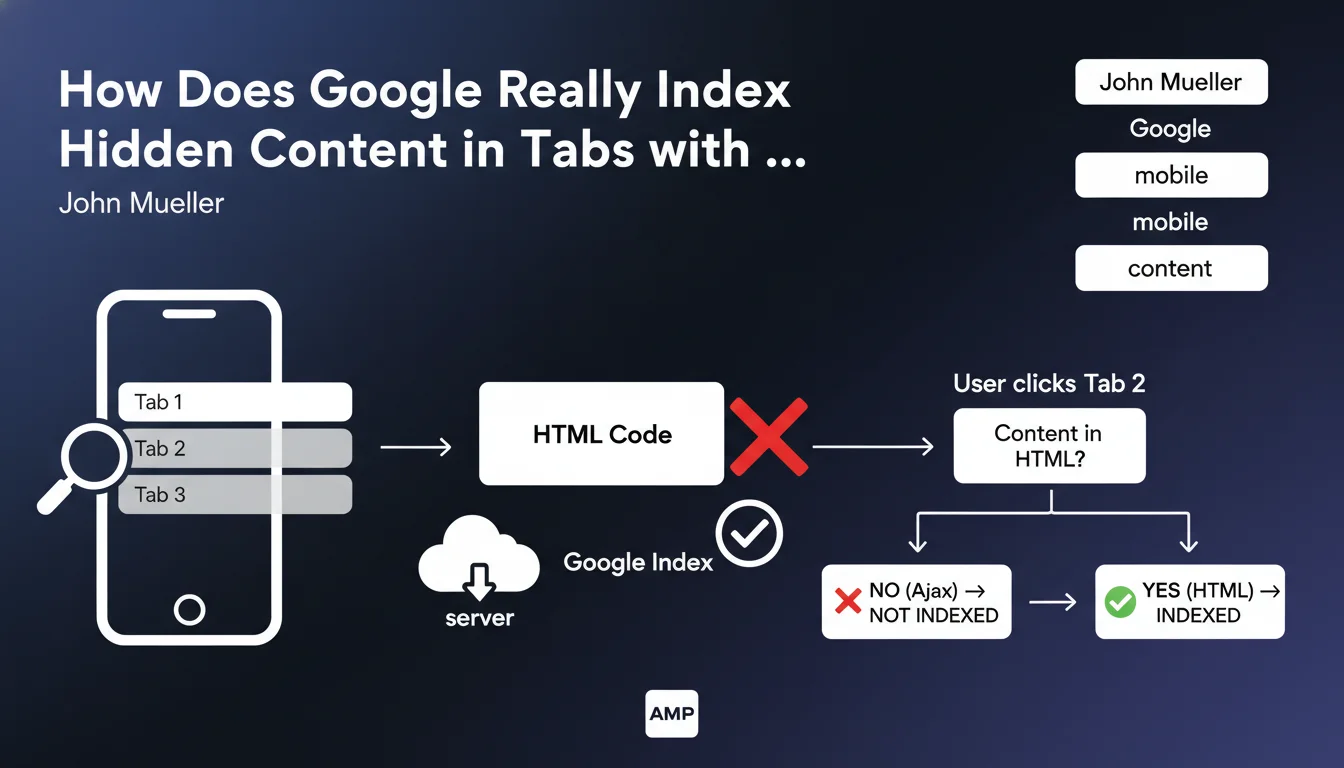
Google requires that all tab content be included in the initial HTML. The crawling robot must be able to access all content without executing additional JavaScript requests.
Content loaded via Ajax after a user click is not guaranteed to be indexed with the same weight. This approach allows Googlebot to crawl efficiently without simulating complex interactions.
What are the essential points to remember from this statement?
- Identical weight for all tabs in Mobile First, regardless of their initial visibility
- Content must be present in the DOM from the HTML load, not loaded dynamically
- Post-click Ajax loading techniques are discouraged for important content
- This rule only applies if the URL remains identical when switching tabs
- The approach favors CSS hiding techniques rather than delayed loading
SEO Expert opinion
Is this statement consistent with practices observed in the field?
This clarification from John Mueller confirms what numerous empirical SEO tests have demonstrated in recent years. Sites using tabs with preloaded content indeed achieve better results.
However, there's an important nuance: Google can technically execute JavaScript and load Ajax content, but with no guarantee of timing or completeness. The message here is clear: don't rely on this capability for your strategic content.
What limits and exceptions should be considered?
This rule only applies when the URL remains unchanged between tabs. If each tab corresponds to a different URL (with anchors or parameters), the situation differs completely.
Moreover, loading time becomes critical. Preloading all tabs can significantly increase the initial page weight, impacting Core Web Vitals and paradoxically harming mobile SEO.
How does this approach impact content strategy?
This directive encourages a more transparent content architecture. Sites must now balance between content richness and technical performance.
We observe a trend toward accordion designs or expandable sections rather than true tabs, allowing better balance between user experience and SEO requirements.
Practical impact and recommendations
What should you check as a priority on your current site?
Start by auditing your pages using tabs. Inspect the raw HTML source code (not the browser inspector) to verify that all content is present from the initial load.
Use Search Console and the "URL Inspection" tool to see exactly what Googlebot receives. Compare it with what your users actually see.
What technical errors should you absolutely avoid?
- Never load tab content via Ajax requests triggered on click
- Avoid JavaScript frameworks that generate content on the client side only
- Don't use lazy loading for critical content within tabs
- Avoid iframes whose content loads after user interaction
- Don't confuse CSS hiding (allowed) and total absence from the DOM (problematic)
How do you properly implement SEO-friendly tabs?
The recommended technique consists of including all content in the HTML and using CSS (display:none or visibility:hidden) to hide inactive tabs. JavaScript only serves to toggle CSS classes.
Prioritize ARIA attributes (aria-hidden, aria-expanded) to improve accessibility while keeping content indexable. Ensure your implementation complies with semantic web standards.
Monitor the impact on your Core Web Vitals, particularly LCP and CLS. If preloading degrades performance too much, consider redesigning your content architecture.
💬 Comments (0)
Be the first to comment.