
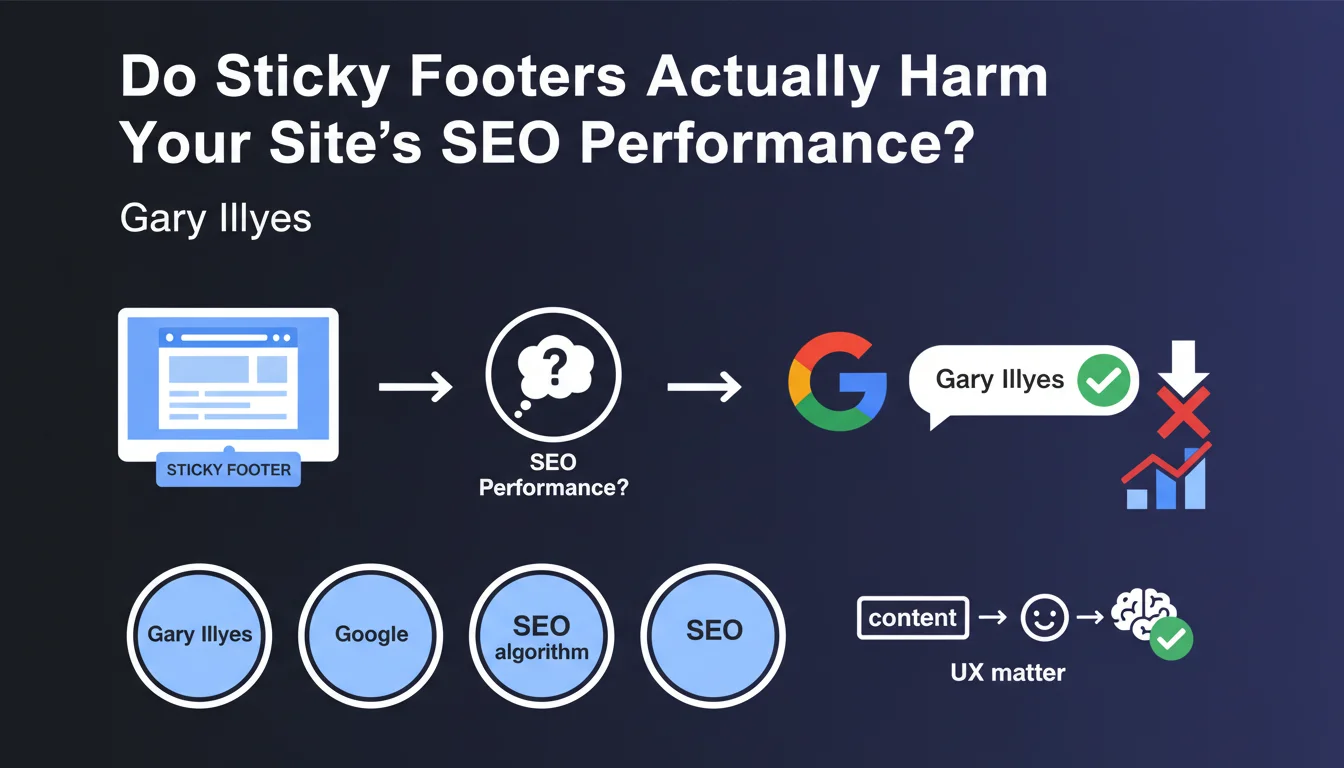
Official statement
What you need to understand
What exactly is a sticky footer and why does it raise SEO questions?
A sticky footer is a navigation element that remains fixed at the bottom of the screen, permanently visible while users scroll through page content. This design technique, increasingly common on mobile, raises legitimate questions among webmasters.
The question posed to Google concerned the potential impact of this element on crawling and indexation. Some feared that this persistent footer might be perceived as a manipulation attempt or hinder robots' analysis of the main content.
What is Google's official stance on sticky footers?
Gary Illyes confirmed that sticky footers don't pose a major problem for the search engine. Google considers this feature as a user experience and design choice, without malicious intent.
The search engine understands that this implementation stems from a graphic decision to improve navigation. It's not equated with an over-optimization technique or algorithmic manipulation.
What are the key takeaways from this statement?
- Sticky footers are accepted by Google without any particular SEO penalty
- Google clearly distinguishes UX/design choices from algorithmic manipulation attempts
- Technical implementation must remain clean and not hide the main content
- The question of actual usefulness for users remains to be evaluated case by case
- This tolerance fits within a logic of prioritizing main content
SEO Expert opinion
Does this statement align with practices observed in the field?
Indeed, observations perfectly align with this statement. Numerous high-authority sites use sticky footers without suffering any visible penalty in search results.
Google has made considerable progress in its ability to distinguish navigation elements from content elements. Its algorithm now effectively identifies the main content of a page, independently of CSS and JavaScript choices for peripheral elements.
What important nuances should be considered regarding this claim?
Google's tolerance doesn't mean all implementations are equivalent. A poorly designed sticky footer can pose indirect problems for your SEO.
If the element hides a significant portion of main content on mobile, it degrades the user experience. This degradation can translate into negative signals: high bounce rate, low visit time, which indirectly impact rankings.
In what cases might this tolerance reach its limits?
The situation would become problematic if the sticky footer were used in an abusive or deceptive manner. For example, a footer intentionally hiding content, containing keyword spam, or creating confusion in information hierarchy.
Similarly, if the technical implementation prevents proper page rendering or generates errors during crawling, Google might encounter indexation difficulties. Excessive use of JavaScript without fallback solutions can also pose problems.
Practical impact and recommendations
Should you keep or remove sticky footers from your site?
The decision should be based on user experience analysis rather than pure SEO considerations. Test the actual impact on your audience through A/B testing and behavior analysis.
Examine your analytics data: does the sticky footer improve click-through rates to your important pages? Does it reduce bounce rate? These metrics are more relevant than simple technical compliance.
What concrete mistakes should you absolutely avoid?
Never overload your sticky footer with too many elements. Limit yourself to essential actions: contact, cart, main menu. A cluttered footer frustrates users and dilutes the effectiveness of each element.
Imperatively verify mobile rendering. A sticky footer that occupies more than a third of the smartphone screen creates a disastrous experience and violates mobile-friendliness principles valued by Google.
How can you audit and optimize your current sticky footer?
- Test rendering on different devices and screen sizes to verify content accessibility
- Check in Search Console that Google properly crawls and indexes your pages
- Analyze Core Web Vitals, particularly CLS which can be affected by a poorly implemented footer
- Measure interaction rates with sticky footer elements via analytics events
- Compare engagement metrics before/after implementation on a sample of pages
- Ensure the footer doesn't excessively weigh down loading time
- Verify accessibility for screen readers and keyboard navigation
💬 Comments (0)
Be the first to comment.