
Official statement
Other statements from this video 5 ▾
- □ How can you effectively debug Core Web Vitals using your browser's DevTools?
- □ Should you really start with Search Console before investing in complex SEO tools?
- □ How can you get your content discovered across Google's new search surfaces beyond traditional search results?
- □ Will Google's generative AI in Search Labs completely reshape your SEO strategy?
- □ Is Google really updating its search standards, or is it all just noise?
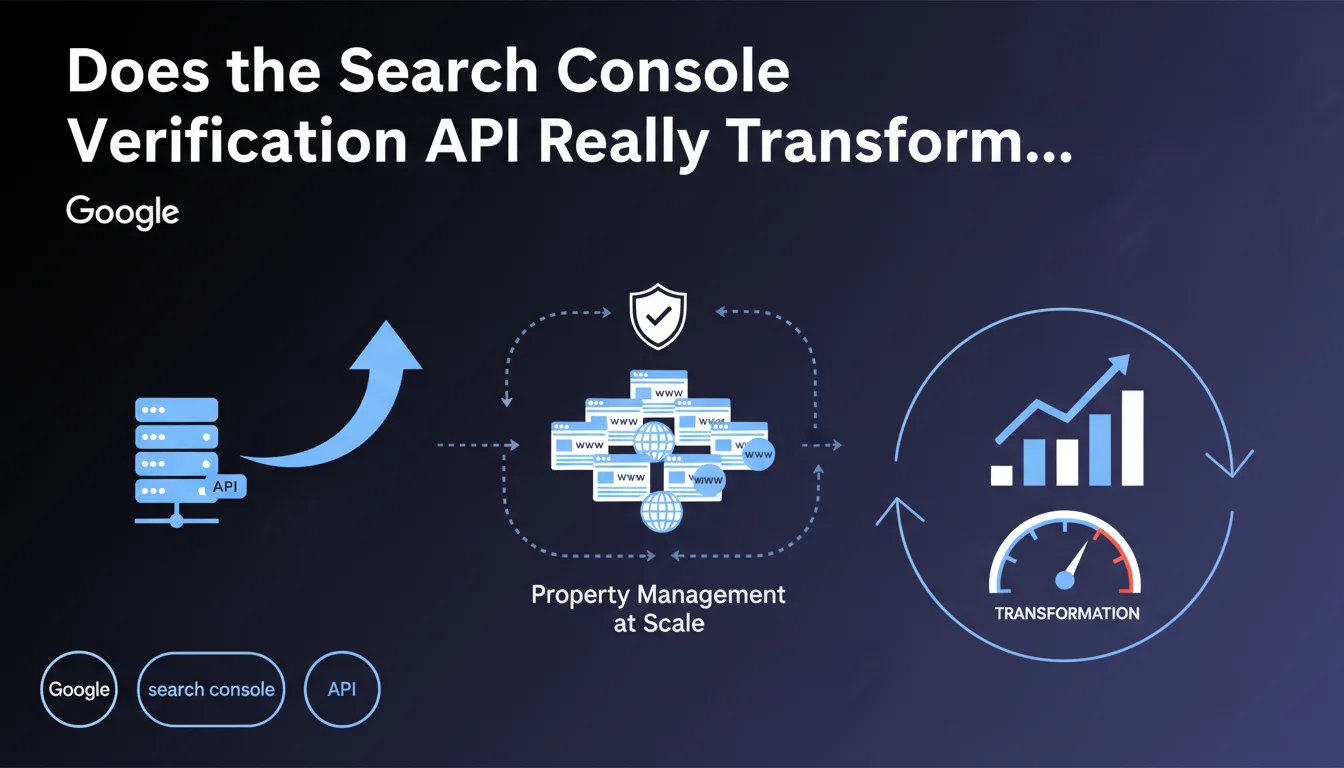
Google deployed a Search Console Verification API enabling programmatic automation of website property management. For multi-site agencies and publishers, this represents substantial time savings on administrative tasks. The key question: understanding real use cases beyond the marketing announcement.
What you need to understand
Why did Google create this API now?
Before this API, verifying property ownership in Search Console required manual interventions: adding HTML tags, uploading files, or modifying DNS records. For a single site, it's manageable. For an agency managing 50, 100, 500 properties? An operational nightmare.
The API addresses a need for industrialization. It enables triggering, monitoring, and managing verifications through scripts, without going through the manual interface. Google is following the trend of all its professional solutions: automating whatever can be automated.
Which verification methods are covered?
The API supports the main methods: HTML meta tag, verification file, DNS record, Google Analytics, Google Tag Manager. In practice, all classical methods except perhaps the most exotic or deprecated ones.
Each method remains subject to the same security constraints. The API doesn't bypass anything — it structures and accelerates an existing process. No magical shortcuts.
What does this API change for an SEO practitioner?
- Automating multiple verifications: deployment across dozens of domains in a single scripted action
- Programmatic monitoring: proactive detection of expired or failed verifications
- Integration into workflows: chaining GSC verification, data reporting, automated alerts
- Managing user rights: provisioning or revoking access at scale without manual clicks
- Compliance auditing: verifying that all sites in a portfolio are properly linked to the correct account
SEO Expert opinion
Does this API solve a real problem or is it just cosmetic?
Let's be honest: for 90% of websites, the API adds nothing. A single site or a small business with 3 domains doesn't need to automate verification. The development ROI is zero.
On the other hand, for SEO agencies, multi-tenant SaaS platforms, site publishers (media outlets, marketplaces, franchise networks), it's a genuine win. You go from "2 hours per week managing verifications" to "script running in the background". The problem affected a marginal number of people in volume, but was acute for those who had it.
What limitations should you anticipate with this API?
First limitation: the API doesn't eliminate technical prerequisites. If your server doesn't allow adding a verification file or modifying DNS, the API won't work miracles. It automates, it doesn't solve infrastructure blockers.
Second point: quotas and rate limits. Google doesn't always clearly document thresholds before throttling kicks in. With high volumes (several hundred simultaneous verifications), expect to manage queues and retries. [To verify]: exact limits aren't public and likely vary by account type.
Does the API cover all property management scenarios?
No. Some operations remain manual or semi-automated. For example, property validation via Google Analytics assumes the Analytics account is already linked. The API doesn't handle Analytics configuration itself — that's a different scope.
Similarly, expired verifications sometimes require human intervention if the automated process fails multiple times. The API informs, but doesn't resolve all degraded situations. It reduces friction, it doesn't eliminate it.
Practical impact and recommendations
Which profiles should integrate this API into their tools?
If you manage more than 20 Search Console properties on a recurring basis, the development investment starts making sense. Below that, the cost (dev time, maintenance, error handling) exceeds the gain.
Multi-client SEO agencies, SaaS offering SEO (CMS type, e-commerce platforms), site networks (media, directories, franchises) are the first targets. If you regularly onboard new domains, the API becomes an operational lever.
What do you need to do concretely to use this API?
- Set up a Google Cloud Platform project with Search Console APIs enabled
- Generate OAuth 2.0 credentials to authenticate API requests
- Develop or adapt a script (Python, Node.js, PHP) that handles API calls, response parsing, and error management
- Test on a staging environment with a few non-critical properties before deployment
- Set up monitoring: logs, alerts if verification fails, dashboards
- Document the process so other team members can intervene if needed
- Plan a manual fallback: even with the API, some edge cases will require human intervention
How do you avoid common mistakes when integrating?
Mistake number one: underestimating authentication token management. OAuth tokens expire, you need to manage automatic refresh. A script that crashes every 3 hours because the token is expired is the best way to lose more time than before.
Second trap: not handling error responses. The API returns specific HTTP codes (403, 429, 500…), each requiring specific handling logic. Ignoring these errors means ending up with silent verification failures for days.
The Search Console Verification API is a powerful tool for anyone operating at scale. It requires significant initial technical investment: GCP infrastructure, development, monitoring, maintenance.
For organizations lacking internal expertise or time to develop these automations, support from a specialized SEO agency can prove worthwhile. They often already have the technical building blocks, proven scripts, and can deploy the solution quickly while training internal teams.
❓ Frequently Asked Questions
L'API de vérification Search Console est-elle gratuite ?
Peut-on utiliser l'API pour vérifier des sites sur lesquels on n'a pas d'accès technique ?
L'API permet-elle de gérer les utilisateurs et permissions d'une propriété ?
Quelles sont les alternatives si on ne veut pas développer l'intégration soi-même ?
L'API de vérification remplace-t-elle l'API Search Console classique ?
🎥 From the same video 5
Other SEO insights extracted from this same Google Search Central video · published on 29/12/2023
🎥 Watch the full video on YouTube →
💬 Comments (0)
Be the first to comment.