
Official statement
What you need to understand
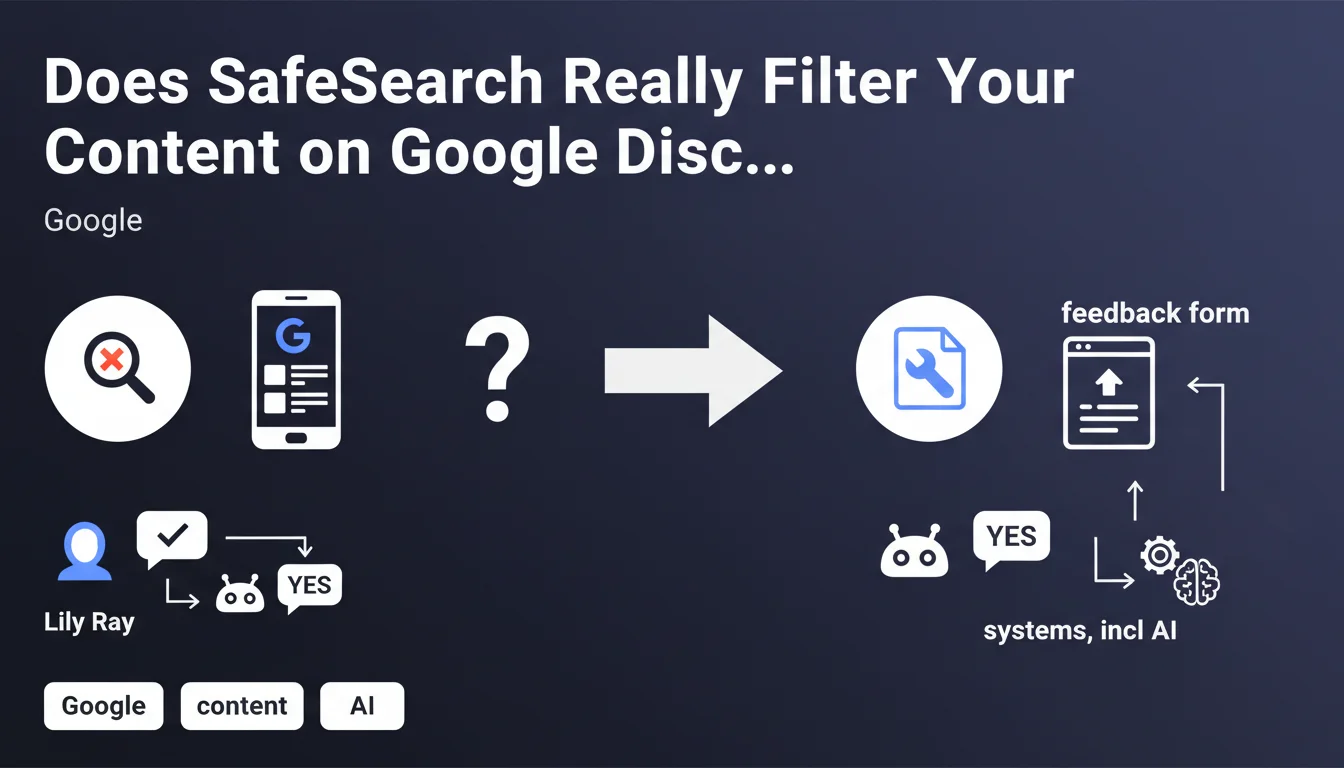
Google has officially confirmed that SafeSearch does apply to Google Discover, the personalized content feed that appears on mobile devices. This clarification is important because it explains why some sites may see their visibility drastically reduced on this platform.
SafeSearch is Google's filter that blocks explicit or adult content from search results. When enabled (which is the default for many users), it prevents the display of content deemed inappropriate.
Google's logic is clear: Discover displays content proactively, without the user having formulated a specific query. In this context, showing explicit content would be inappropriate since the user didn't request it.
- SafeSearch automatically applies to Google Discover
- Explicit or adult content is filtered by default
- A reconsideration form exists if you believe your content is misclassified
- Even without SafeSearch, Discover generally avoids shocking or unexpected content
- This policy protects the user experience on an unsolicited discovery feed
SEO Expert opinion
This statement is perfectly consistent with what we observe in the field. Many sites with some mature content sections (even legitimate ones such as articles on sexual health, education, or artistic content) experience a complete absence of visibility in Discover.
However, this needs to be nuanced: Google's content classification is not always accurate. Some perfectly appropriate content can be misinterpreted by algorithms, particularly in areas such as health, wellness, art, or education. Legitimate editorial context is not always well understood by automated systems.
The existence of a reconsideration form shows that Google implicitly recognizes the limitations of its automatic classification. However, in practice, obtaining a favorable review remains difficult and requires solid argumentation about the editorial value of the content.
Practical impact and recommendations
- Audit your entire site to identify potentially problematic content (suggestive images, crude language, sensitive topics)
- Evaluate the cost/benefit ratio: if Discover represents an important channel, consider separating sensitive content onto a dedicated subdomain
- Optimize your metadata: use neutral vocabulary in titles, meta descriptions, and image alt tags
- Add editorial context around sensitive content to clarify its educational or informative intent
- Use appropriate schema.org tags to contextualize content (Medical Article, Educational Article, etc.)
- Monitor your Discover performance in Search Console to detect sudden drops that could indicate a classification issue
- If you're filtered unfairly, use Google's SafeSearch form to request a review, clearly explaining the editorial value
- Favor neutral visuals in your main images, which are particularly scrutinized by filters
These optimizations require a detailed analysis of your content strategy and visibility objectives. The balance between editorial authenticity and compliance with Google's filters can prove delicate to achieve. For sites whose editorial positioning touches on sensitive topics, specialized support helps precisely identify necessary adjustments without distorting your editorial line. An SEO agency experienced in these issues can help you implement an adapted strategy, finely audit your content, and optimize your presence on Discover while preserving the integrity of your message.
💬 Comments (0)
Be the first to comment.