
Official statement
What you need to understand
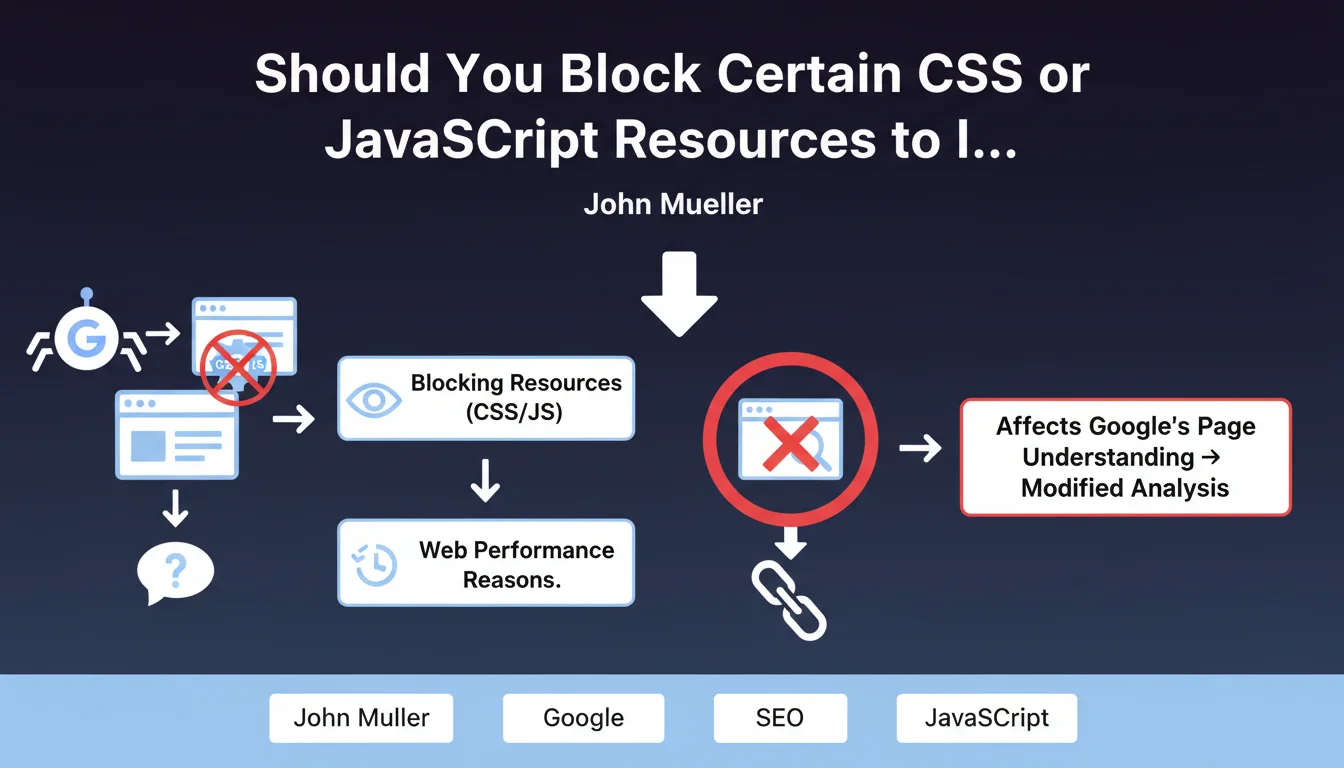
Blocking resources for Googlebot involves preventing Google's crawler from accessing certain CSS, JavaScript, or image files via the robots.txt file. Some SEO professionals are tempted to block heavy or slow resources to artificially improve performance metrics as perceived by Google.
Google warns against this practice: the search engine needs access to all resources on a page to understand it correctly. Blocking JavaScript can prevent Google from seeing dynamically generated content, interactive buttons, or essential navigation elements.
This approach is similar to cloaking, meaning showing a different version of the page to Google compared to actual users. Google considers this manipulation and may penalize sites that adopt this strategy.
- Google needs access to all resources to properly analyze a page
- Blocking resources solely for Googlebot alters the search engine's perception of the page
- This practice can be considered cloaking and carries penalty risks
- Performance metrics must reflect the actual user experience
SEO Expert opinion
This position from Google is perfectly consistent with the search engine's evolution toward an increasingly comprehensive analysis of web pages. Since implementing JavaScript rendering, Google wants to see pages as a real user would see them.
However, there are legitimate gray areas: blocking analytics tracking scripts, chat tools, or third-party advertising widgets generally has no negative impact, as these elements don't contribute to the main content. The important nuance is to never block resources that affect the rendering or understanding of editorial content.
The real question isn't "what should I block for Google?" but "how do I optimize resources for everyone?". A resource that's too slow for Google will also be too slow for your visitors, negatively impacting your conversion rate.
Practical impact and recommendations
- Audit your robots.txt: verify that no important CSS, JavaScript, or image resources are blocked for Googlebot
- Test Google's rendering: use the URL inspection tool in Search Console to see how Google displays your pages with all resources
- Genuinely optimize performance: minify, compress, and cache your resources rather than blocking them
- Implement intelligent deferred loading: use lazy loading and asynchronous loading for non-critical resources, but keep them accessible
- Identify third-party resources: only non-essential scripts (analytics, advertising) can be legitimately blocked without SEO impact
- Prioritize critical content: ensure that all JavaScript necessary for displaying main content is accessible and optimized
- Monitor performance discrepancies: compare data from your synthetic tools with actual users' Core Web Vitals
Technical resource optimization and web performance management are complex areas requiring in-depth expertise. Between JavaScript rendering analysis, critical loading optimization, and maintaining consistency between bots and users, the technical challenges are numerous. For a web performance strategy truly aligned with current SEO requirements, guidance from a specialized SEO agency can save you valuable time and avoid costly mistakes that could impact your visibility.
💬 Comments (0)
Be the first to comment.