
Official statement
Other statements from this video 8 ▾
- 1:37 Is mobile loading speed really a significant ranking factor?
- 5:00 Why does Test My Site focus solely on 3G network performance?
- 19:38 Should you really trust PageSpeed Insights recommendations to optimize your Core Web Vitals?
- 21:17 Does PageSpeed Insights truly measure the real performance of your site?
- 26:18 Should you really fix every issue highlighted by PageSpeed Insights?
- 44:33 Why could measuring just one web performance metric ruin your SEO strategy?
- 52:43 Why does Google emphasize returning control to the main thread every 50 milliseconds?
- 53:25 Does optimizing the Critical Rendering Path really matter for SEO?
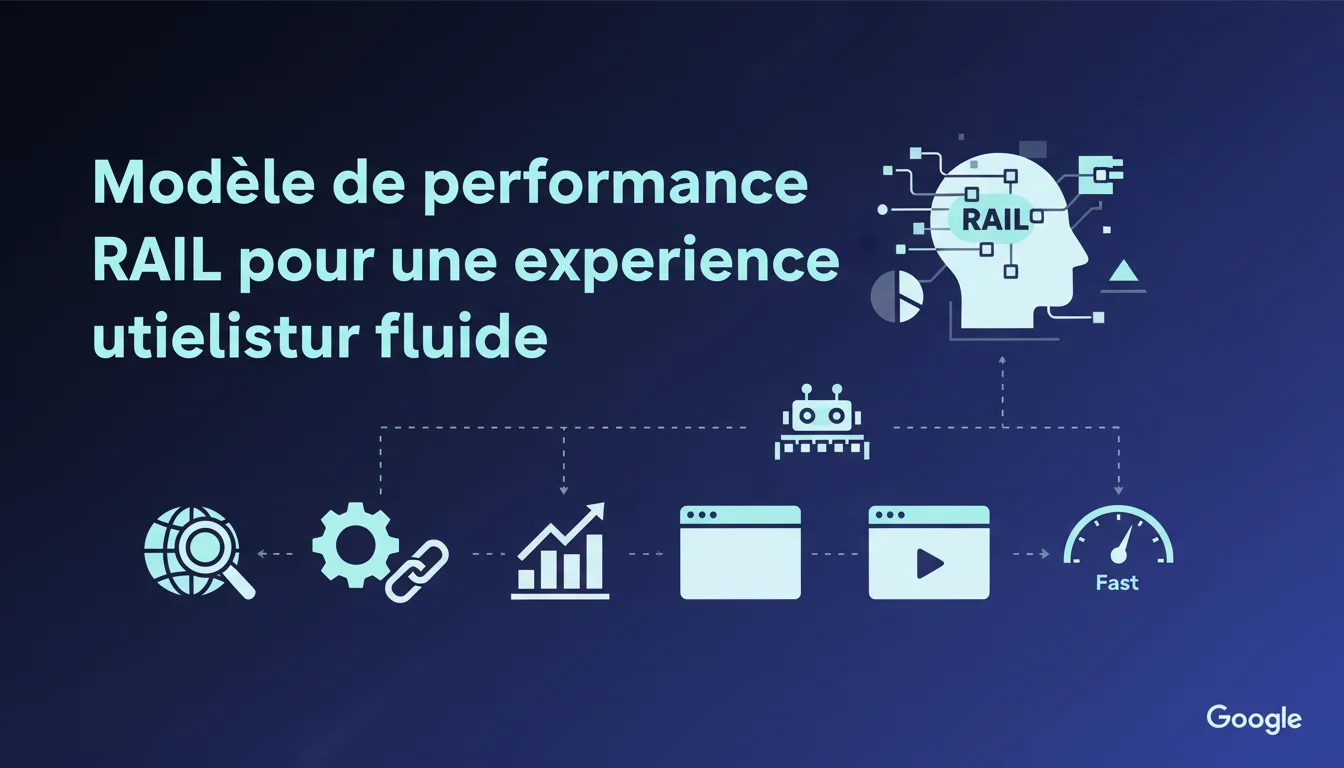
Google recommends the RAIL model to structure performance optimizations: Response in under 100ms, Smooth animations at 60fps, Idle time used for non-critical tasks, and Fast initial loading. These metrics directly align with the Core Web Vitals and influence mobile-first ranking. Specifically, adhering to RAIL requires precise technical choices regarding JavaScript, lazy loading, and prioritizing critical resources.
What you need to understand
The RAIL model structures the performance approach around four distinct pillars corresponding to phases of user interaction. Google didn't create it yesterday, but it is now explicitly included in its technical recommendations for web developers.
Each letter represents a documented psychological tolerance threshold: 100ms for immediate response, 16ms per frame for smooth animation, 50ms per block for idle tasks, 1000ms for perceived loading. These values are not arbitrary; they correspond to the cognitive limits of human attention.
Why does Google emphasize the distinction between these four phases?
Because not all milliseconds are equal. A 200ms delay on a button click immediately frustrates the user, while a delayed image load of 2 seconds goes unnoticed if the essential content is already visible.
This differentiation allows for prioritizing optimizations based on their actual impact on the experience. A developer who compresses their images but lets their JavaScript block the main thread for 500ms with each interaction completely misses the mark. RAIL compels developers to think in terms of critical versus tolerable phases.
How is this model different from traditional Core Web Vitals?
The Core Web Vitals measure outcomes (LCP, FID, CLS), while RAIL describes a design methodology. It's the difference between a thermometer and a cooking recipe.
RAIL tells you how to architect your code to achieve good scores in Web Vitals. For instance, maximizing idle time allows you to defer non-critical tasks without blocking interactions, which directly improves FID. The emphasis on Animation ensures that your CSS transitions and scrolls do not cause costly repainting, reducing CLS.
How does this framework fit into a technical SEO strategy?
Google crawls and indexes according to the same principles as human users: it abandons slow pages. A site that adheres to RAIL not only enhances user experience but also facilitates effective bot crawling.
Specifically, an optimized initial loading time (Load) means Googlebot can quickly access the main content, which is especially critical for mobile-first indexing. Smooth animations reduce detected layout shifts during rendering, and fast response times (Response) indicate that both the server and front-end are technically sound, an indirect quality signal.
- Response: every user interaction must receive visual feedback in under 100ms, or else latency is perceived
- Animation: maintain 60fps (16ms per frame) to avoid visual stutters that degrade trust
- Idle: utilize idle windows (maximum 50ms blocks) to perform deferable tasks without blocking the thread
- Load: display usable main content in under 1000ms to meet the immediate attention threshold
- RAIL does not replace Web Vitals but provides a conceptual framework to methodically achieve them
SEO Expert opinion
Is this statement consistent with field observations?
Yes, but with a huge caveat: RAIL remains a theoretical model that very few e-commerce or media sites fully adhere to. The suggested thresholds (100ms, 16ms, 50ms) are ergonomic ideals documented since the 1990s, not recent Google discoveries.
In practice, achieving a constant 60fps on mobile with modern JavaScript and frameworks like React/Vue/Angular requires an architectural discipline that the majority of web projects lack. Performance budgets are rarely defined upfront, and optimizations come in as an afterthought, in a patchwork manner. [To be verified]: Google claims that maximizing idle time improves the experience, but public measurement tools (Lighthouse, PageSpeed Insights) do not directly quantify this metric, making concrete auditing challenging.
What are the risks of focusing solely on RAIL?
RAIL centers on instant user perception, which may lead to under-optimizing other critical SEO aspects. For example, aggressively delaying content to maximize initial Load may harm crawling if Googlebot does not see essential elements during the first render.
Similarly, overloading tasks in Idle could saturate the main thread as soon as the user interacts, causing micro-freezes. Junior developers often apply requestIdleCallback without priority management, leading to paradoxical performance regressions. RAIL requires a deep understanding of the JavaScript event loop, which not everyone possesses.
When does RAIL become counterproductive?
In complex applications with intensive shared state (real-time dashboards, CRMs, SaaS tools), meeting the 100ms Response can force heavy architectural compromises: optimized Redux stores, aggressive memoization, web workers for calculations. The ROI becomes questionable if the audience tolerates 200-300ms without real friction.
Another edge case: content-heavy sites with programmatic advertising. Third-party scripts (bidders, trackers, social widgets) systematically explode RAIL budgets, and you have no technical control over them. Prioritizing RAIL in this scenario is like fighting windmills; it’s better to negotiate contracts with fewer scripts or aggressive lazy loading, even at the cost of some ad impressions.
Practical impact and recommendations
What should you do to align your site with RAIL?
Start by auditing each phase separately with Chrome DevTools. Record a Performance session during a typical user interaction (menu click, scroll, form submission) and check that each visual response arrives in under 100ms. If you see long tasks > 50ms, identify the responsible scripts and break them up.
For Animation, enable the "Rendering > Frame Rendering Stats" option in DevTools and scroll through your page. Any drop below 60fps indicates a costly repaint: often caused by CSS animations on non-GPU properties (width, height, top, left instead of transform). Replace them systematically. For Load, use Lighthouse in mobile throttled mode and aim for a FCP < 1s, LCP < 2.5s.
What mistakes to avoid during RAIL implementation?
Classic mistake: turning everything into lazy load to improve initial Load but forgetting that above-the-fold images need to be preloaded with fetchpriority="high", otherwise LCP skyrockets. Another trap: using requestIdleCallback for critical tasks like React hydration, which delays the actual interactivity.
Don’t confuse micro and macro optimization. Gaining 5ms on a JavaScript function that runs once per session is meaningless if your main bundle weighs 800kb unoptimized. Prioritize structural gains: code splitting, tree shaking, CDN, HTTP/2 push for critical resources. RAIL is a prioritization framework, not a checklist of micro-optimizations.
How can I verify that my site complies with RAIL in production?
Deploy a Real User Monitoring (RUM) that captures actual RAIL metrics: response times to interactions (Response), frame rate during animations (Animation), duration of long tasks (Idle), loading metrics (Load). Tools like SpeedCurve, Cloudflare RUM, or Google Analytics 4 with custom events allow for tracking this data.
Compare the 50th, 75th, and 95th percentiles: if your p95 exceeds RAIL thresholds, it indicates that a minority of users (often low-end mobile, 3G) are experiencing a severely degraded experience. Google assesses the technical quality of a site based on these edge cases, not on high-end desktops that always pass tests.
- Audit each RAIL phase separately with the Chrome DevTools Performance panel
- Break down long JavaScript tasks > 50ms with code splitting or web workers
- Replace non-GPU CSS animations with transforms and opacity only
- Preload critical resources (fonts, hero images) with rel="preload" and fetchpriority
- Deploy a RUM to monitor RAIL metrics in real conditions across all devices
- Test under 3G mobile throttling to identify regressions on slow connections
❓ Frequently Asked Questions
RAIL remplace-t-il les Core Web Vitals comme métrique SEO prioritaire ?
Peut-on respecter RAIL avec un CMS WordPress classique ?
Quel est le ROI concret d'une implémentation RAIL complète ?
Les animations CSS respectent-elles automatiquement le seuil de 16ms par frame ?
Faut-il utiliser requestIdleCallback pour toutes les tâches non critiques ?
🎥 From the same video 8
Other SEO insights extracted from this same Google Search Central video · duration 1h01 · published on 24/01/2018
🎥 Watch the full video on YouTube →
💬 Comments (0)
Be the first to comment.