
Official statement
Other statements from this video 8 ▾
- 1:37 Is mobile loading speed really a significant ranking factor?
- 5:00 Why does Test My Site focus solely on 3G network performance?
- 19:38 Should you really trust PageSpeed Insights recommendations to optimize your Core Web Vitals?
- 21:17 Does PageSpeed Insights truly measure the real performance of your site?
- 26:18 Should you really fix every issue highlighted by PageSpeed Insights?
- 44:33 Why could measuring just one web performance metric ruin your SEO strategy?
- 52:43 Why does Google emphasize returning control to the main thread every 50 milliseconds?
- 54:24 How does Google's RAIL model truly enhance user experience and SEO?
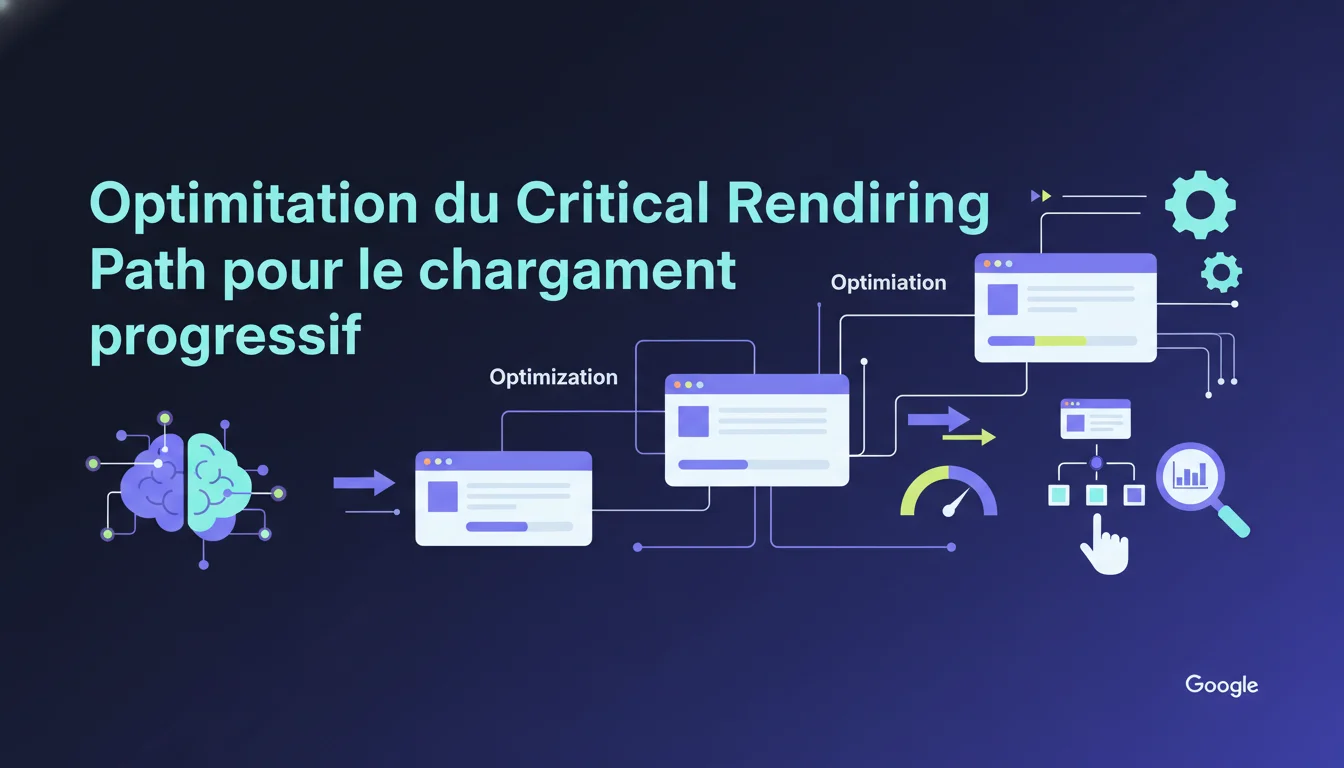
Google recommends optimizing the Critical Rendering Path to improve First Meaningful Paint and Time To Interactive. These progressive rendering metrics directly influence user experience and Core Web Vitals. The challenge is to eliminate blocking resources that delay the display of main content without sacrificing essential site functionality.
What you need to understand
What is the Critical Rendering Path and why does Google emphasize it?
The Critical Rendering Path refers to the sequence of steps the browser takes to convert HTML, CSS, and JavaScript code into pixels displayed on the screen. Google highlights this concept because it determines how quickly your visitors see useful content.
When a browser loads a page, it downloads the HTML, analyzes the DOM, fetches the CSS, builds the CSSOM, and then combines everything to display the rendering. Each blocking resource (external CSS, synchronous scripts) delays this chain. The longer the path, the longer the user waits.
This statement specifically targets First Meaningful Paint (FMP) and Time To Interactive (TTI). FMP measures when the main content becomes visible, while TTI measures when the page actually responds to interactions. These metrics are less publicized than LCP or FID, but they reflect the real browsing experience.
How does progressive rendering differ from traditional loading?
Progressive rendering involves displaying content in stages as resources arrive, rather than waiting for everything to download. In practical terms: text appears before images, critical styles are applied before custom fonts, and above-the-fold content is drawn before the rest.
Google prefers this approach because it reduces perceived time. A user who sees text after 800ms is more patient than another facing a blank screen for 2 seconds. The human brain tolerates visible loading better than opaque waiting.
On the technical side, this involves deferring non-critical resources: async/defer for scripts, media queries for conditionally loading CSS, lazy loading for off-viewport images. The goal is to deliver the bare minimum for a functional first display.
What resources actually block rendering?
External CSS stylesheets systematically block rendering. The browser refuses to display anything until it has downloaded and analyzed all the CSS files referenced in the , to avoid a flash of unstyled content.
Synchronous JavaScript scripts in the also interrupt HTML parsing. The browser halts everything, executes the script, and then resumes. If this script calls a slow third-party API, the whole page waits. This is why Google repeatedly advises placing scripts at the end of the or using async/defer.
Web fonts can also block text due to the FOIT (Flash Of Invisible Text) behavior. While the font downloads, some browsers hide the text. A font-display: swap forces immediate display with a system font, then swaps when the custom font arrives.
- External CSS: blocks rendering until it is downloaded and parsed
- Synchronous JavaScript: interrupts HTML parsing and delays display
- Web fonts: can hide text based on font-display
- Above-the-fold images: do not block rendering but impact LCP if not optimized
- Third-party requests: analytics, ads, widgets can slow TTI even if content is visible
SEO Expert opinion
Is this recommendation aligned with current SEO practices?
Yes, but Google remains deliberately vague about the thresholds. First Meaningful Paint no longer appears in the official Core Web Vitals since LCP (Largest Contentful Paint) replaced it as the flagship metric. Why does this statement still mention FMP? A mystery.
On the ground, Lighthouse audits show that sites optimizing their Critical Rendering Path do see their performance scores rise. However, the direct correlation with ranking remains unclear. Google has confirmed that speed is a factor, but has never quantified its actual weight against content or backlinks.
Progressive rendering improves user experience, that is a fact. A site that displays text in 600ms instead of 2 seconds reduces the bounce rate. But Google does not say whether this UX gain translates into a measurable SEO boost, or if it is just user comfort without algorithm impact. [To verify]
What are the risks of overly aggressive optimization?
Some sites push critical inline CSS to the limit: they extract above-the-fold styles, inject them into the , and load the rest asynchronously. The result: the first rendering is fast, but the site visually “jumps” when the full CSS arrives. This can disorient users and distort visual stability metrics (CLS).
Improperly configured defer/async breaks functionality. A defer script initializing a carousel may execute after the user has already scrolled, causing content to jump. An async script depending on jQuery loaded with defer can throw an error if jQuery is not yet available.
CSS fragmentation is also problematic: splitting into 15 critical files to optimize the path can paradoxically increase HTTP/1.1 latency if the server does not support HTTP/2. Each optimization must be tested on a real 3G network, not just on office fiber.
In what cases does this strategy show its limits?
Heavy JavaScript applications (React, Vue, Angular) cannot really perform native progressive rendering. The JS bundle must be parsed and executed before the framework generates the DOM. SSR (Server-Side Rendering) avoids this, but complicates the infrastructure and introduces other bottlenecks.
Sites with a lot of custom dynamic content (recommendations, A/B tests, geolocation) also struggle. Displaying an empty skeleton then hydrating the content may give the impression of a fast site, but if the hydration takes 3 seconds, TTI explodes and the user clicks a button that does not respond.
Lastly, certain sectors (finance, healthcare) have regulatory obligations that require loading third-party scripts (compliance, consent management) before any display. Optimizing the Critical Rendering Path without violating these constraints requires precise technical judgments.
Practical impact and recommendations
What should you prioritize auditing on your site?
Start by identifying blocking resources with Chrome DevTools. Open the Coverage tab to find unused CSS and JS on the first load. Anything unnecessary above the fold can be deferred or lazy-loaded.
Run a Lighthouse audit and look for opportunities marked "Eliminate render-blocking resources.” Google will specifically list which files are delaying rendering. Prioritize large CSS files and third-party scripts (analytics, ads, social widgets) that weigh heavily without providing immediate value.
Test on a real 3G mobile network with throttling enabled in DevTools. A site that appears instantaneous on fiber may take 8 seconds to display content on mobile. This is where Critical Rendering Path issues become glaring.
What optimization techniques should you apply concretely?
For critical CSS, extract above-the-fold styles and inject them inline in the . The rest of the CSS should load asynchronously via a followed by an onload that switches to a stylesheet. Tools like Critical or Critters can automate this, but ensure the final rendering remains coherent.
Scripts should always carry an async or defer attribute unless they are truly critical for the first display (rare). Async downloads in parallel and executes as soon as ready; defer waits for the end of HTML parsing. Choose defer if the execution order matters, async otherwise.
Web fonts deserve a font-display: swap or optional to avoid FOIT. Preload critical fonts with and make sure that files are served from your domain or a fast CDN. A well-compressed WOFF2 weighs 30% less than a TTF.
Above-the-fold images should have a fetchpriority="high" attribute so the browser downloads them as a priority. Others use loading="lazy". If your LCP is an image, explicitly preload it with .
How do you measure the real impact of these optimizations?
Compare real-world metrics before/after via the Chrome User Experience Report (CrUX) or Search Console. Synthetic data (Lighthouse) provides a trend, but only actual user metrics (RUM) show whether your mobile traffic truly benefits from optimization.
Specifically monitor Time To Interactive: it's the metric that reveals a site that appears loaded but is unresponsive. If your TTI exceeds 5 seconds on mobile, users click, nothing happens, and they leave. The bounce rate skyrockets even if the FCP is fine.
Some Critical Rendering Path optimizations demand precise technical expertise and iterative testing to avoid regressions. If your internal resources are limited or if you seek support to maximize performance without breaking functionality, collaborating with a SEO agency specialized in web performance can significantly accelerate results while securing the process.
- Audit blocking resources with Chrome DevTools and Lighthouse
- Extract and inline critical CSS, defer the rest
- Add async/defer to all non-essential scripts for the first display
- Set font-display: swap and preload critical fonts
- Apply fetchpriority="high" on the LCP image and lazy load the others
- Measure impact with CrUX and Search Console, not just Lighthouse
❓ Frequently Asked Questions
First Meaningful Paint et LCP sont-ils la même chose ?
Le CSS inline dans le head ne pénalise-t-il pas le cache navigateur ?
Async et defer peuvent-ils être utilisés ensemble sur un même script ?
Comment identifier quel CSS est réellement critique pour le premier affichage ?
L'optimisation du Critical Rendering Path améliore-t-elle directement le ranking Google ?
🎥 From the same video 8
Other SEO insights extracted from this same Google Search Central video · duration 1h01 · published on 24/01/2018
🎥 Watch the full video on YouTube →
💬 Comments (0)
Be the first to comment.