
Official statement
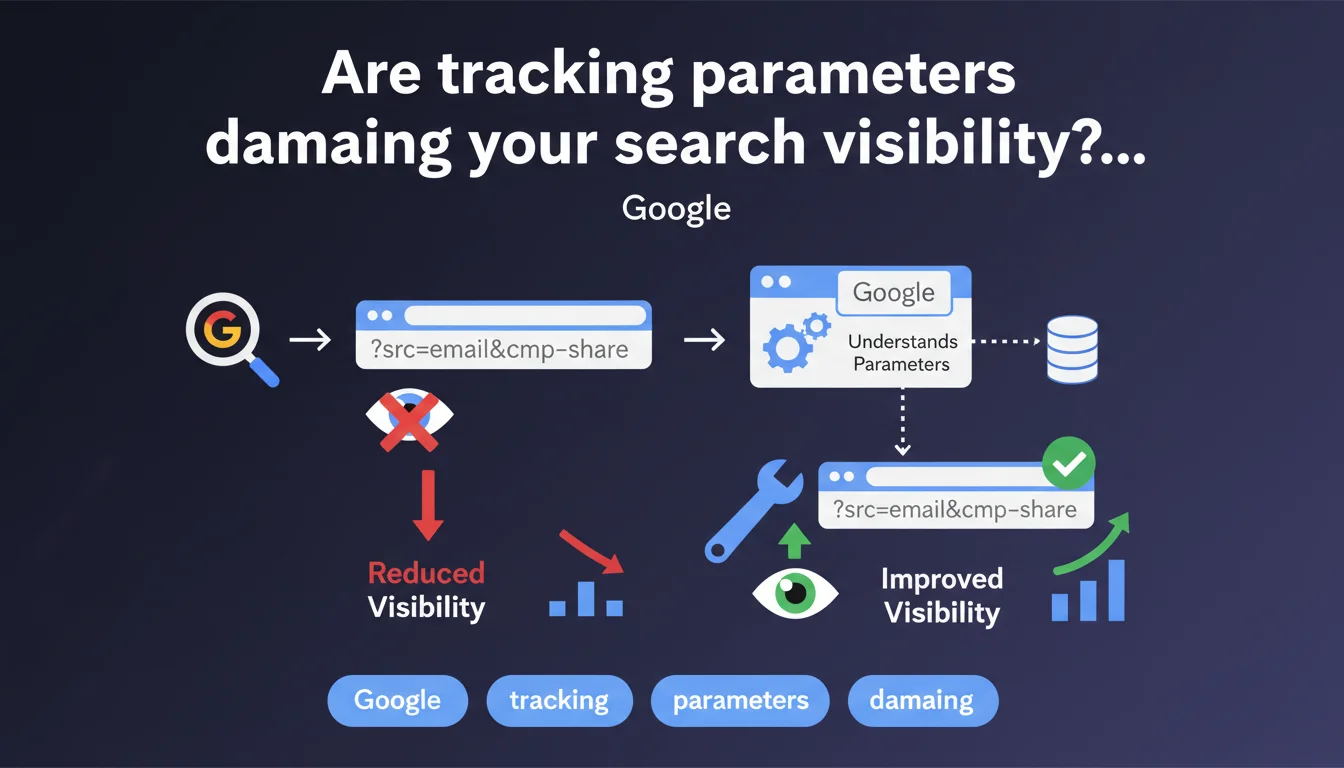
Google confirms that tracking parameters (UTM, fbclid, etc.) can display in search results instead of your clean URLs. This phenomenon degrades user experience and muddies your organic presence. Technical action is required to properly canonicalize your URLs and prevent indexation of these parasitic variants.
What you need to understand
Why does Google index these broken URLs with parameters?
The search engine crawls and indexes what you serve it. When backlinks, social shares, or marketing campaigns generate URLs with parameters (?utm_source=newsletter, &fbclid=...), Googlebot crawls them like any other URL. If nothing indicates that these variants are identical to your canonical URL, they can be indexed separately.
The problem: these technical URLs have no business appearing in SERPs. They create noise, potentially dilute your ranking signals, and most importantly—they display an ugly URL in snippets. Nobody wants to click on example.com/product?utm_campaign=promo&utm_medium=email&fbclid=IwAR....
What's the difference between being indexed and appearing in search results?
Google can index a URL without necessarily displaying it in search results. Normally, with proper canonicalization, parameter variants stay in the background—indexed but never served to users.
Except it breaks down. When signals are contradictory (poorly configured canonicals, backlinks pointing to tracked URLs, missing directives in robots.txt or Search Console), Google may decide to display the tracked variant instead of the clean URL. And that's exactly what this statement is highlighting.
What signals cause this malfunction?
- Missing or inconsistent canonical tags: each variant should point to the clean URL via
rel=canonical - External backlinks to tracked URLs: if third-party sites link to your URLs with parameters, Google considers them legitimate
- Massive social shares: Facebook, LinkedIn generate parameters automatically—if these URLs are crawled without redirects, they accumulate
- Missing parameter management in Google Search Console: you can specify which parameters to ignore or how to handle them
- Sitemap including URLs with parameters: frequent error that sends a contradictory signal to Google
SEO Expert opinion
Is this statement consistent with real-world observations?
Yes, absolutely. We regularly see polluted URLs appearing in SERPs, especially on e-commerce or media sites that use tracking heavily. The phenomenon has even amplified with the multiplication of Facebook and TikTok parameters—each platform generates its own click identifiers, and it spirals quickly.
What's more frustrating is that Google remains vague about when and why it decides to display the tracked variant rather than the canonical. [To verify]: Google claims to respect canonicals, but in practice, we observe cases where the canonical is ignored if the parameterized URL receives more backlinks or social signals. Classic contradiction between official theory and actual algorithm behavior.
What nuances should we add to this directive?
Let's be honest—not all parameters are created equal. Sorting or filtering parameters (?color=red&size=M) pose a different problem than pure tracking parameters. The former can have SEO value if you target specific long-tails, the latter are just parasitic.
Google doesn't always make the distinction. It can index useful filtered variants…or block them by mistake if you apply too blunt a rule. Hence the importance of segmenting your approach: canonicalize tracking parameters, but evaluate case-by-case for functional parameters.
In which cases does this problem become critical?
The sites that suffer most: e-commerce with multi-channel tracking, media with intensive social sharing, SaaS with UTM on every landing page. If you're in this situation and have never audited your indexed URLs with parameters, there's probably a fire in progress.
Practical impact and recommendations
What should you do concretely to clean up this index?
First step: complete audit of indexed URLs. Use site:yourdomain.com inurl:? in Google to spot parameter variants appearing in the index. Export the list via Google Search Console (Coverage report, filter by "Indexed" status).
Next, implement clean canonicals on every page with parameters. Example: <link rel="canonical" href="https://example.com/product" /> on example.com/product?utm_source=fb. Verify that these canonicals systematically point to the parameter-free URL.
If certain parameters have no value (pure tracking), configure them as "Ignore" in Google Search Console via URL Parameters (legacy interface) or add rules to robots.txt—but be careful, this method is less reliable since Google deprecated certain directives.
What mistakes should you absolutely avoid?
- Don't block parameters via robots.txt without canonicals: Google won't be able to crawl the page to read the canonical tag, so it will keep the polluted URL in memory
- Never include URLs with parameters in your XML sitemap: that's a direct indexation signal, you're shooting yourself in the foot
- Don't leave backlinks to your tracked URLs lying around: if possible, contact third-party sites to correct the links or set up 301 redirects
- Avoid self-referencing canonicals on parameterized URLs:
example.com/product?utm_source=fbshould NOT point to itself, but toexample.com/product
How do you verify that your site is compliant?
Use Google Search Console to monitor indexed URLs. Filter by queries containing ? and verify that tracked variants don't appear in organic performance. If they generate impressions, they're being served in SERPs—that's a problem.
Also test with the URL inspection tool: enter a URL with parameters and verify that the declared canonical is the clean URL. If Google displays "User-declared canonical URL: [clean URL]", you're good. If the canonical is "Not declared" or points to the parameterized URL, fix it.
Summary of priority actions: Audit indexed URLs with parameters, implement cohesive canonicals, configure parameters in Search Console, remove tracked URLs from sitemap, regular monitoring via GSC. These technical optimizations require pointed expertise and a holistic view of your architecture—if your site manages thousands of pages with multiple parameters, partnering with a specialized SEO agency can prove decisive to avoid costly mistakes and accelerate your index cleanup.
❓ Frequently Asked Questions
Les paramètres UTM impactent-ils directement le ranking d'une page ?
Faut-il bloquer les paramètres de tracking via robots.txt ?
Google Search Console permet-il encore de gérer les paramètres d'URL ?
Combien de temps faut-il pour que Google nettoie les URLs trackées indexées ?
Les redirections 301 des URLs avec paramètres vers les URLs propres sont-elles recommandées ?
🎥 From the same video 2
Other SEO insights extracted from this same Google Search Central video · published on 25/07/2025
🎥 Watch the full video on YouTube →
💬 Comments (0)
Be the first to comment.