
Official statement
What you need to understand
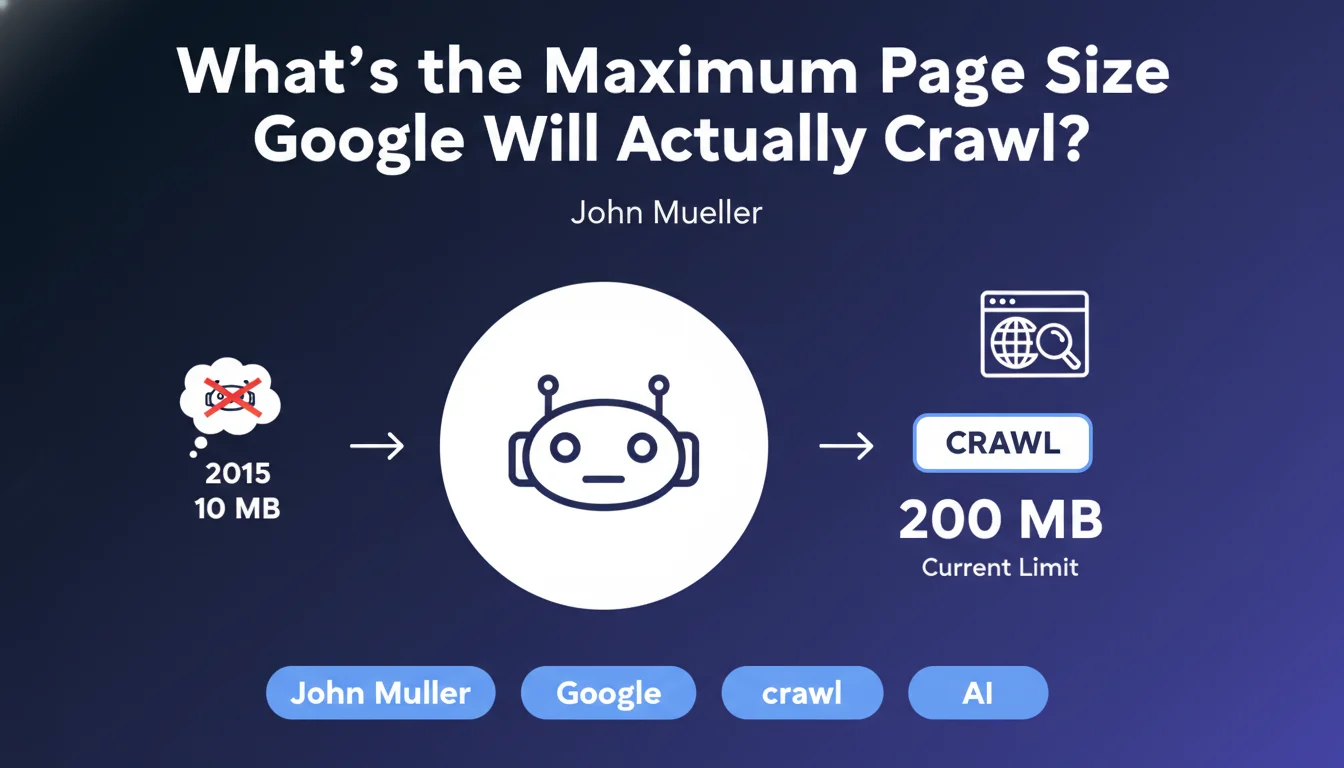
Google has officially communicated that Googlebot can crawl pages up to 200 MB, a considerable increase from the previous 10 MB limit dating back to 2015. This evolution reflects the increasing complexity of modern websites.
However, a zone of uncertainty persists: does this limit concern only the HTML source code, or does it also include external resources such as images, JavaScript files, and CSS? This distinction is crucial for SEO practitioners.
In practice, it is highly likely that this limit concerns the HTML document only, and not all loaded resources. External resources (images, JS, CSS) are subject to separate HTTP requests with their own crawl constraints.
- Current limit: 200 MB per HTML page
- Previous limit: 10 MB (2015)
- Probable scope: HTML source code only
- External resources: Crawled separately with their own limits
- Impact: Primarily concerns sites with very large content volumes
SEO Expert opinion
This 200 MB limit is extremely generous and concerns very few sites in practice. A well-optimized HTML page rarely exceeds 1 to 2 MB, even with substantial content. Sites approaching this limit generally suffer from more serious architectural problems.
The ambiguity regarding the exact scope (HTML alone vs. included resources) reveals a communication issue from Google. In my observations, pages exceeding even 5 MB of pure HTML already encounter problems with performance, partial indexing, and user experience.
Legitimate cases of large pages mainly concern complex web applications, pages with enormous amounts of structured data, or certain e-commerce sites with thousands of product variants. Even in these cases, an architectural redesign is often preferable.
Practical impact and recommendations
- Audit your HTML page sizes: Use browser developer tools (Network tab) to measure the actual size of the HTML document
- Identify pages exceeding 2 MB: These pages require priority attention and immediate optimization
- Separate content and resources: Externalize images, videos, and heavy files rather than embedding them in base64
- Implement pagination: For category pages, product listings, or archives, divide content across multiple pages
- Minify HTML code: Remove spaces, comments, and unnecessary code in production
- Optimize structured data: JSON-LD can quickly inflate page size if poorly implemented
- Avoid duplicate content in the DOM: Content variations for responsive design can unnecessarily bloat HTML
- Use lazy loading: Load content progressively rather than including everything in the initial HTML
- Monitor regularly: Set up monitoring to detect pages that grow over time
Optimizing page size is part of a comprehensive technical SEO strategy that requires expertise in web performance, crawl budget, and information architecture. These issues quickly become complex on medium and large-scale sites, where identifying root causes and implementing sustainable solutions requires a proven methodology. For sites facing these technical challenges, support from a specialized SEO agency provides an in-depth diagnosis and personalized recommendations tailored to your specific context.
💬 Comments (0)
Be the first to comment.